Hi Leo & Agustin,
I just dove into the Visibility Condition feature for the first time!
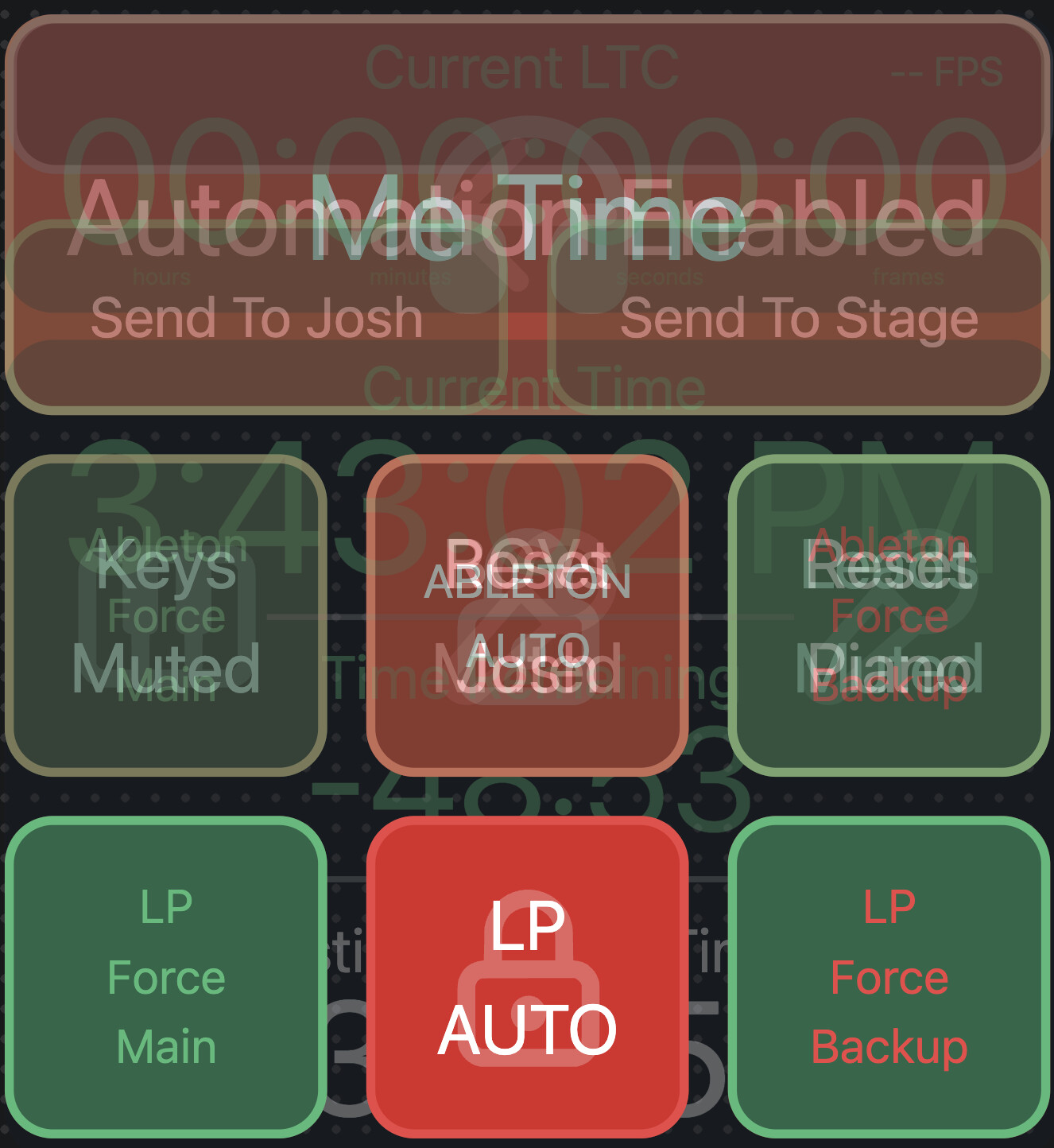
I spent an hour consolidating multiple different canvas pages into on section on my main page that updates a shared variable that displays which subpage I want to control without having to leave the home page. As soon as I finished and tried to use it for real, I realized that even if a button is hidden, if it is on a higher layer than another button (or in my case, several buttons) the hidden button will block me from hitting any of the buttons beneath it when they are supposed to be displayed and interactable. For me, that means I can only use visibility conditions to show and display non-interactable elements except for anything on the top layer!
Would it be possible to add an option to turn off interaction on any element that’s hidden?
Hey @JasonBentch, thank you for reporting this! That’s a bug, I’ll release a fix with the next beta that allows you to interact with elements behind hidden elements 
Hey @JasonBentch, I just released a new beta that fixes this behavior. You can download it here: AbleSet 3.1.0-beta.13
Let me know if this works for you
All fixed and works perfectly!
Thanks so much, Leo!
Last thought on the topic of features I miss from TouchOSC: now that this is all resolved, I have multiple layers of buttons occupying the same space and the only way to get to a lower level one to edit it within the Canvas editor is to push the top layer down or move stuff out of the way to get to the one I need to edit. In TouchOSC there was a list of all the elements on my page that I could just click through and find what I needed without having to worry about clicking on the specific element no matter how small. I think having this would pair very well with visibility conditions because it’s starting to get messy without it! Screenshot below to illustrate my point:
1 Like
That’s a great idea! I’ve added it to my todo list and will check how to best implement this
2 Likes