Dear all,
i want to increase the font size of the section names in the song progress bar.
I used this thread to increase the font size in the setlist successfully: Change .song-name font size - talk to me like I am 5 - very handy.
Can anybody help with a specific command to specify the font size in the song progress bar (@Leo?), similar to the way the font size in the setlist is customizable?
Very appreciated!
Best,
Sebastian
Hey @Sebastian, if what you’re looking to do is increase the text size of the section names in Performance View , you can add the following to Settings → Custom Styles :
/* Section names in the progress bar */
.progress.song .child-marker .name {
  font-size: 2.4vmin !important; /* try values between 2.0–3.0 */
  line-height: 1.1;
}
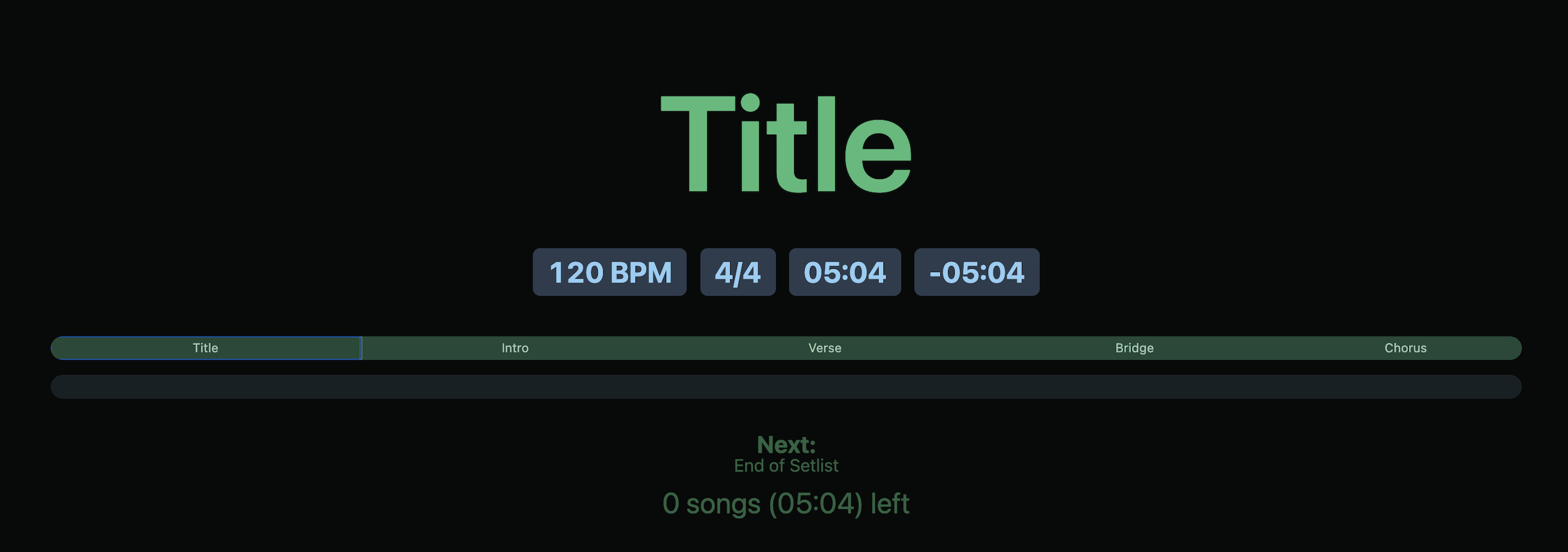
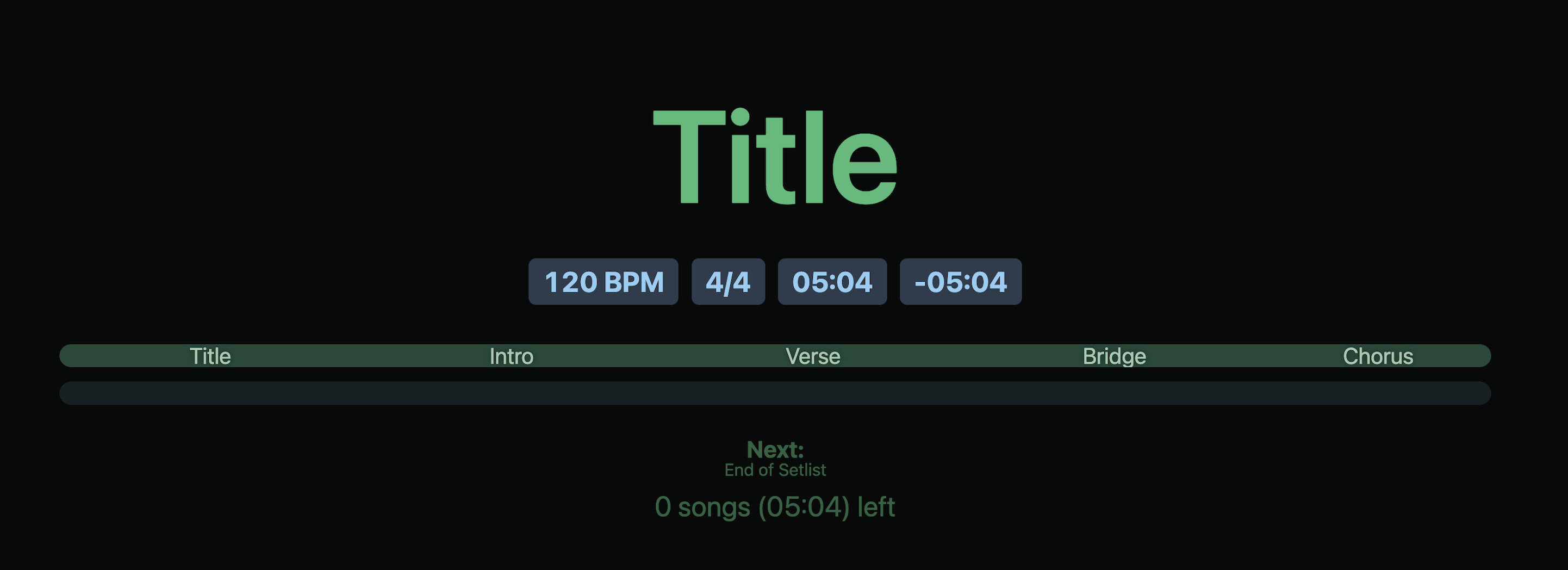
It should change the look from this →
to this →
Let me know if this works for your use case, or if you were trying to adjust a different part of the UI — happy to help further!
Agus
Yes, quite - got it working in the performance view, however I want to use that for the song progress bar in the canvas context, but that did not seem to be affected by this command (still small font).
That’s right, Performance View and the Canvas use different style contexts.
For the Canvas version of the song progress bar, try adding this selector instead:
/* Section names in the Canvas progress bar */
.canvas-scaler .element-song-progress .child-marker .name {
  font-size: 2.4vmin !important; /* try 2.0–3.0 */
  line-height: 1.1;
}
This targets the section labels in Canvas.
After adding it, refresh the Canvas window so the style updates.
Let me know if this gives you the result you’re aiming for.
I’m looking forward to your reply!
Agus
Works perfectly - thanks a lot, that’s customer service to help out so quickly with so many details.
3 Likes