You can watch a video with the most important new features here.
New Features
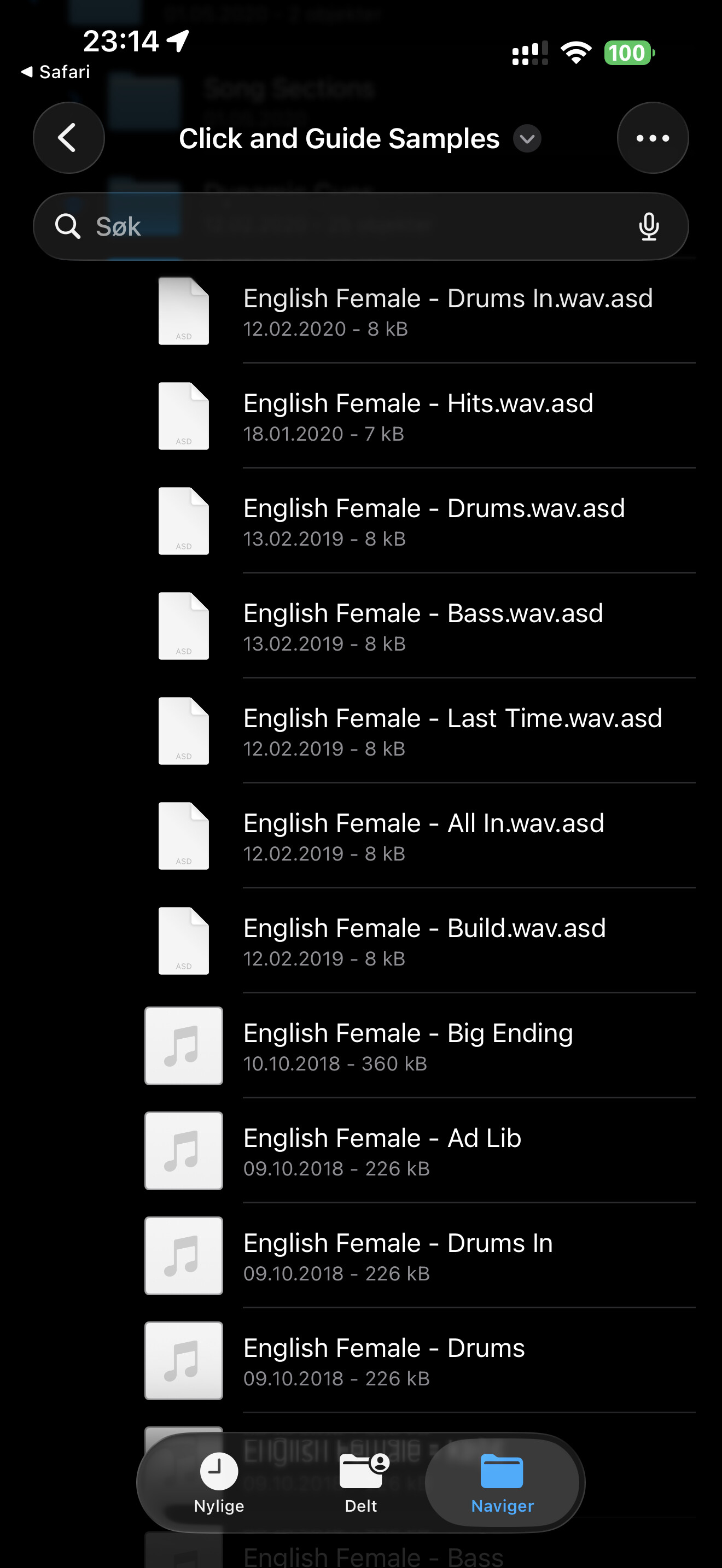
- AbleSet Cues (docs)
- VST plugin that can be dragged on any track
- Automatically generates cues for songs and sections, and count-ins
- Multiple voices available, local and online
- Custom voices can be placed in a “Custom” folder
- Count-Ins can be customized per song or per section
- Loops and queued sections are automatically counted in correctly
- AbleSet Connect App (docs)
- Available for iOS and iPadOS, automatically discovers AbleSet on the network and connects to it
- Keeps the screen awake, adds haptics to canvas elements and notifications on iPhone
- Reports battery and screen brightness to the devices page and allows you to remotely change screen brightness
- Allows you to forward MIDI from connected controllers over the network
- Devices Page
- Unified place that lists AbleNet hosts, audio interfaces, browsers, and OSC clients
- Allows you to remote-control connected browsers and AbleSet Connect clients
Improvements
Canvas
- Added a new Visibility Condition field that allows you to dynamically show/hide elements based on any condition
- Hidden elements can be displayed slightly transparent or completely hidden in the editor
- Added a “Scrollable” option to the Song Progress element
- Added options to lock the setlist and song progress bar so they can’t be used to jump to songs or sections
- Allowed Button elements to have no background color, giving them a slightly transparent white border
Setlist
- Expanded songs now stick to the top of the page
- Option to display section measures
- Copy/pasting setlists works with descriptions now
- Addressed issues with songs losing metadata when their locators were moved, especially when multiple locators share the same name
- Fixed locators named “0” being seen as an automatically placed locator
- Fixed remaining setlist time changing while playing a song that isn’t part of the setlist
- Fixed the song jump dialog allowing jumps to songs that aren’t in the setlist
- Fixed the song add dialog only showing songs already in the setlist
- Fixed Live starting from the beginning of the current song when starting playback after reaching a
+PAUSElocator - Addressed hard-to-reproduce quirks that could cause sections to restart a bar or two after AbleSet jumped to them (e.g. with the
+SKIPflag) - Fixed tapping the instant jump button in the bottom right sometimes opening the setlist editor instead
- Fixed loop not turning off when using the
/loop/togglecommand if the loop bracket didn’t perfectly fit the current section - Fixed AbleSet jumping to the next section when disabling a loop that didn’t match the current section
Lyrics
- Added support for defining a preferred accidental when transposing chords
OSC Tracks
- Added a new
?placeholder feature (OSC Tracks) allowing arguments from clip names to be placed in OSC commands, e.g.[/notify/big all ? 2000 red] [single] - Added a new
[?? default]syntax to define a fallback OSC command/value sent when the playhead reaches an empty space between clips
OSC, MIDI Mapping & Scripting
- Made the current version of Live, AbleSet, and the Ableton plugin available via
/version - Added a Script Name field to MIDI mappings to make it easier to label scripts
- Added new
/setStatusand/setWebLinkOSC commands for OSC clients to customize their display on the Devices page - Made the current version of Live, AbleSet, and the Ableton plugin available via
/version - Added the current project file as a
/global/projectNamevalue - Added a new
debouncehelper that can create a debounced function - Added
setIntervalandsetTimeoutfunctions that call a callback function every or after a given number of milliseconds - Fixed
onOscChangeproviding incorrectpreviousvalues - Fixed a bug causing AbleSet to crash after receiving
/getValuesmore than 65,000 times - Fixed top-level return statements in scripts being incorrectly marked as errors in the editor
- Fixed jumpy values while editing MIDI mappings
AbleNet
- Fixed drift correction and “Sync Playback Now” not working when using the “Connect to Custom IPs” field
- Fixed rapid back-and-forth switching between hosts when AbleNet was enabled and AbleSet lost connection to Live on one computer
General
- Added a new optional warning for when the computer running AbleSet is on batteries
- Updated the visual metronome in setlist view to always use the current section’s color
- Added a toggle on the Clock page to switch between 12- and 24-hour styles
- Fixed automatic locator placement not working if the sections track used the
+SECTIONSflag - Fixed toast notifications not respecting the safe area at the top of the screen
You can download this version here:
Mac (Apple Silicon): https://ableset.com/download/mac-arm64/3.1.0
Mac (Intel): https://ableset.com/download/mac/3.1.0
Windows: https://ableset.com/download/win/3.1.0