Setlist
- You can now queue sections without locators when you’re in manual jump mode
- While a song or section is queued, you’ll see new buttons at the bottom that allow you to jump there, either immediately or quantized if it has a locator
- The text of skipped sections is now faded a bit
- Jump arrows no longer overlap the floating buttons on the bottom of the setlist
- The progress bars now move as expected again while Live is playing
- When selecting a song and pressing Space to play, the song title doesn’t show an outline anymore
- When tapping the settings button again while the settings popover is open, the popover now closes as expected
- The floating buttons at the bottom now become a bit more condensed on small screens
- Fixed changes to locator names not being reflected in the setlist editor
- Fixed active song not updating when jumping to a song in a multi-file project
Canvas
- When selecting elements, you can now align, distribute, and arrange them automatically with new controls in the sidebar
- The canvas size can now be set to any custom value
- You can now hold ⌘ to interact with elements on the canvas
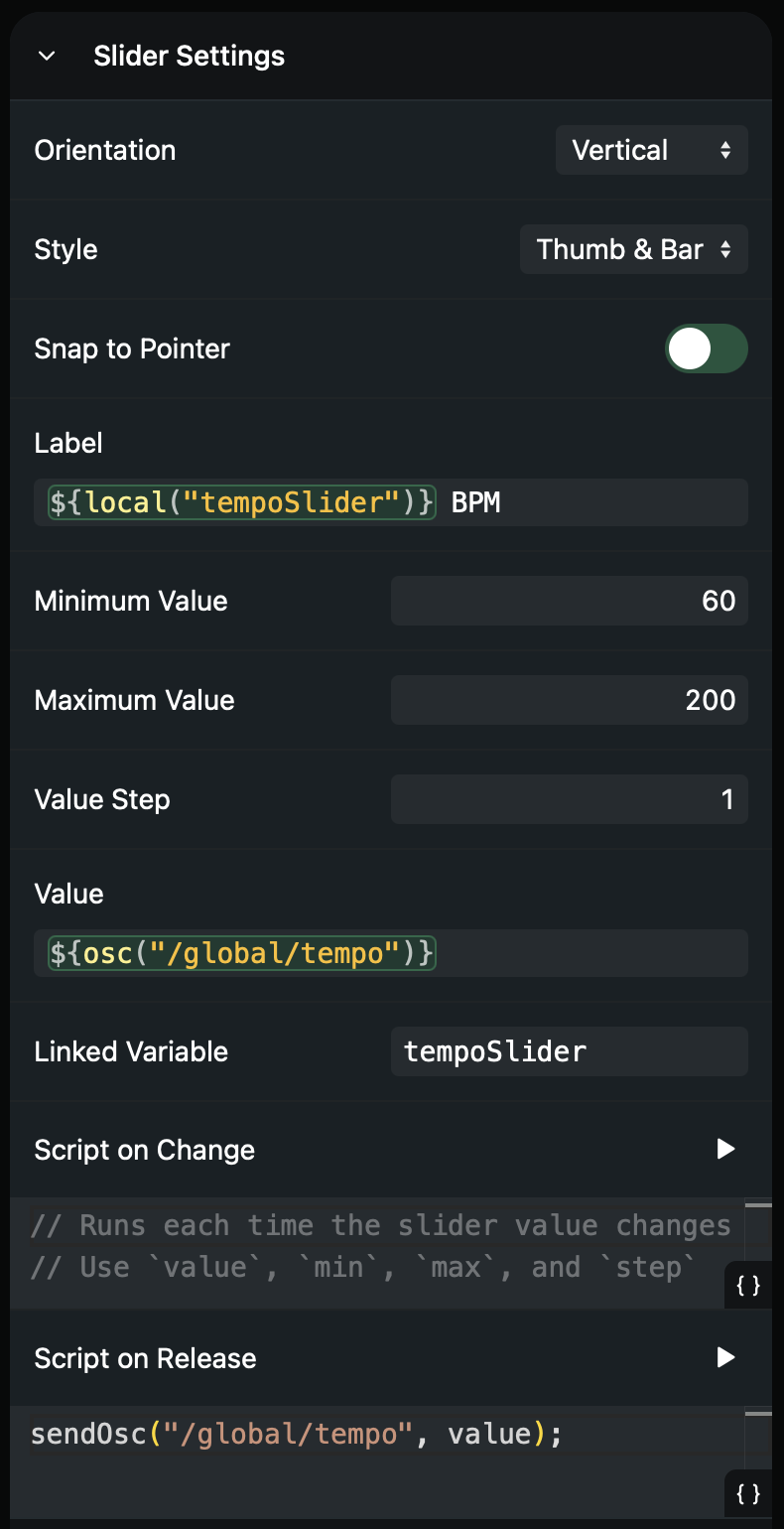
- Sliders can now be grabbed anywhere to change the value
- If you’d like the value to snap to the cursor, you can enable the new “Snap to Pointer” option
- Embed elements now offer an option to disable all interaction with their content
- The URL of Embed elements is now a templated value, so it can be changed programmatically
- Added a new logs button to the canvas editor that allows you to see messages logged from element scripts using the
logfunction - Fixed font style options being stuck when selecting multiple elements if some of them don’t have font options
- Fixed being able to select text on button elements in Safari
Lyrics
- Improved the performance and reliability of lyrics scrolling (again)
Performance
- The “Current Measure” option can now be enabled and disabled even if the Max for Live device is not loaded in the project
- The section description can now be enabled separately of the song description
Playback
- Fixed STOP locator being ignored when disabling the loop a few milliseconds before the locator
- Fixed playhead not jumping to the next section locator when escaping a
+LOOPsection while in safe mode
Scripting
- Fixed
onOscChangefailing silently when the 2nd argument isn’t set - The previous value (2nd argument) of
onOscChangecallbacks is now correct
Audio Interfaces
- While loading a new file in multi-file projects, automatic failover is now disabled so connected audio interfaces don’t switch to scene B
- Audio interfaces now look correct in the settings list
You can download this beta here:
Mac (Intel): https://ableset.app/download/mac/3.0.0-beta.20
Mac (Apple Silicon): https://ableset.app/download/mac-arm64/3.0.0-beta.20
Win: https://ableset.app/download/win/3.0.0-beta.20