AbleSet 3.0.0-beta.18

Canvas

  • Added a new option to hide edit and close buttons on a canvas
  • Added an Audio Interfaces element that allows you to control connected audio interfaces from your canvas
  • Improved the design of canvas element settings, adding a faint border between each setting
  • Improved the canvas deletion process, removed the wait time
  • Fixed canvases not scrolling back down after closing a virtual keyboard

OSC

  • Fixed /devices/setSetting OSC not working with a toggle argument
  • Fixed /setlist/sections OSC value always being a list of empty strings

DAD Audio Interfaces

  • Added the current sync lock status and sample rate to the status of connected DAD devices
  • Added a new +MAIN flag for presets which specifies that AbleSet should control this preset
    • If no preset has this flag, AbleSet controls all presets by default
  • Improved the layout of preset buttons, wrapping them into multiple rows if they become too long
  • Improved the sorting of DAD interfaces, so they’re now ordered by their ID
  • Fixed connected DAD interfaces without any presets blocking the scene toggle button

General

  • Improved the sizing of overlays (song search, setlist dialog, etc.) on mobile devices, especially when a virtual keyboard is open
  • Improved the positioning of toast notifications when the current page has a header or top buttons
  • Fixed playback controls moving up a bit when scrolling down the setlist on Chrome on iPadOS
  • Fixed some popovers overflowing the browser window

You can download this beta here:
Mac (Intel): https://ableset.app/download/mac/3.0.0-beta.18
Mac (Apple Silicon): https://ableset.app/download/mac-arm64/3.0.0-beta.18
Win: https://ableset.app/download/win/3.0.0-beta.18

2 Likes

wow, great! its one after the other.
I am wondering if the audio interface feature will work even if i am using asio4all in windows…

@Gerson_Benjamin_Sobe I’m glad you like the new versions!

The audio interfaces feature communicates with supported devices either via MIDI or over the network, so it should work regardless of the audio driver you’re using :slight_smile:

1 Like

Hey Leo,

I’ve just loaded in beta.18 and there’s still a big issue with the time duration calculation within multi-file projects (I don’t use AbleSet without multi-file all that often so I don’t know if that’s effected also)

It is showing an incorrect time on AbleSet for the currently loaded project

MacBook Pro 13” M1 Pro (I think - MacOS 17)
iPad Pro 11” M1 (iPadOS 26)
iPad Air 11” M1 (iPadOS 26)
Ableton Live 11 Standard

I’ve been experiencing this issue maybe since beta.14

I’ll send another log package over to the address you gave me last time

I reverted back to beta.14 (from beta.16) as I thought I was having setlist issues with visual bugs

  • showing sections looping when not looping
  • showing that the previous song was playing when Ableton had loaded and was playing the next song
  • issues clicking on a song when adding to the setlist

I think the clicking issue might be an issue with iPadOS 26

Thanks again!

Addy

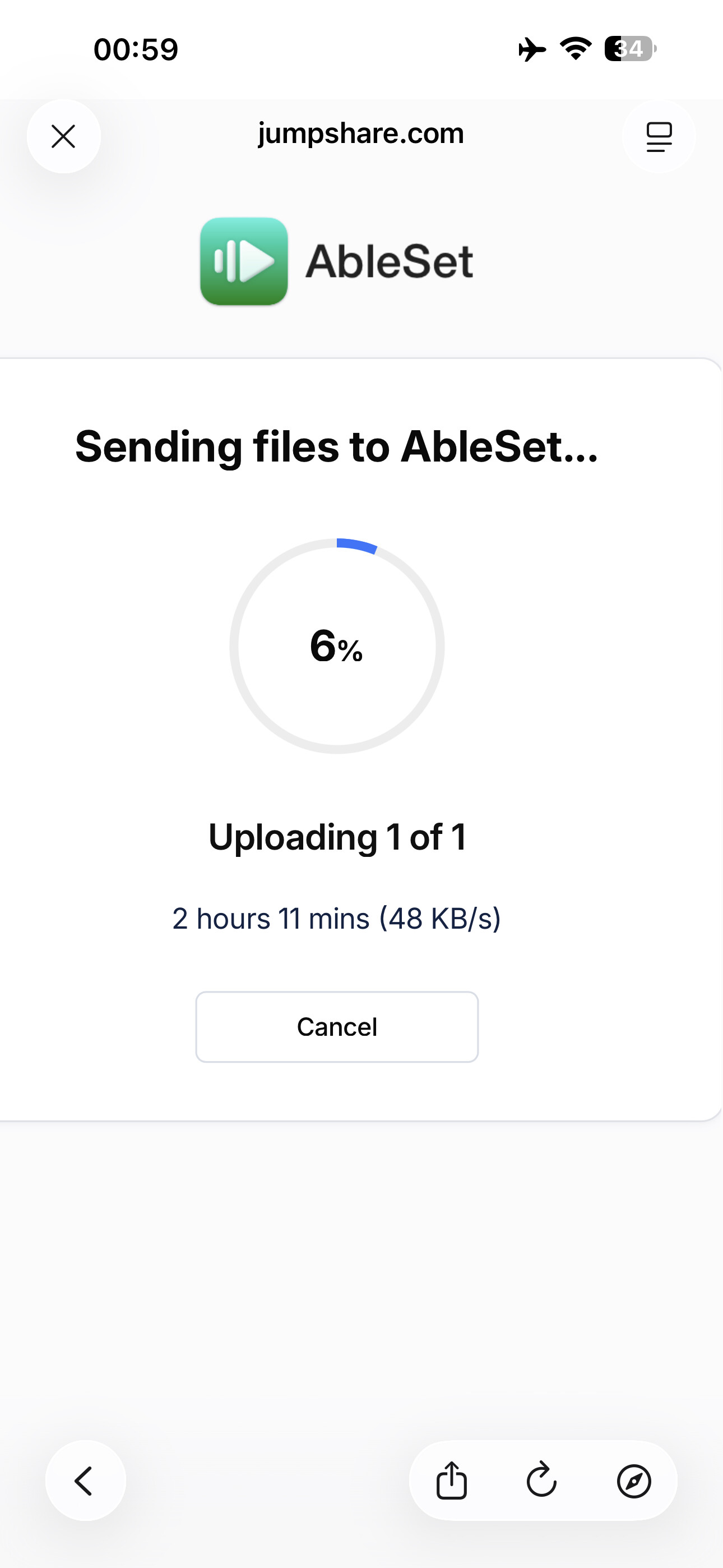
Okay never mind…. I’ll have to send it another time :sweat_smile: at $4 p/hr for 60 kb/s internet - hahaha :sweat_smile::joy:

Let me just say I’m loving the Canvas Editor. It’s so smooth; feels like a native app. Everything I expect to be able to do, I mostly can, right down to option click and drag to duplicate or command D. It feels like a Mac application. If there was one thing on my wishlist it would be contextual menu options for alignment of multiple elements like you often see in graphic applications. Distribute, align top, left, middle, right, etc. etc. It’s a small thing that’s not really relevant to the overall awesomeness of AbleSet, but the editor is a joy to use, when so many others in this space are not. Kudos.

3 Likes

Hey @mrdrennan, I just released AbleSet 3.0.0-beta.20 with support for aligning, distributing and arranging selected elements in the canvas editor.

I’d love to get your feedback on this! :slight_smile:

Fantastic Leo! Just what I needed!