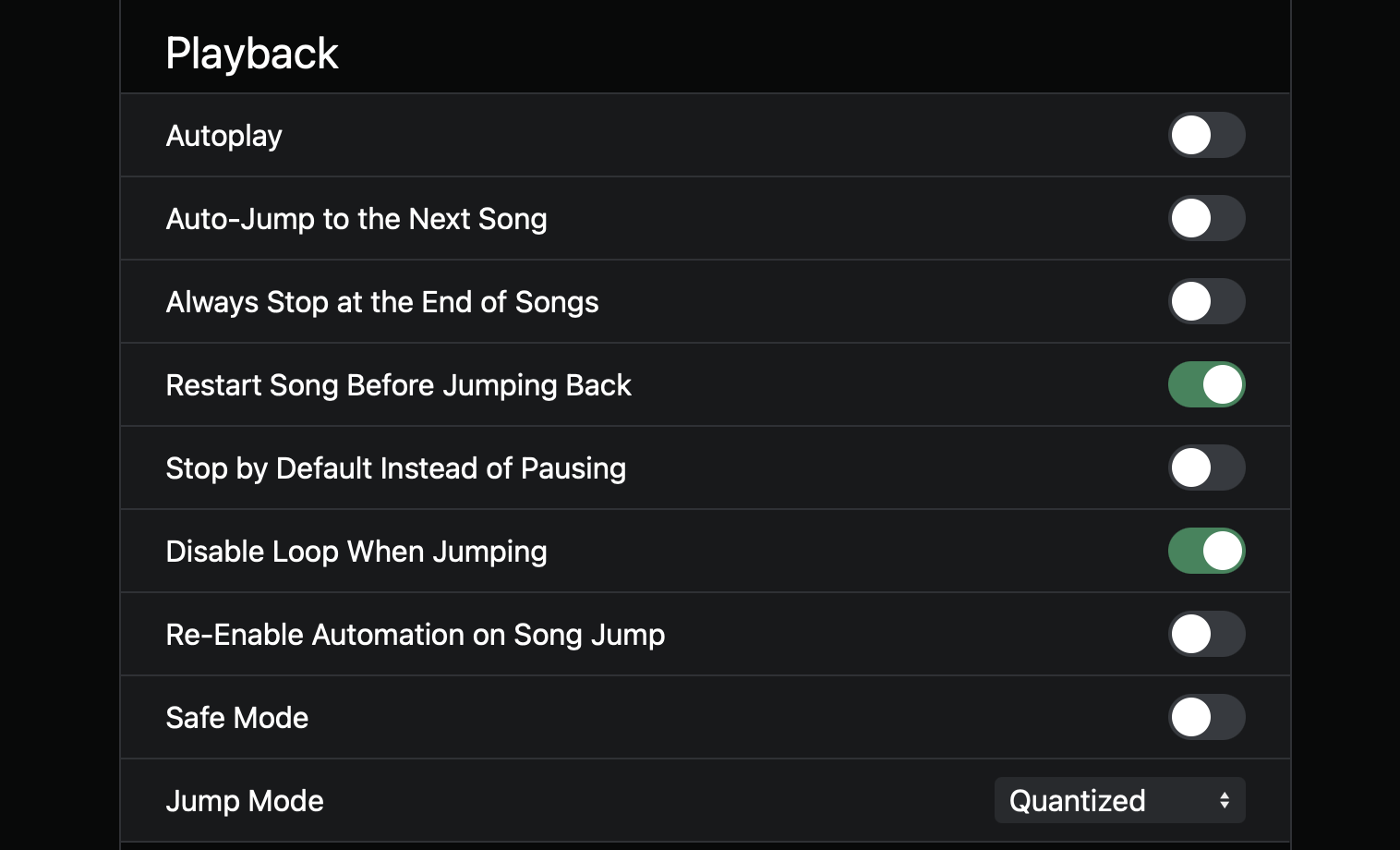
When I open Ableset I can’t seem to finde the “autoloop section” option that used to be there. Was it moved or removed? Just installed ableset on a new mac and updated to 3.
AbleSet 3 has removed the “Auto-Loop the Current Section” option as it was mostly a visual change that didn’t change anything about how AbleSet behaves.
You can still loop any section spontaneously by pressing the loop button in the web app or via MIDI or OSC. If the loop bracket isn’t already around the current section, AbleSet will move it there and enable it to loop the section.
I hope this helps. Let me know if you have any further questions
So I have been using the new update for several weeks and haven’t had a problem - last week especially, I changed our guide countless times, and it was great! For some reason today, the loop bracket isn’t moving to the current section. Any ideas what my problem might be?
If what you’re expecting is that the loop bracket automatically follows the playhead every time a new section starts, that behavior was actually removed in recent versions, as @leolabs mentioned.
However, when you press Loop, AbleSet will still loop the current section correctly, just like before. The loop will always activate on the section where the playhead currently is.
If it’s not looping the current section when you press Loop, could you please send in a Log Package so we can take a closer look?
You can create a log package by opening AbleSet’s status window, clicking the settings icon on the top right, and then selecting “Create Log Package”.
Please make sure to include your project files as well (just the .als files, no audio needed).
Well after sending you the log package, I might have fixed it. I made sure that Ableset had the latest update, and after doing so it appears things are working again