So I’ve had this issue for a while but I’ve decided to actually ask about it for once 
AbleSet, on its various setlist/performance screens, can always tell whether it’s looping or not. However, I’ve often had issues with communicating that to other devices, and within a canvas.
Take for instance this label here in a canvas I made. It shows the word ‘LOOPING’ when the loop is active, and otherwise is hidden.
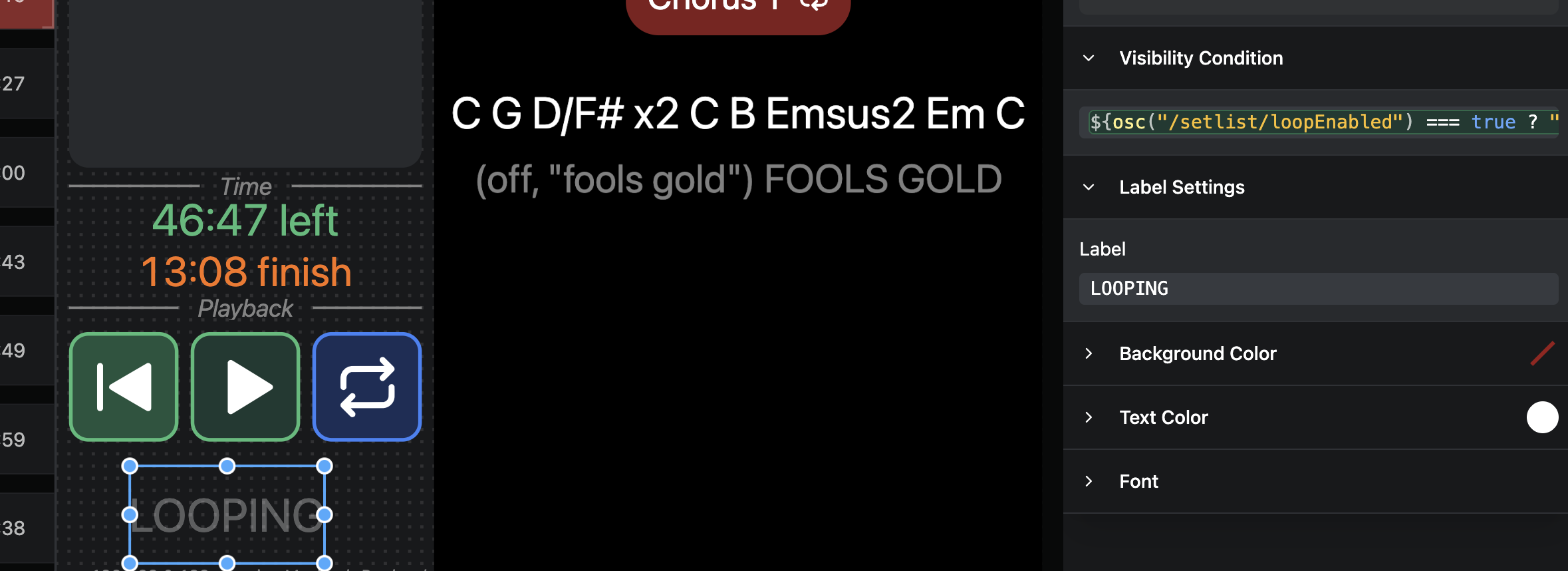
${osc("/setlist/loopEnabled") === true}
This works great most of the time. But, when the previous song (the ‘Line Check’ in this instance) is actually a loop itself:
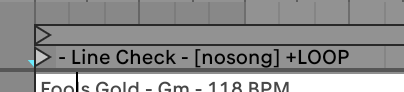
It shows the Line Check as looping, which is great:
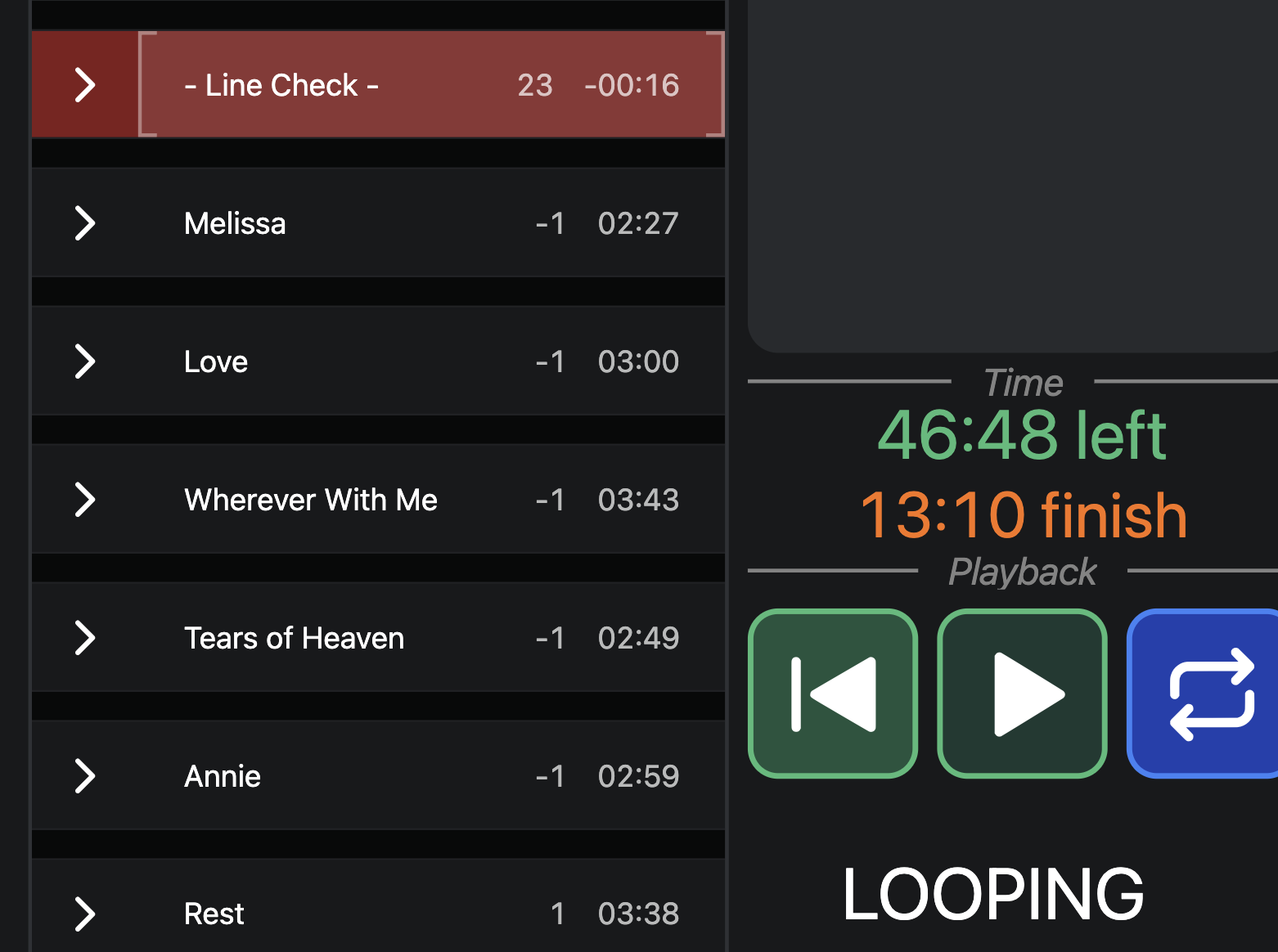
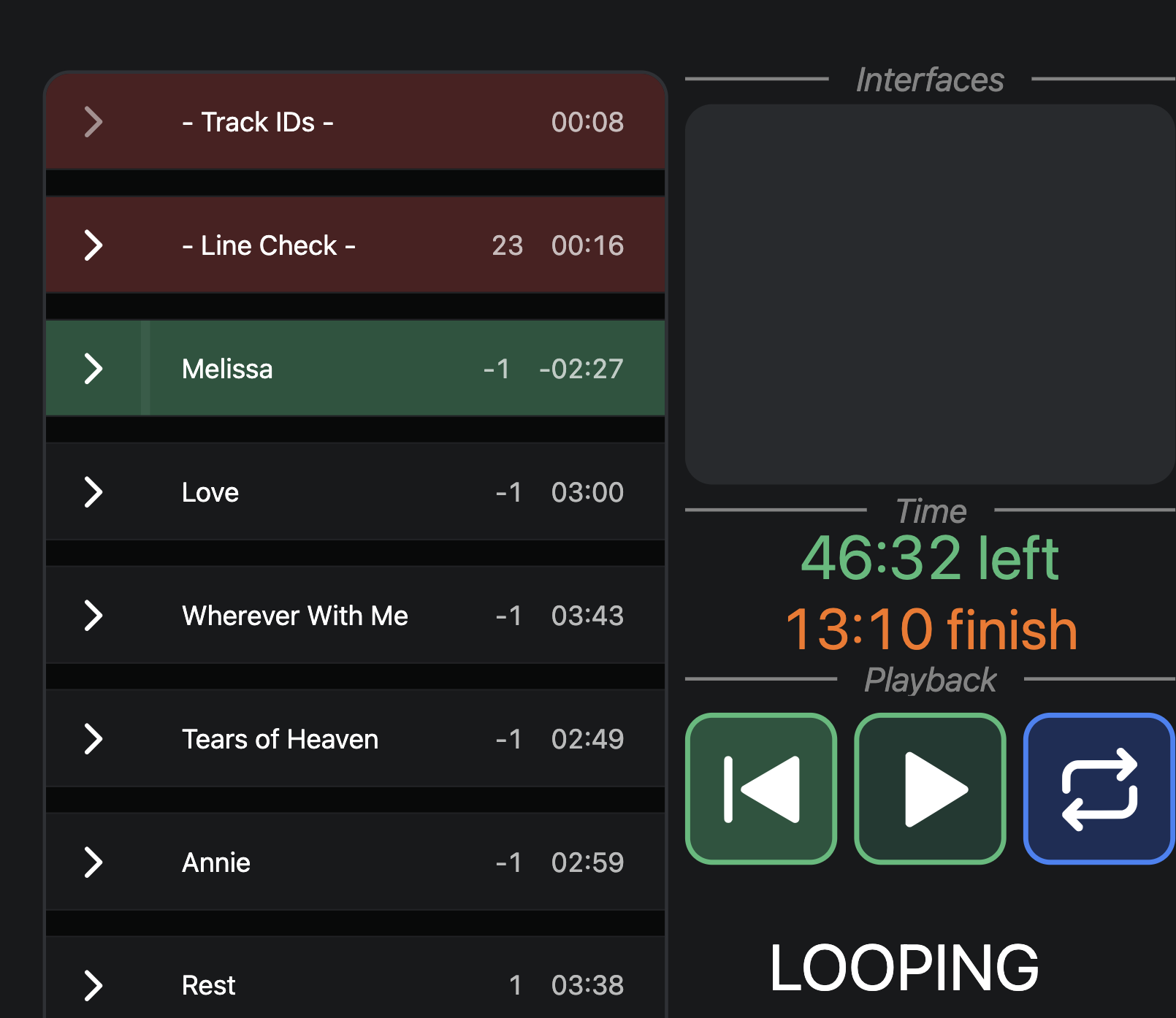
But then the following song now says ‘LOOPING’ when it’s not:
The same issue crops up in my Morningstar MC8 Pro; I use this project script to send an indicator to one of the buttons on the device to toggle a loop indicator:
onOscChange("/global/isPlaying", ([isPlaying]) => {
  if (isPlaying) {
    // Sends CC #126 (Value 127) on Channel 16 when playing
    sendMidiCc("Morningstar MC8 Pro Port 1", 16, 126, 127);
  } else {
    // Sends CC #126 (Value 0) on Channel 1 when stopped
    sendMidiCc("Morningstar MC8 Pro Port 1", 16, 126, 0);
  }
});


onOscChange("/setlist/loopEnabled", ([isLooping]) => {
  if (isLooping) {
    // Sends CC #125 (Value 127) on Channel 16 when Loop is active
    sendMidiCc("Morningstar MC8 Pro Port 1", 16, 125, 127);
  } else {
    // Sends CC #125 (Value 0) on Channel 16 when Loop is inactive
    sendMidiCc("Morningstar MC8 Pro Port 1", 16, 125, 0);
  }
});
The ‘isPlaying’ script works perfectly, but the ‘loopEnabled’ encounters the same problems as on the canvas - both the canvas and the Morningstar think a loop is occurring when it’s not.
I’m not sure if this is a bug, or I’m missing something, or there’s a better way of doing this, but right now I can’t reliably tell outside of Setlist/Performance view whether the loop is active.
- OS and Version: Tahoe 26.5.1
- Version of AbleSet: 3.1.4
- Version of Ableton Live: 12.4.5
