I forgot this thread existed!
Here is my latest multi-canvas setup…
My main philosophy with this was that I wanted to touch Ableton as little as possible during a rehearsal or service. We use this at church and now the only thing our tracks operators need to do is load the Ableton set from the Mac Mini, locate files with auto-locate and then they’re done and everything else can be done from the iPad with Ableset Canvases.
Quick run down of each page below…
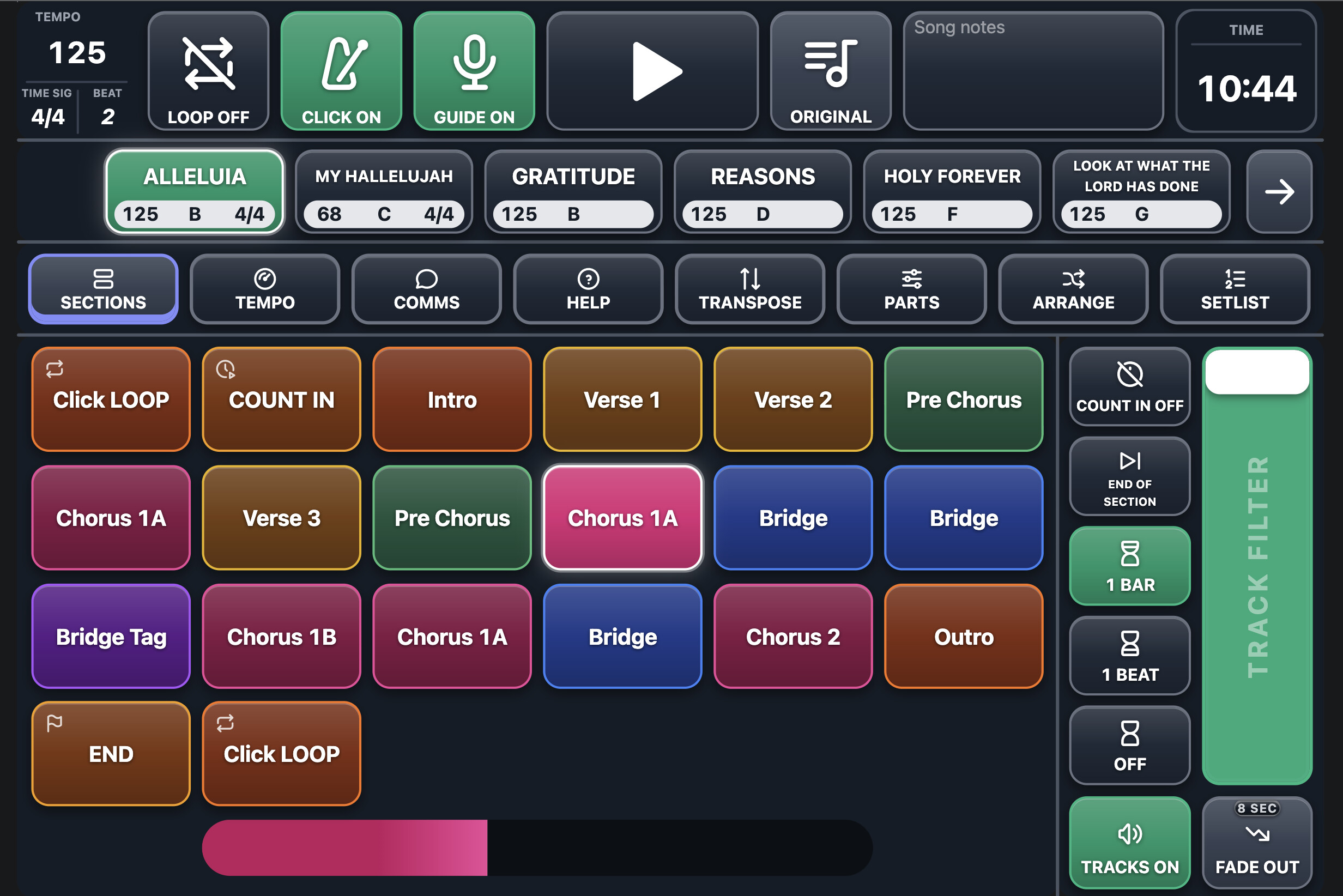
Sections Page:
Has all song sections, page buttons appear when too many sections for the grid
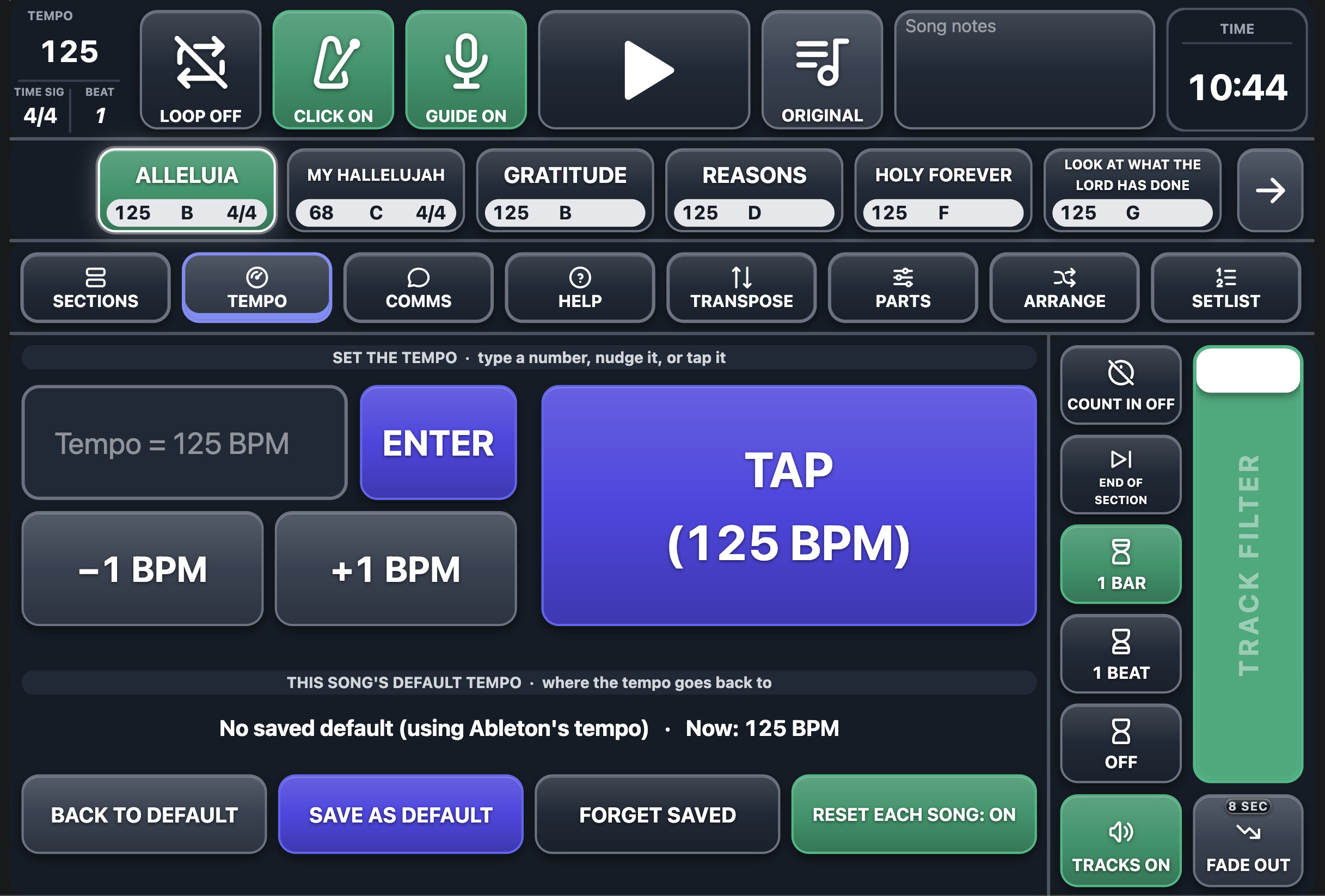
Tempo Page:
Can change tempo here and actually save a new song default tempo (using variables)
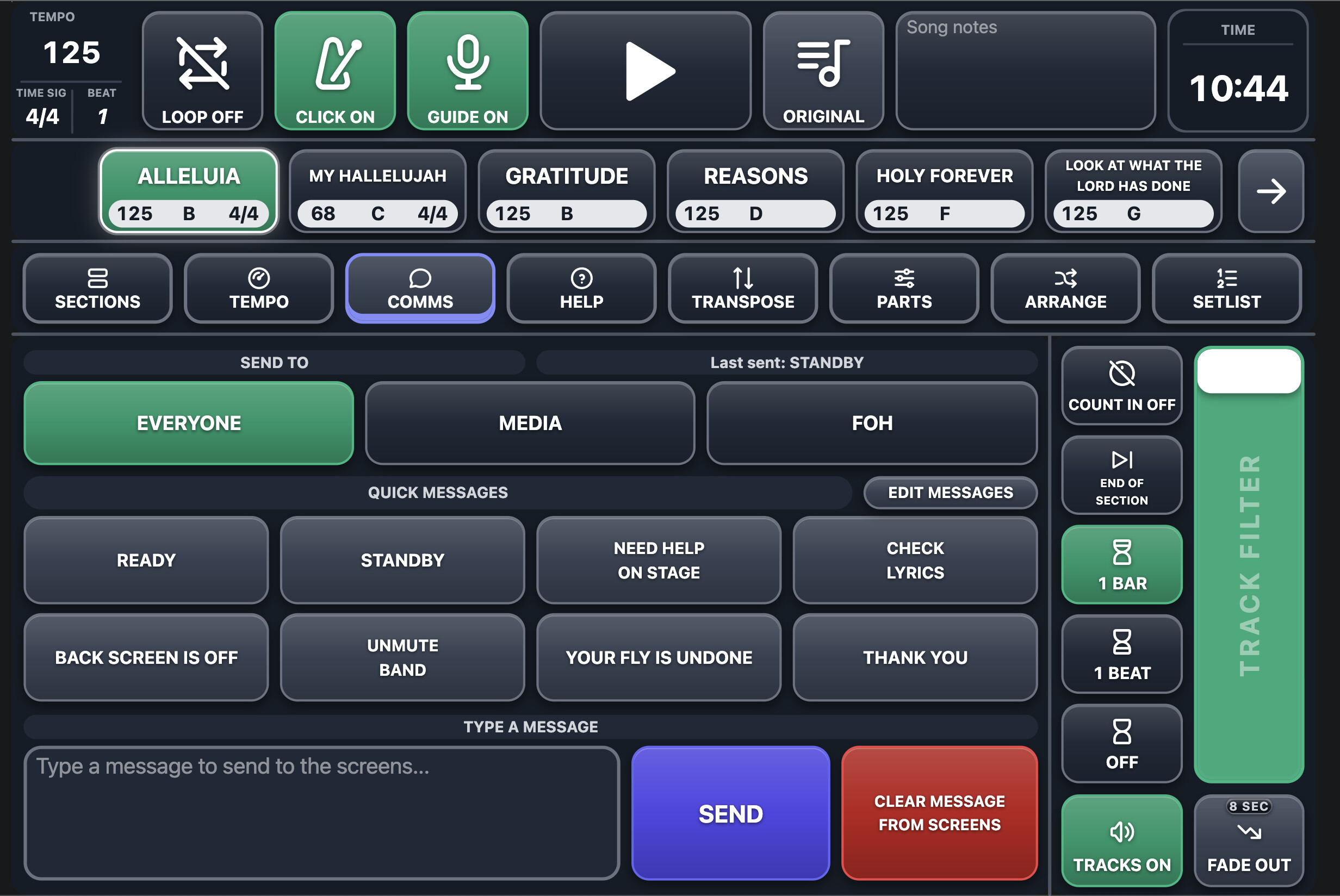
Comms:
Sends messages to other Ableset browsers open on devices such as FOH, Media Op, etc
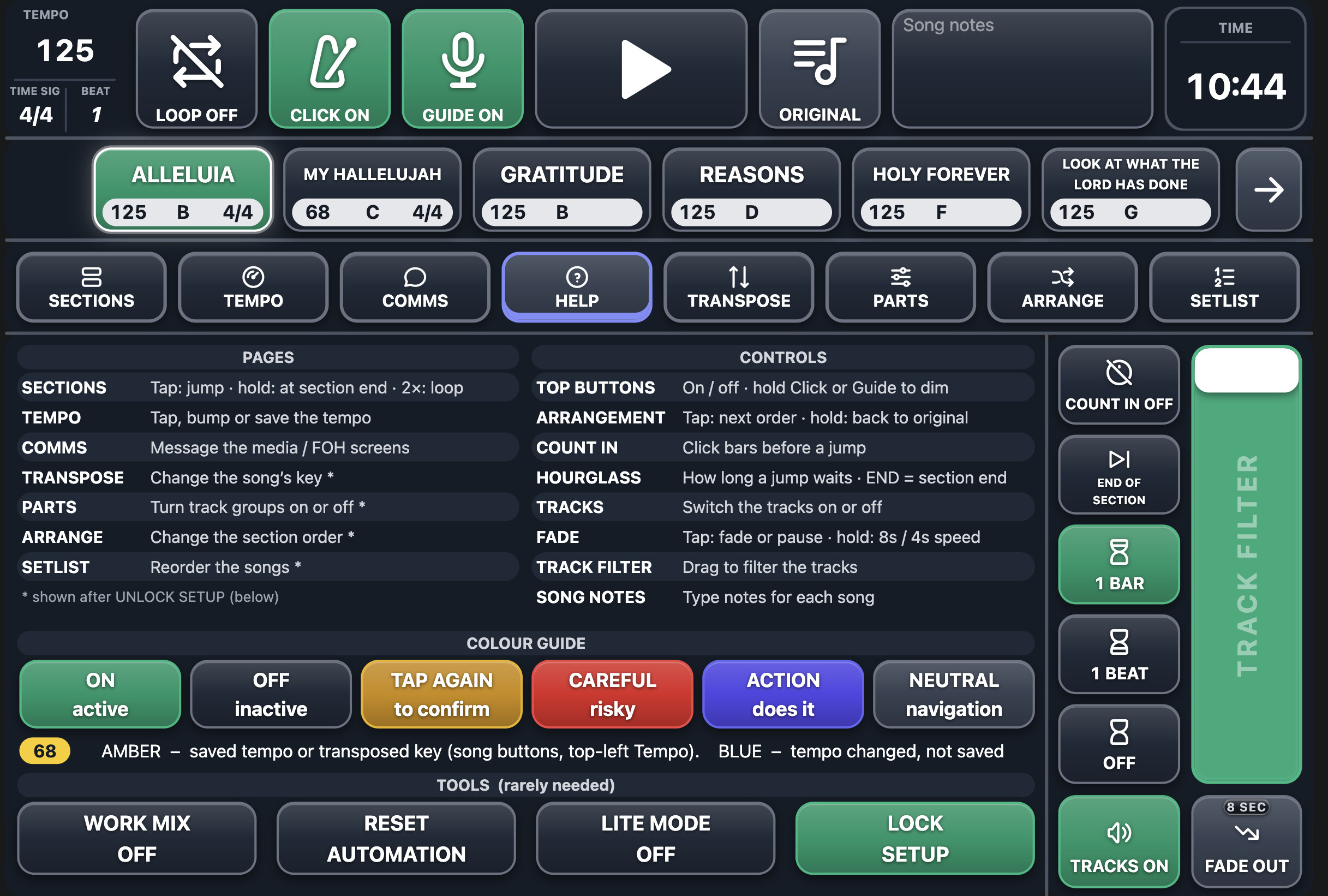
Help:
Tips and also some functional buttons
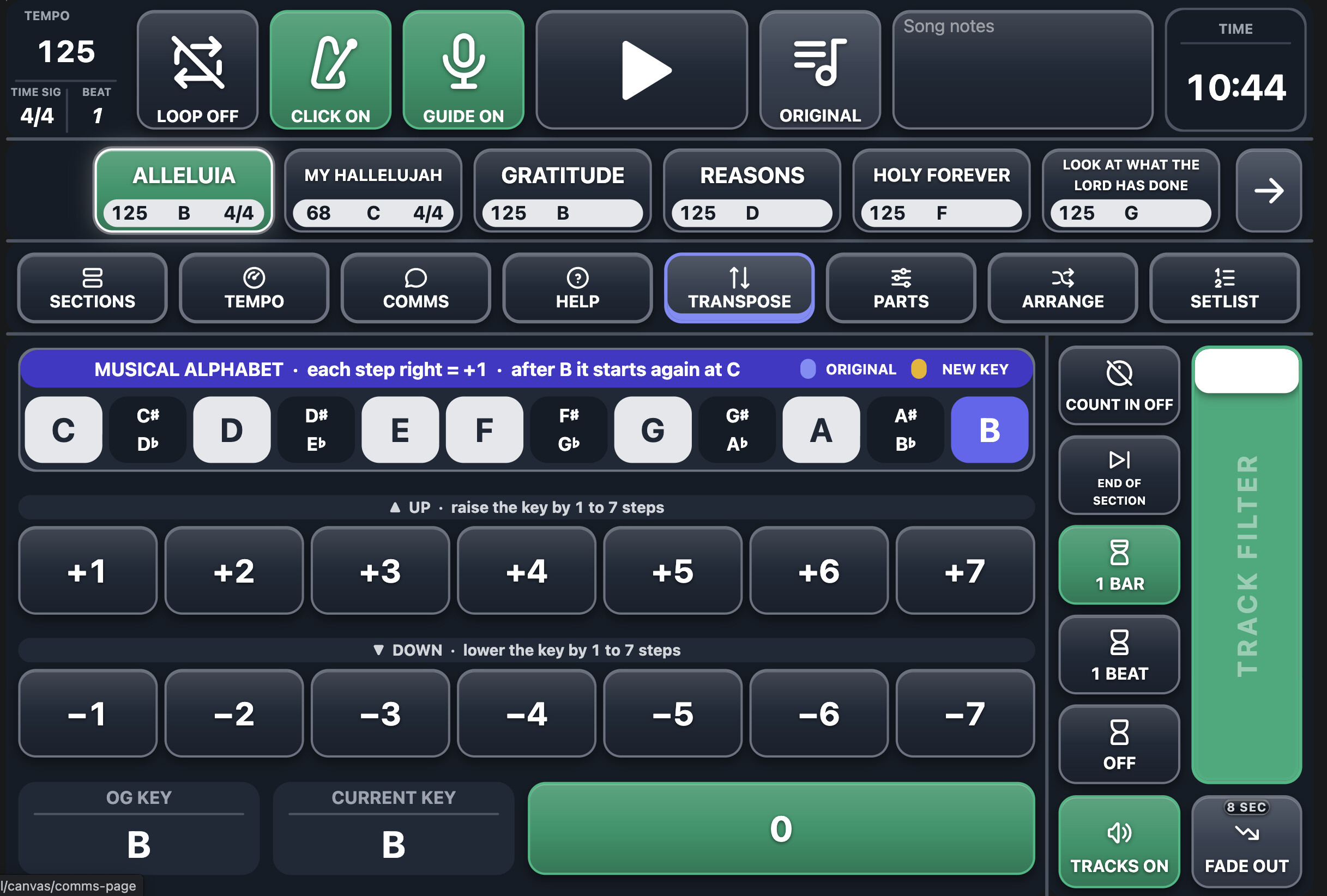
Transpose:
Transpose the stems directly from the Canvas (changes values on Waves Soundshifter plugins on 4 return outputs for melodic content).
Naming the songs in Ableton as “Alleluia {B}” saves the key as a song description and then when you transpose from the Canvas, it updates the song buttons to the key you’re actually in and changes it’s colour to Amber.
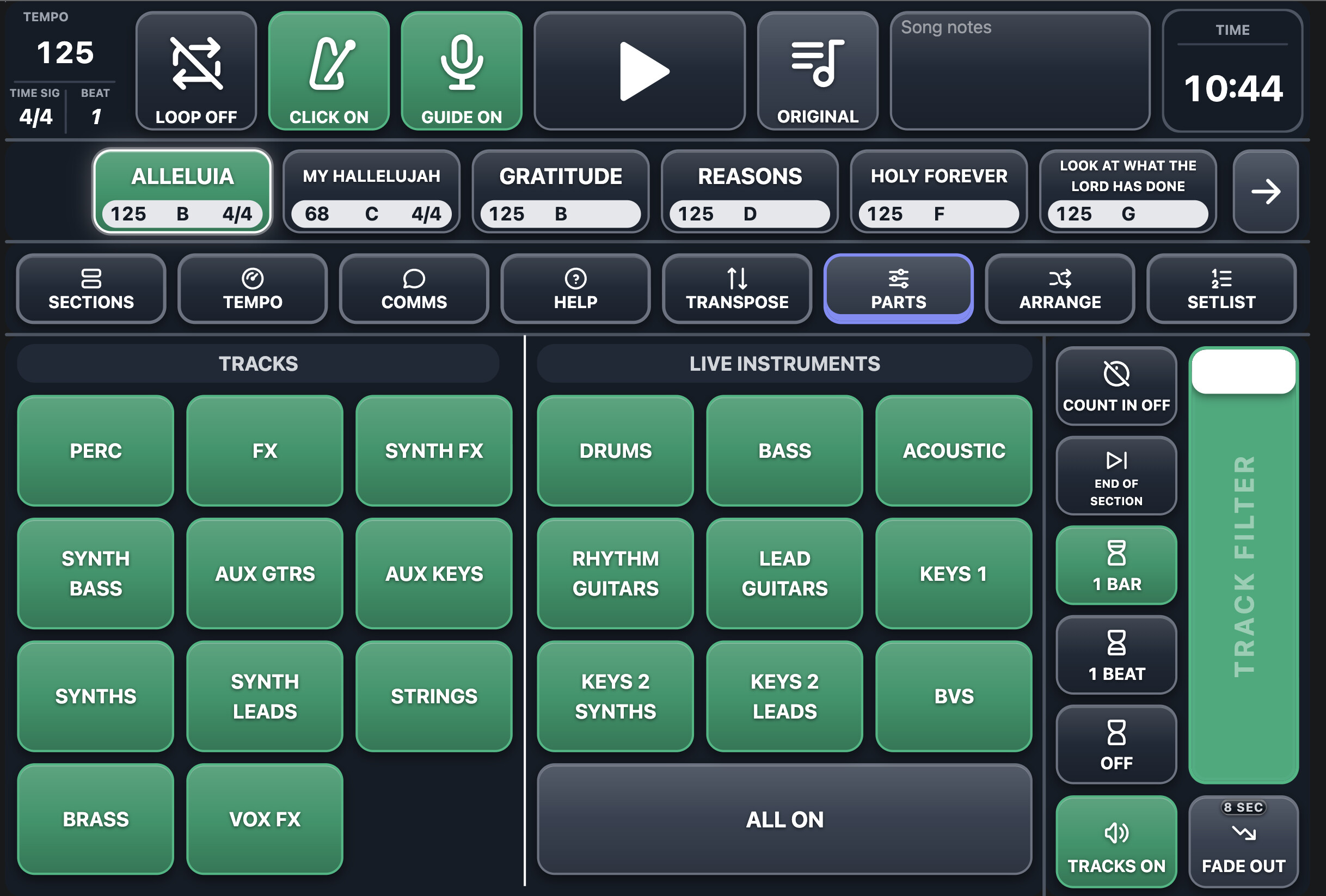
Parts Page:
Allows you to turn on and off different groups of instruments, saved per song.
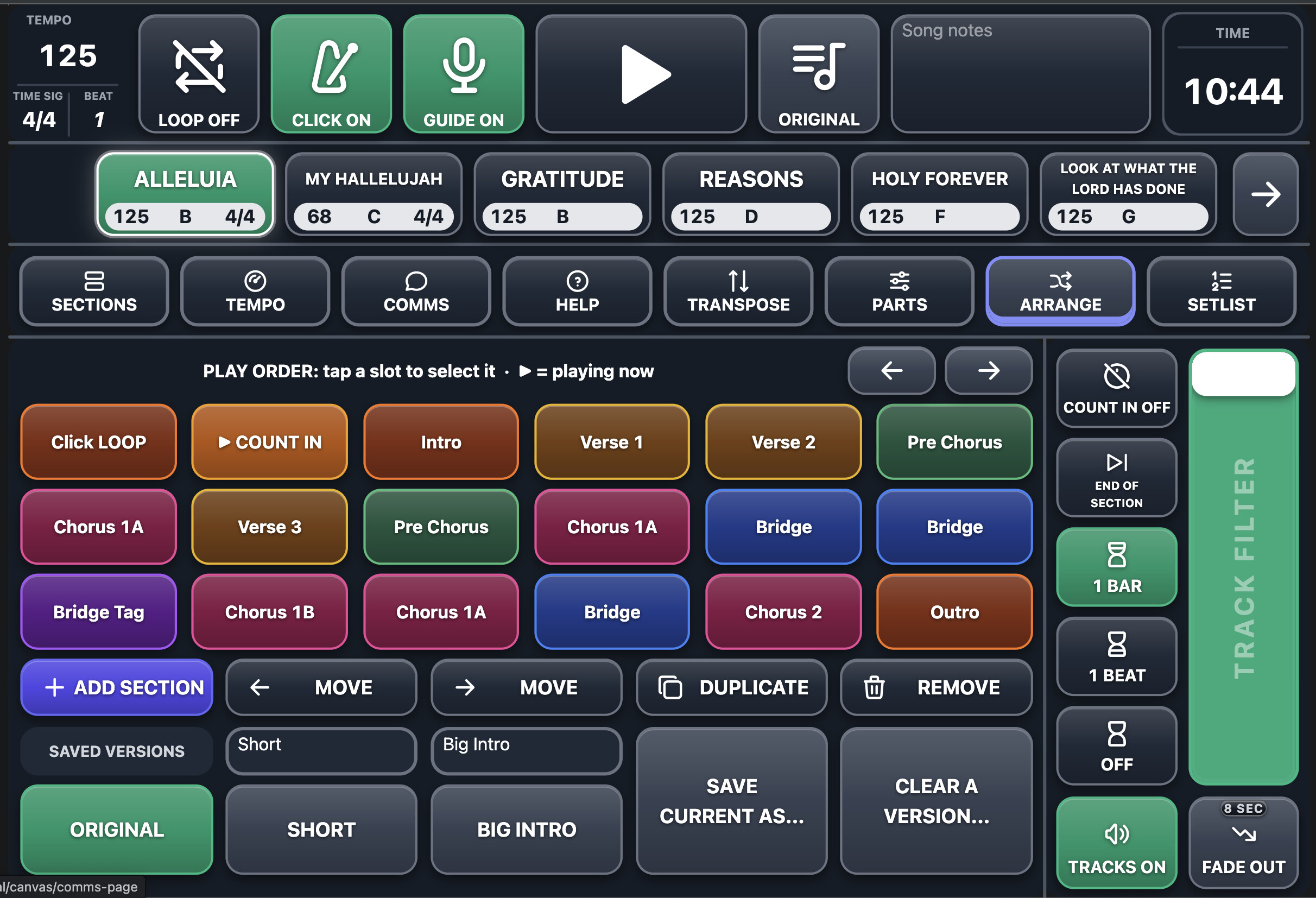
Arrange Page:
With some help from Claude I’ve managed to get a non-destructive way to arrange sections differently within a song and save them. You can have the original arrangement and up to 2 custom arrangements that you can name.
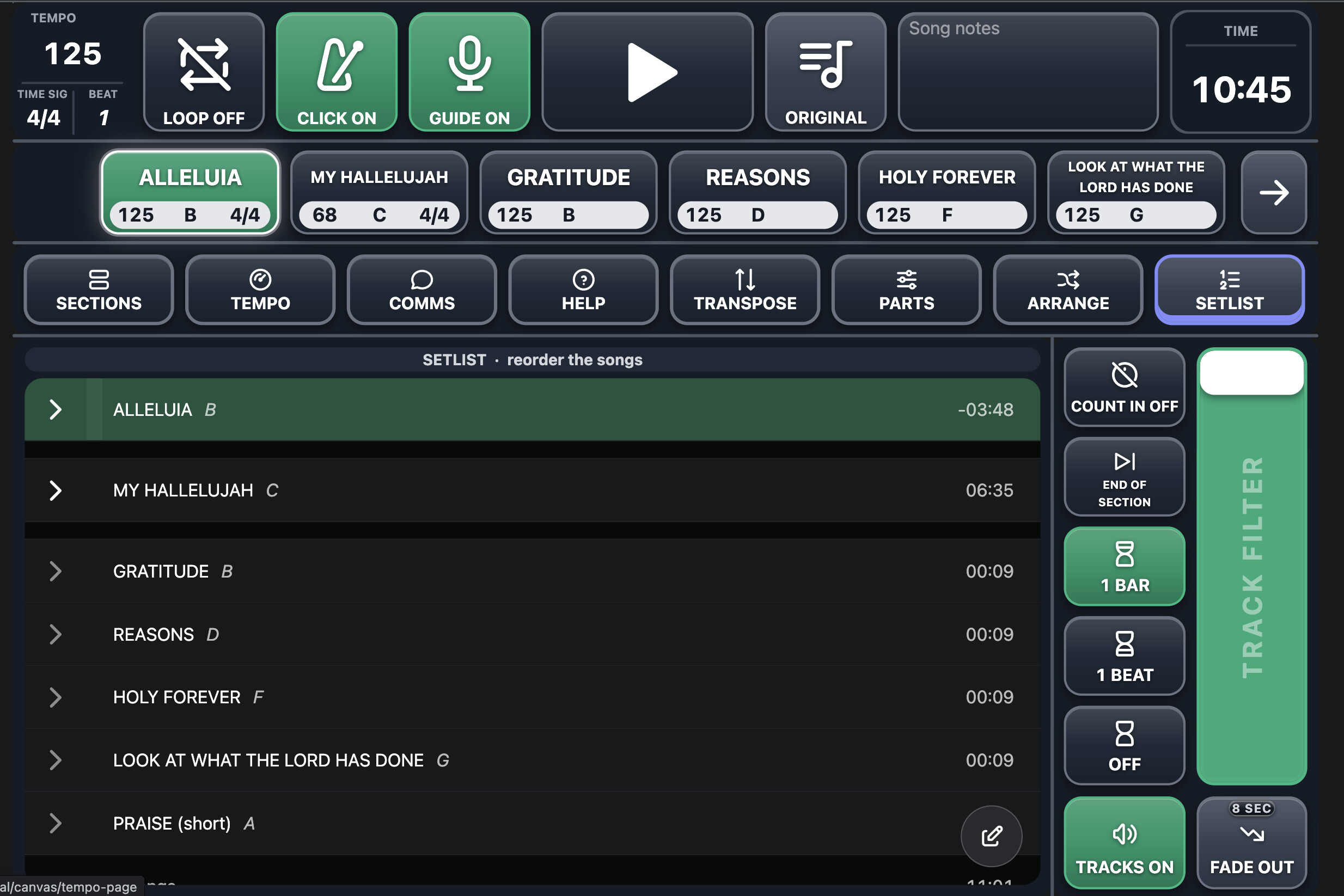
Setlist Page:
At the moment, just a link to the Setlist Editor with some of the buttons and header removed, down the track hopefully some OSC commands can be added for rearranging the order of songs and then I could just have some simple buttons here for selecting song and then choosing whether to move it back, forwards, remove or add.
There’s plenty more going on, but would be too much to explain haha
If you’ve managed to read this far, you da best