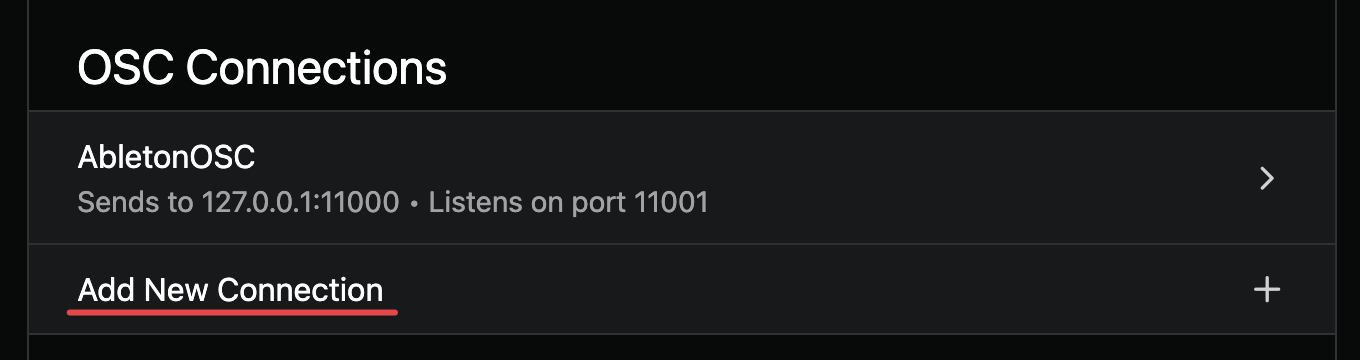
That would work better, I think! To set this up, open AbleSet’s OSC settings and click “Add New Connection”:
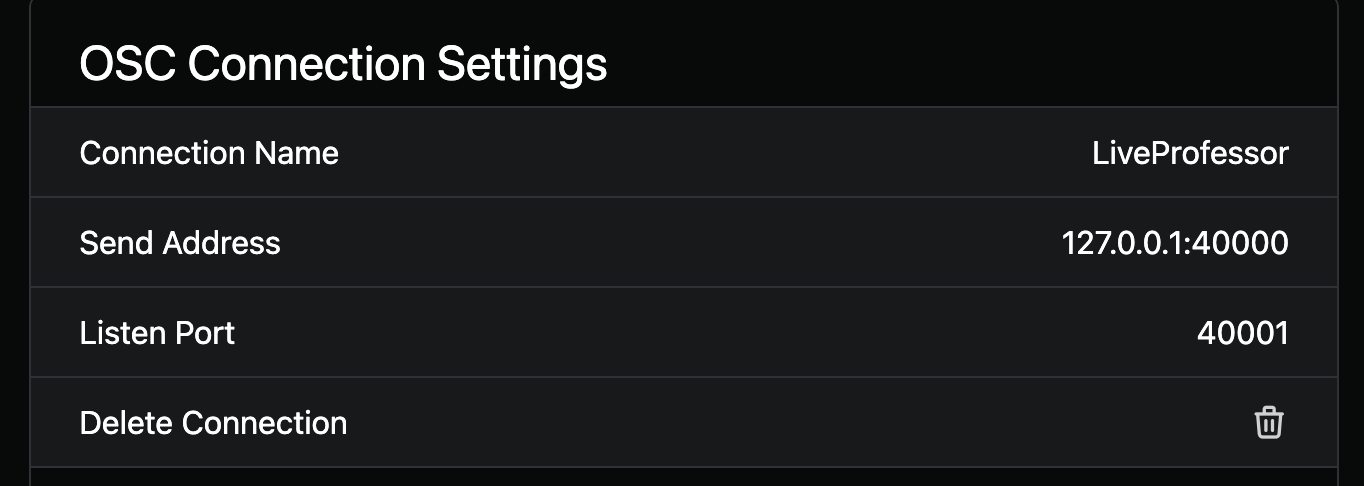
Set the connection name to “LiveProfessor” or any other name you prefer, set the Send Address to “127.0.0.1:40000” and the Listen Port to “40001”. You can use different ports if you prefer, just make sure they aren’t used by any other program on your computer.
In LiveProfessor, click the controller map edit button in the top toolbar:

In the window that opens, click the plus icon and then select OSC:

You can now set up the connection with AbleSet by setting the IP address to “127.0.0.1”, the input port to “40000” and the output port to “40001”:
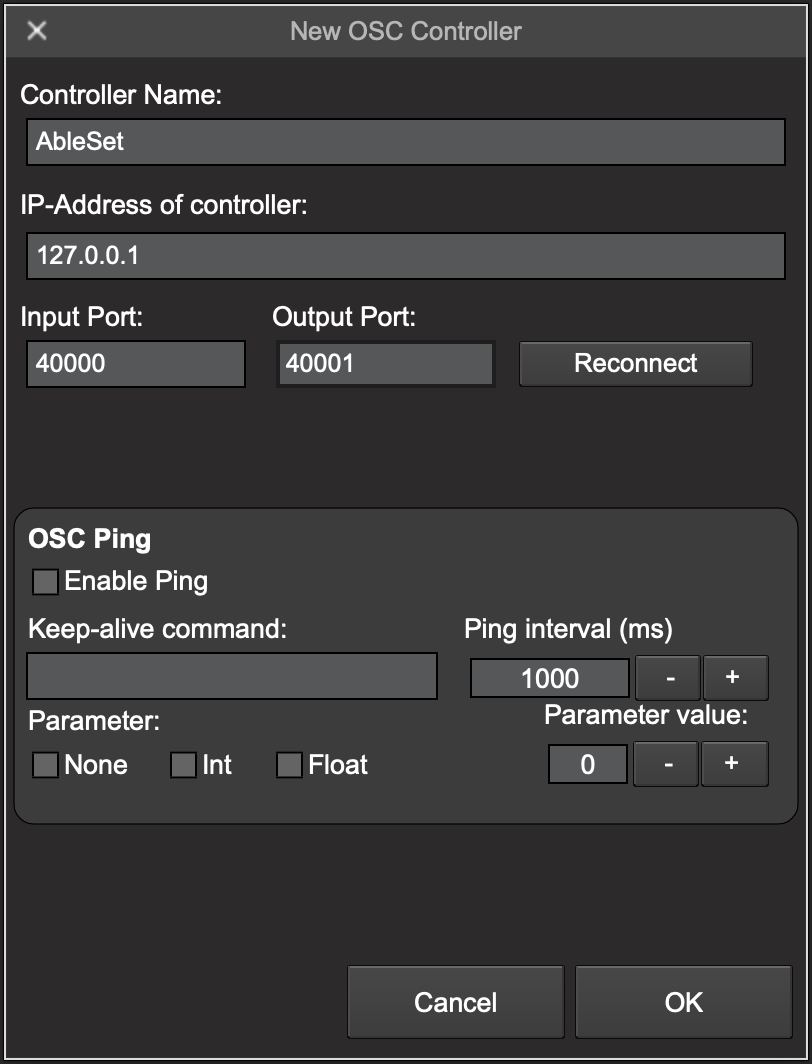
Click OK to create the connection. Then, click the blue “Edit Hardware” button and the knob button that appears to create a new virtual knob:
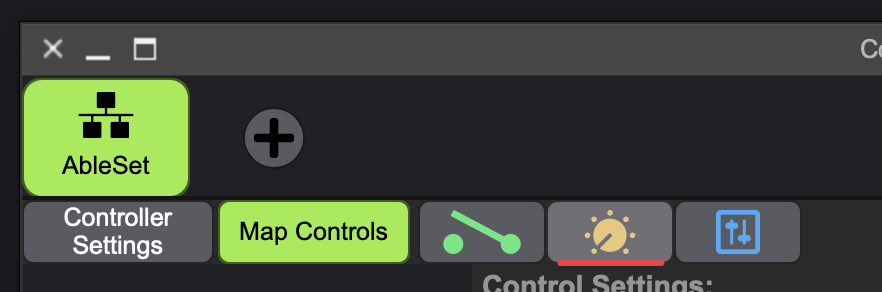
You can set its name to whatever you like. I’ll use “Retune” here and set the OSC address to “/retune”:
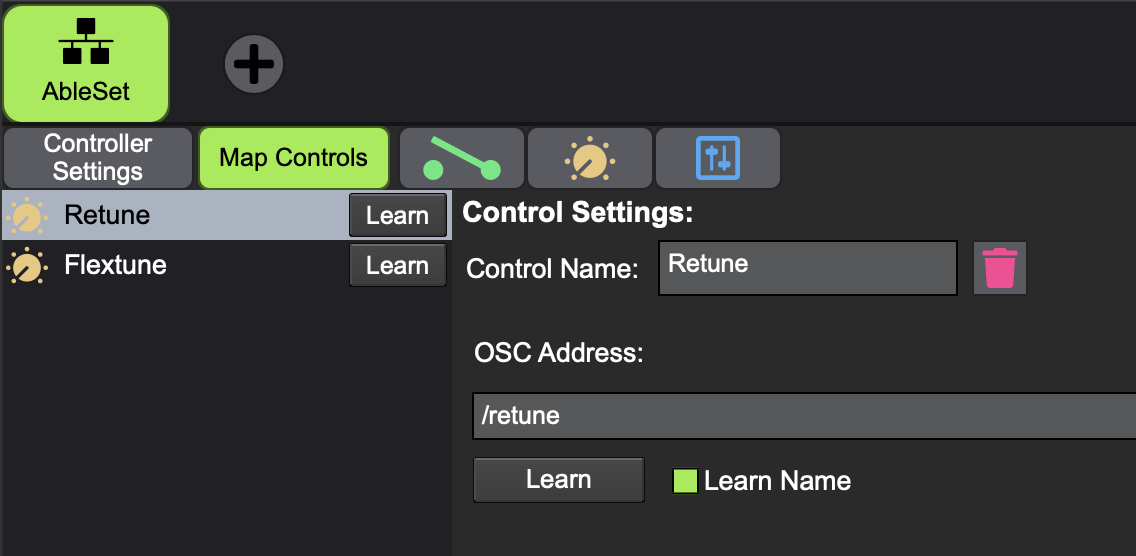
Repeat this for as many controls as you need. You can also create buttons or faders depending on what kind of parameter you’d like to map it to.
Next, click the green “Map Controls” button and select the knob or button you’d like to map in the sidebar on the left. Then, click the “Map” button next to the parameter you’d like to map it to:
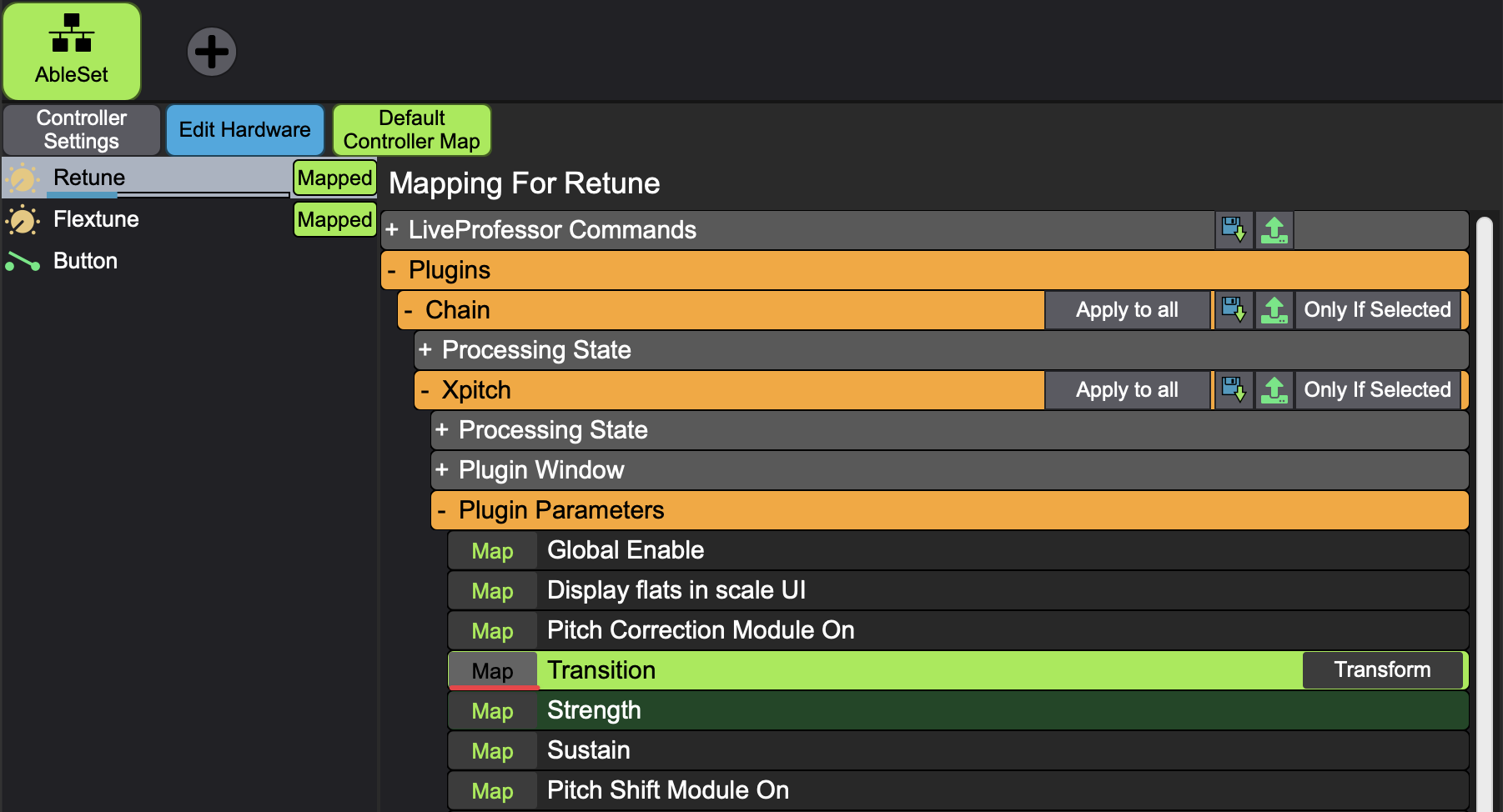
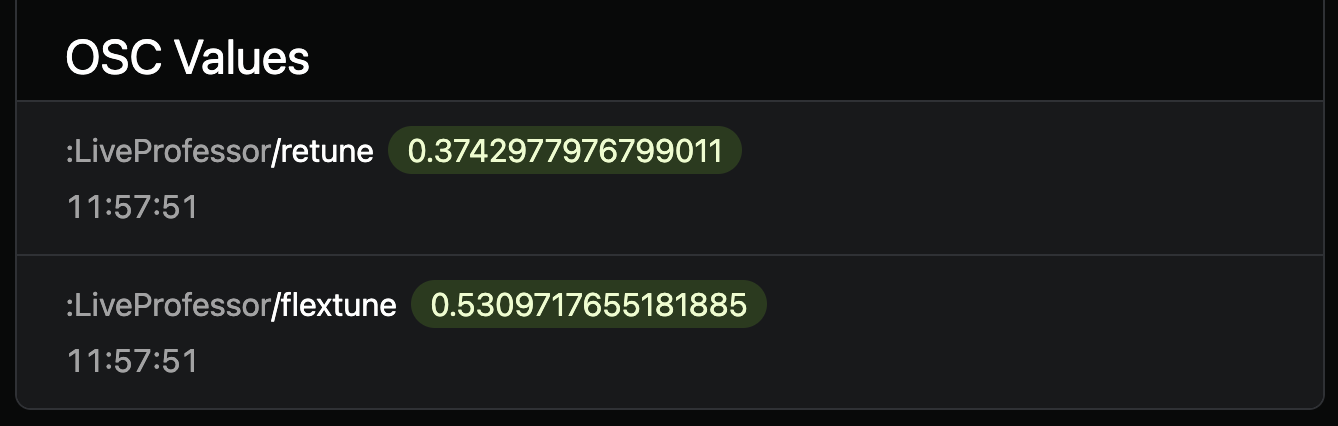
I’ve done this with “/retune” and “/flextune” in my example, and the values are now available in AbleSet:
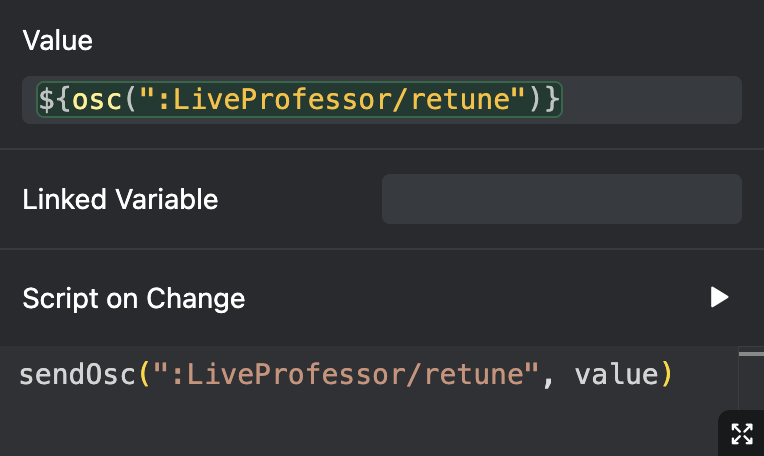
To map them to a fader, use the following element settings:
I hope this helps! Let me know if you have any further questions 