Hi all,
I have a very specific question.
I want to be able to send osc messages by using a drum rack. The messages are being sent to resolume via ableset.
So i want to trigger a scene in resolume every time i play a kick for example. But, it should only work during a specific time in the set. So i can’t midi map the notes from the launchpad in ableset to send osc. Except if it is possible to disable this script on the fly.
Is there a solution to my problem, and if so, what would be the best way to do it?
Thanks for any help!
Hey @FAster77,
This reminded me of a related thread, with a similar fail-safe approach.
You could achieve this trying to gate the OSC sends with a flag that you can toggle from Live’s timeline. That way the launchpad notes only forward to Resolume during the section(s) you want.
Here are two approaches, depending on how flexible you need it.
Option 1 — Toggle a shared variable from the timeline (most flexible)
1. Add an OSC track in Live to act as the on/off switch.
Create a MIDI track named Drum Gate +OSC for e.g. Place two short clips on it:
You can have as many on/off pairs as you want across the set.
2. MIDI-map your launchpad drum notes in AbleSet using Custom Script as the action (Settings → MIDI Mapping, OSC & Scripting → Edit MIDI Mapping → add a mapping for each drum note → set action to Custom Script).
For each note, the script just checks the flag before sending:
// only fire if we're inside a "drum-active" zone
if (shared("drumsActive")) {
// your Resolume OSC command goes here
}
If you’ve set up an OSC Connection named Resolume (Settings → OSC Settings → Add New Connection), the :Resolume/... prefix will route it there.
Option 2 — Check the active section name directly
If your trigger zone matches a specific section in your AbleSet timeline, you can skip the OSC track entirely and just check the section name in the script:
const section = osc("/setlist/activeSectionName");
if (section === "Drum Solo" || section === "Bridge") {
// your Resolume OSC command goes here;
}
This is going to be tied to section names. The first approach is better if you want to enable/disable mid-section or across multiple songs.
A couple of notes:
- The Custom Script in MIDI mapping also gives you access to the incoming
velocity, so you can layer extra conditions (e.g. only trigger Resolume if velocity > 100).
- Make sure your launchpad’s MIDI port is selected as an input in AbleSet (Edit MIDI Mapping → port settings) so the notes actually reach the script.
Would that work for your use case?
Hi Augustin,
Thanks for your quick help! The idea with the flag is pretty cool, I think that would work.
However, I have already another script running that is listening for midi signals from my connected devices. There I have currentli the problem, that the individual devices trigger the script nearly at the same time, canceling each other out sometimes. So when I have your lines included in the script and trigger the launchpad, the script would notice that it is the correct channel, but at the same time there is a midi signal coming from the keys, restarting the script and canceling the osc message being sent.
As far as I know, it is not possible to have multiple scripts running.
Hey @FAster77,
Quick clarification on that point: multiple scripts can run in parallel in AbleSet. The constraint is per script: a single script can only run one instance at a time, but separate mappings each run independently.
So the cleanest approach would be to keep your existing script untouched and add a separate MIDI mapping (Custom Script action) just for the launchpad drum notes. That second script will run on its own thread and won’t interrupt or get interrupted by the first one.
The gating logic stays the same:
if (shared("drumsActive")) {
// your Resolume OSC command goes here
}
Let me know how that goes!
Hi @agustinvolpe ,
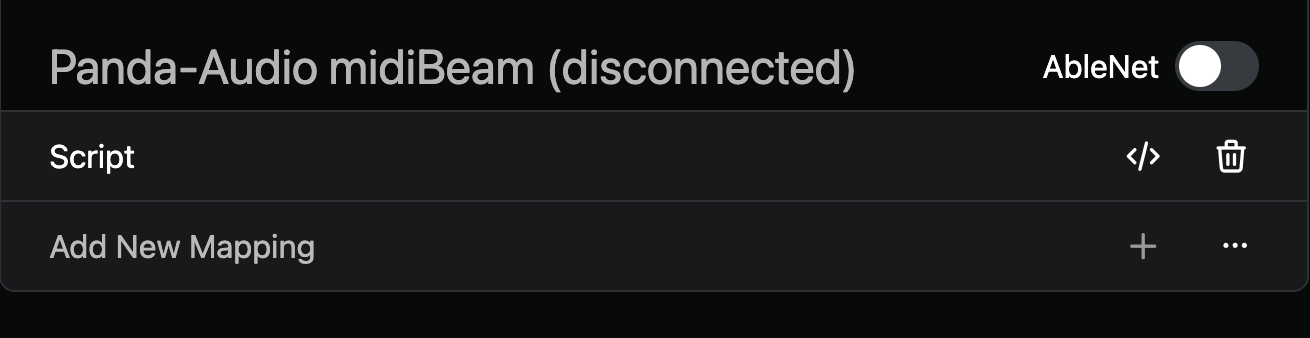
how can i run 2 scripts? the + button is greyed out because i already have a script. Am I missing something?
Maybe it’s important to add: I run all my external controllers thru this panda midiBeam. So there are actually 4 instruments (2 keyboards, 1 launchpad, 1 DrumPad) coming thru, but each on a separate midi channel. So Panda Audio channel 1 would be Keys 1 and channel 2 would be keys 2 etc. As far as I see it, i can only have one script per connected device. And in this setup, all my controllers are registered as only one device, the Panda midi Beam.
damn I just realised I need to click the dots and then I can select another script haha. Well that’s awesome. This would also eliminate my other Problem I had. So I could have many small scripts instead of one large one. I’ll give it a try and report back to you.
ok now i have already hit a wall. It seems to only support 5 scripts. After the 5th, when i press the dots to add a new script, nothing is happening.
Hey @FAster77,
There’s no practical limit to the number of scripts you can map.
To add a new script, make sure your MIDI device is connected. Otherwise, you can always add a new mapping under “Any MIDI Input”.
If this still doesn’t work on your end, could you please share a short screen recording of the issue?
hey @agustinvolpe
It works now. Somehow Ableset lost connection? I’m working on one macbook, not over an ethernet connection or something. But when I closed the ableset window and tried opening it again, it showed the waiting animation, as if it was waiting for my ableton session to open. Closed it again and opened it and now every thing seems to work normal again, and i was able to add more scripts.
It seems like a bug, and i was able to replicate it. I tried adding many empty scripts in quick succession. After the 6th one it would not let me add another one and ableset seemed to freeze shortly.
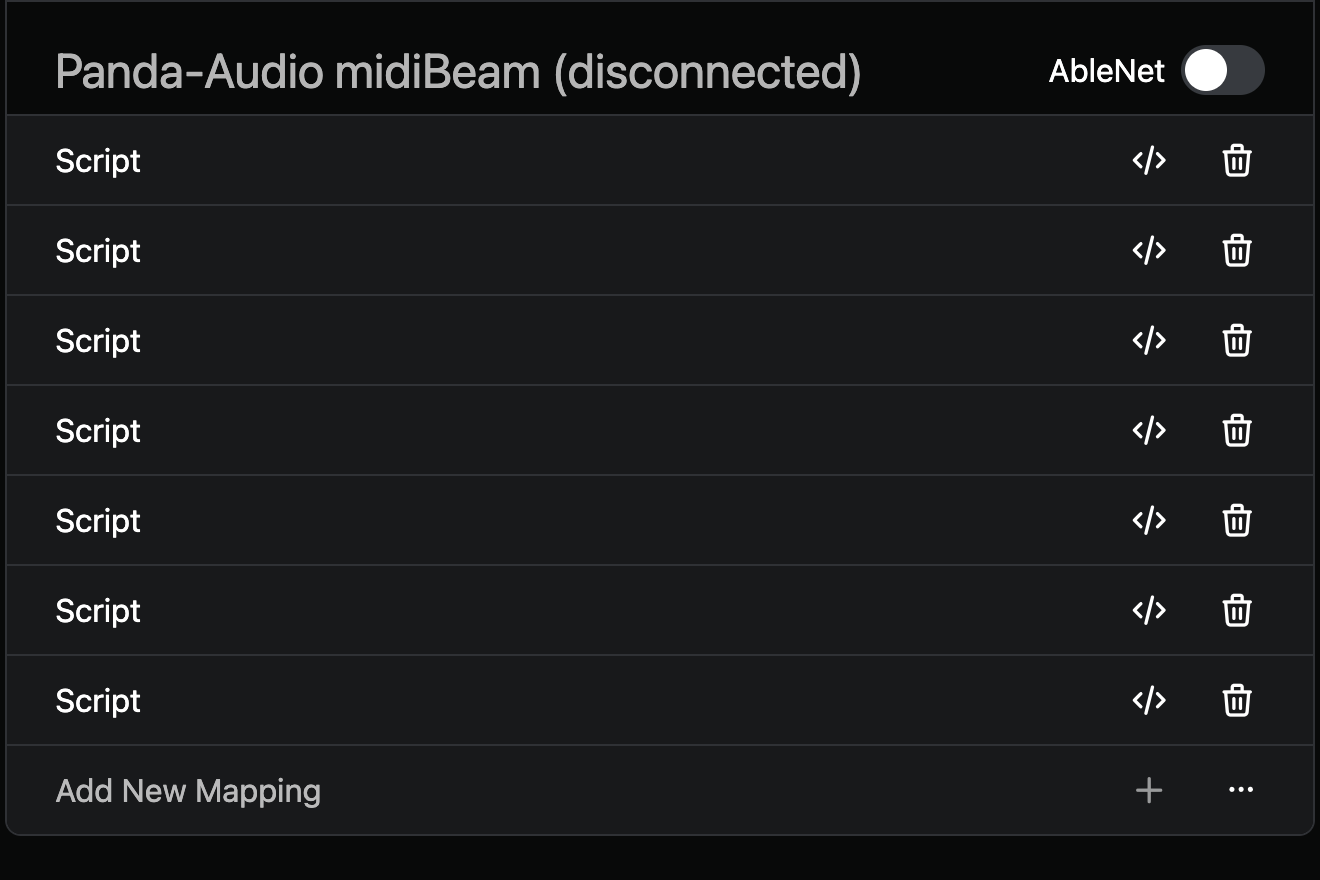
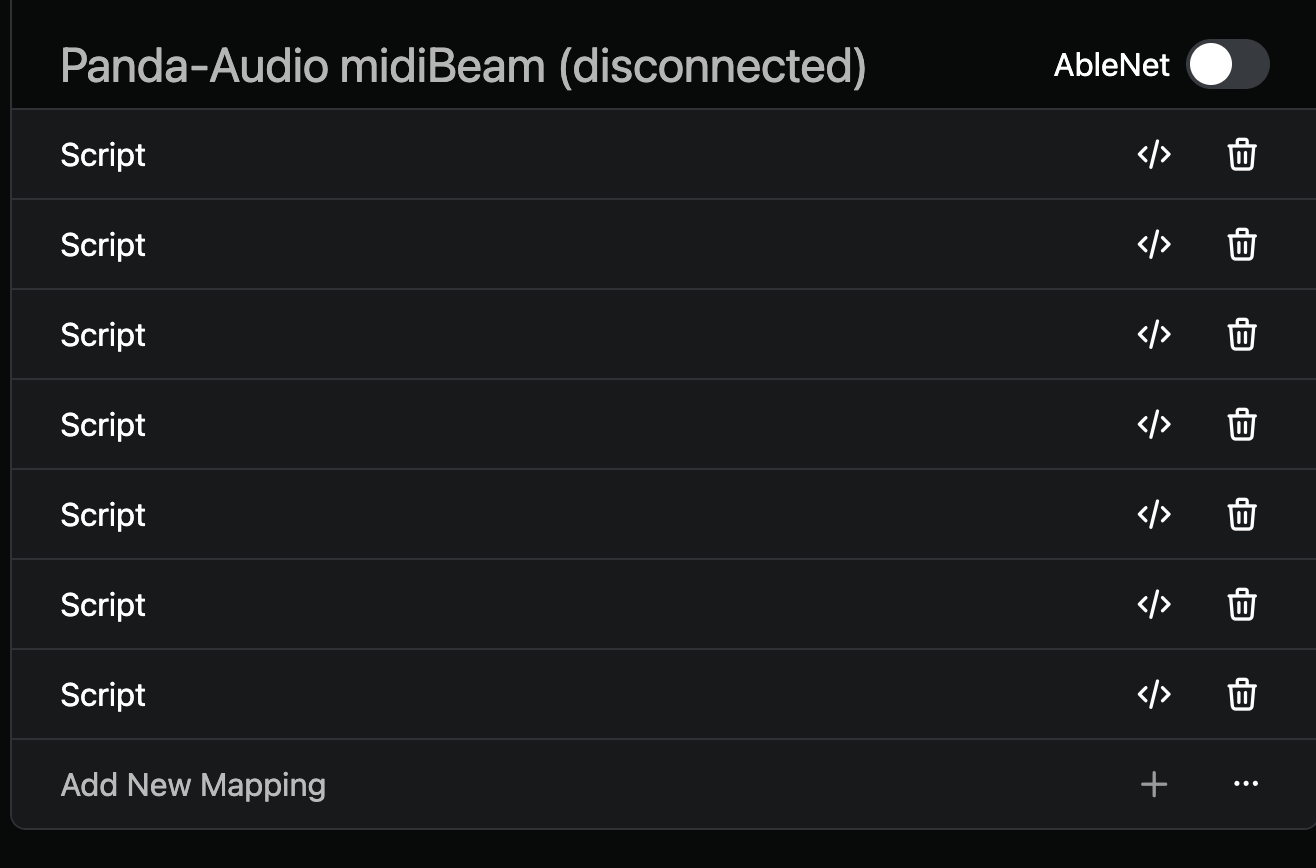
Also my mapping now looks like this:
is there a way to name the scripts? Would be awesome to see which script does what instead of clicking though all and hoping to not forget one, as ableset always jumst back to the top after you click to close a script.
Hey @FAster77,
As of AbleSet 3.1.0 Beta 11, you can name your scripts. There’s a new “Script Name” field in MIDI mappings for exactly this.
Let me know how it goes!
you guys are so awesome!
I’ll wait for the full release, I have a show on the weekend and don’t want to risk it. but nice to know it’s coming.
And: I just wrote a test script with your description and the osc track, it works like a charm. Really cool. Thanks again for the quick support!
1 Like
Hey @FAster77,
Glad to hear that worked, and thanks for the kind words!
Let me know if anything else comes up