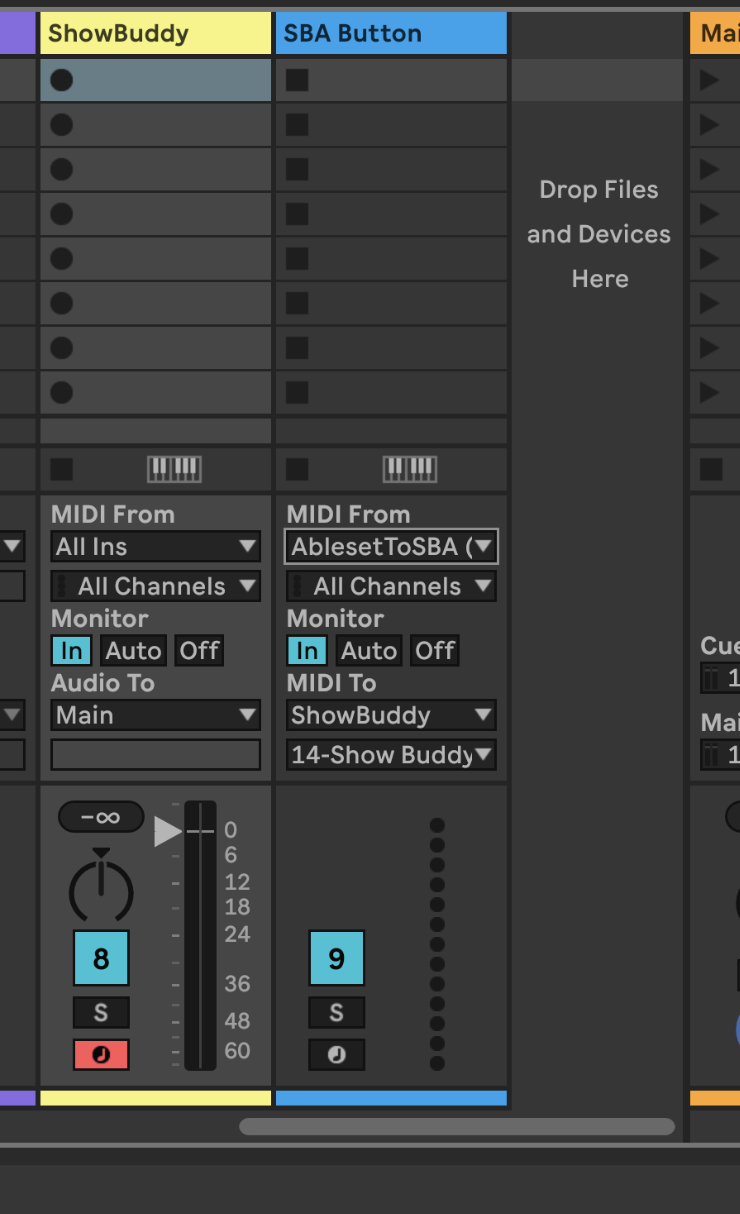
Hi All, Is there a way to create buttons in a canvas that would allow me to send midi to a specific channel in Ableton? What I would like to do is have buttons on our FOH view to allow triggering our lighting app. For example I can send midi note 1 on channel 14 and it will trigger light button 1 which makes our 1st lighting preset start. This would allow for on demand changes for lights to be integrated in to our pre-programmed light show. Things like hitting a momentary blinder, or firing off our sparks, or managing the lights during a dynamic ending.
Our light app is Show Buddy Active in case that helps.
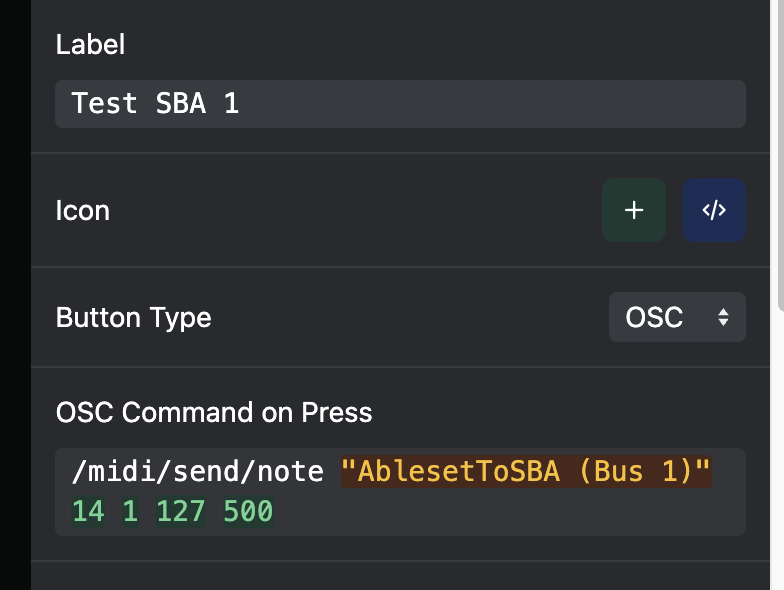
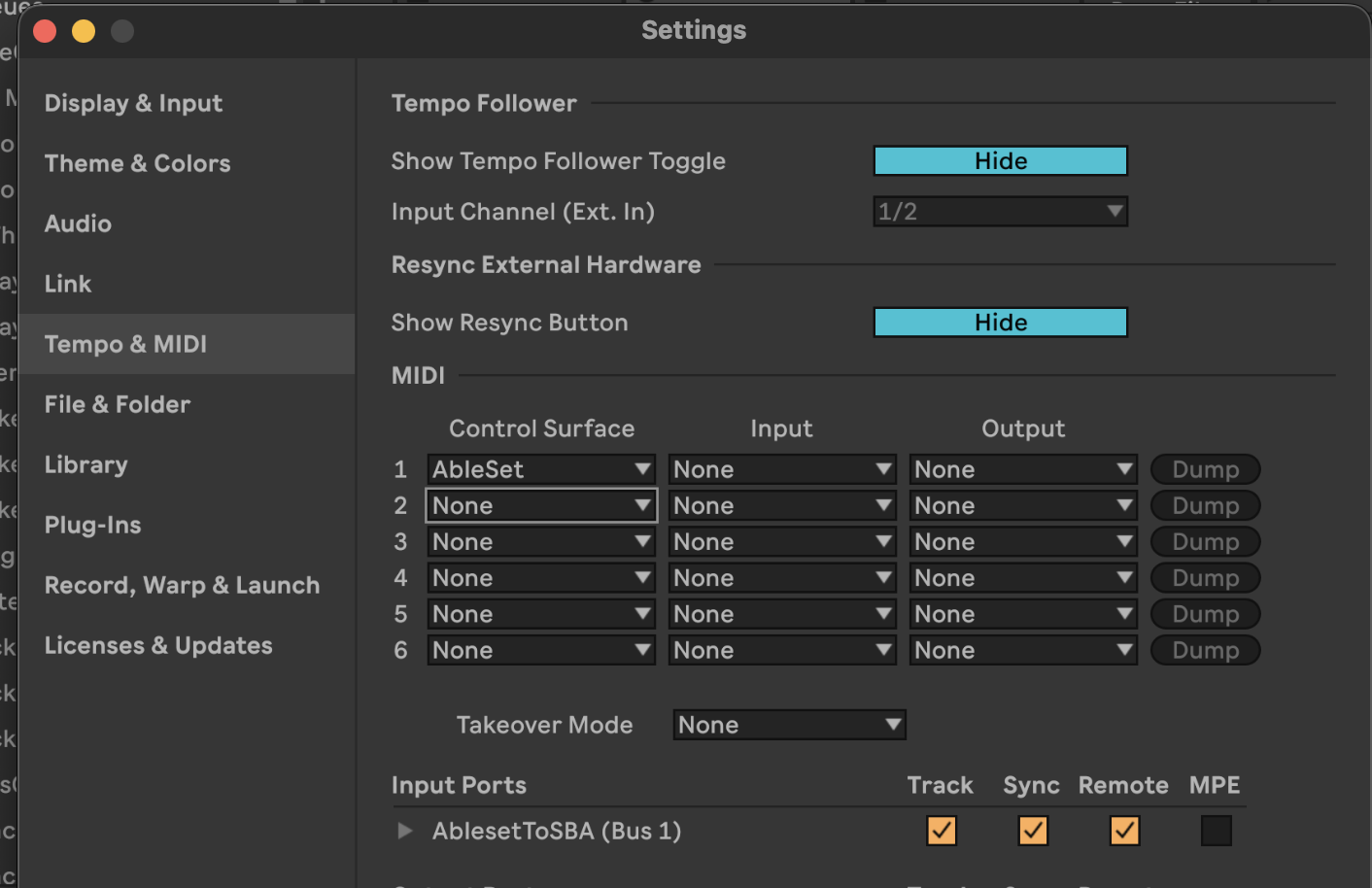
I have already setup a button with the IAC driver name and Bus and sending the info, but Ableton never gets it. The IAC device is setup in Ableton and is setup for remote/sync. I don’t know how I would setup Ableset itself for this output to be routed to the driver other than the button command which I have tried a few variants of:
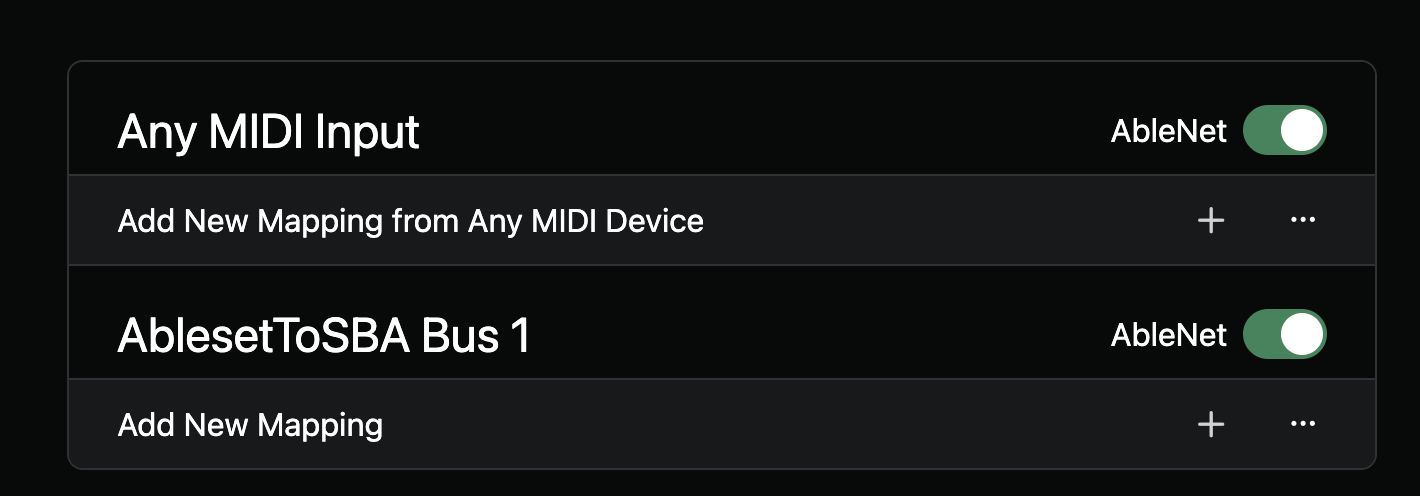
OK I actually figured this out. Ableset did an odd naming of the device that didn’t match what the OS was set for, I had to enable the device in Ableton as an output, once I did it showed up in Ableset for midi mapping with the name not matching the actual OS name. Not sure if that is intentional but either way changing the OSC command to match the name as Ableset recognized it has resolved the issue.