Describe your issue here:
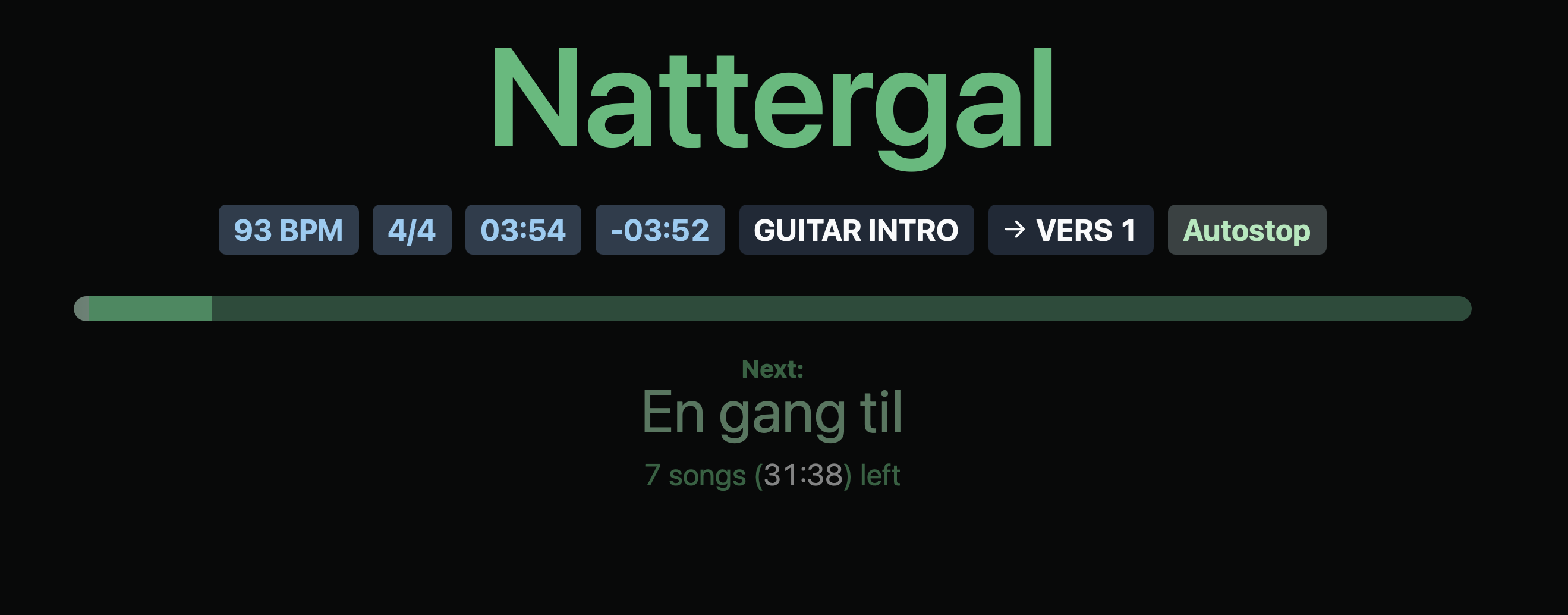
The names of the sections have disappeared I ablesets performance view.
Does anyone know how to fix this issue?
Please fill out these values to make it easier to troubleshoot:
- OS and Version: (macOS Sequoia 15.7.3)
- Version of AbleSet: (3.1.4)
- Version of Ableton Live: (11.3.3)
Hey @Mads_Oberg, welcome to the forum!
My hunch is that this could be related to your section structure in Ableton — for example a section locator that got deleted, or a clip on the Sections track that got removed or moved.
To narrow it down, could you let me know a couple of things?
- Does this happen in all songs, or only in one specific song?
- Are you defining your sections with locators, with a Sections track (MIDI clips), or a mix of both?
It would also help a lot if you could share a screenshot of the Ableton arrangement for the affected song or a short screen recording of what happens on your side, showing the locators and the Sections track.
I’m looking forward to your reply!
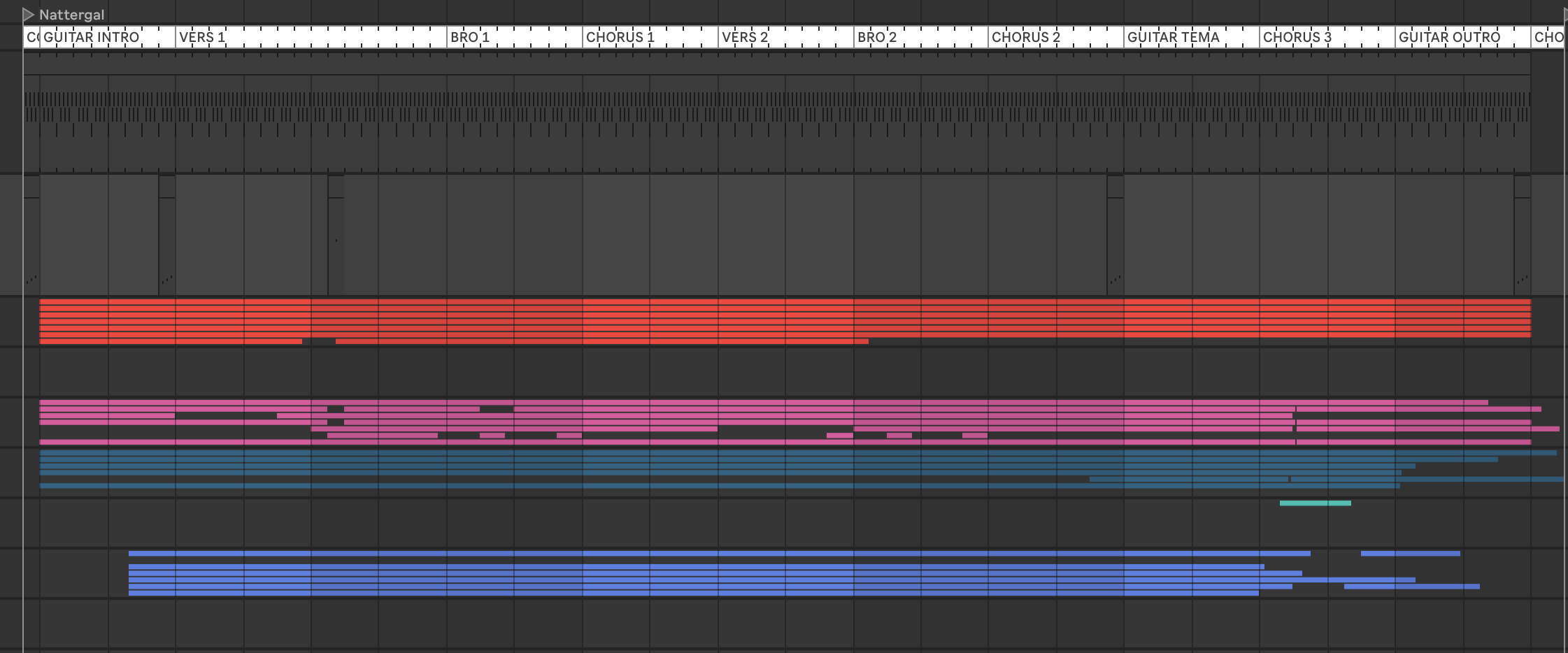
Hi Agustin! This happened to all the tracks pretty much out of the blue. I’ve got it setup like this which has worked for a while until it didn’t:
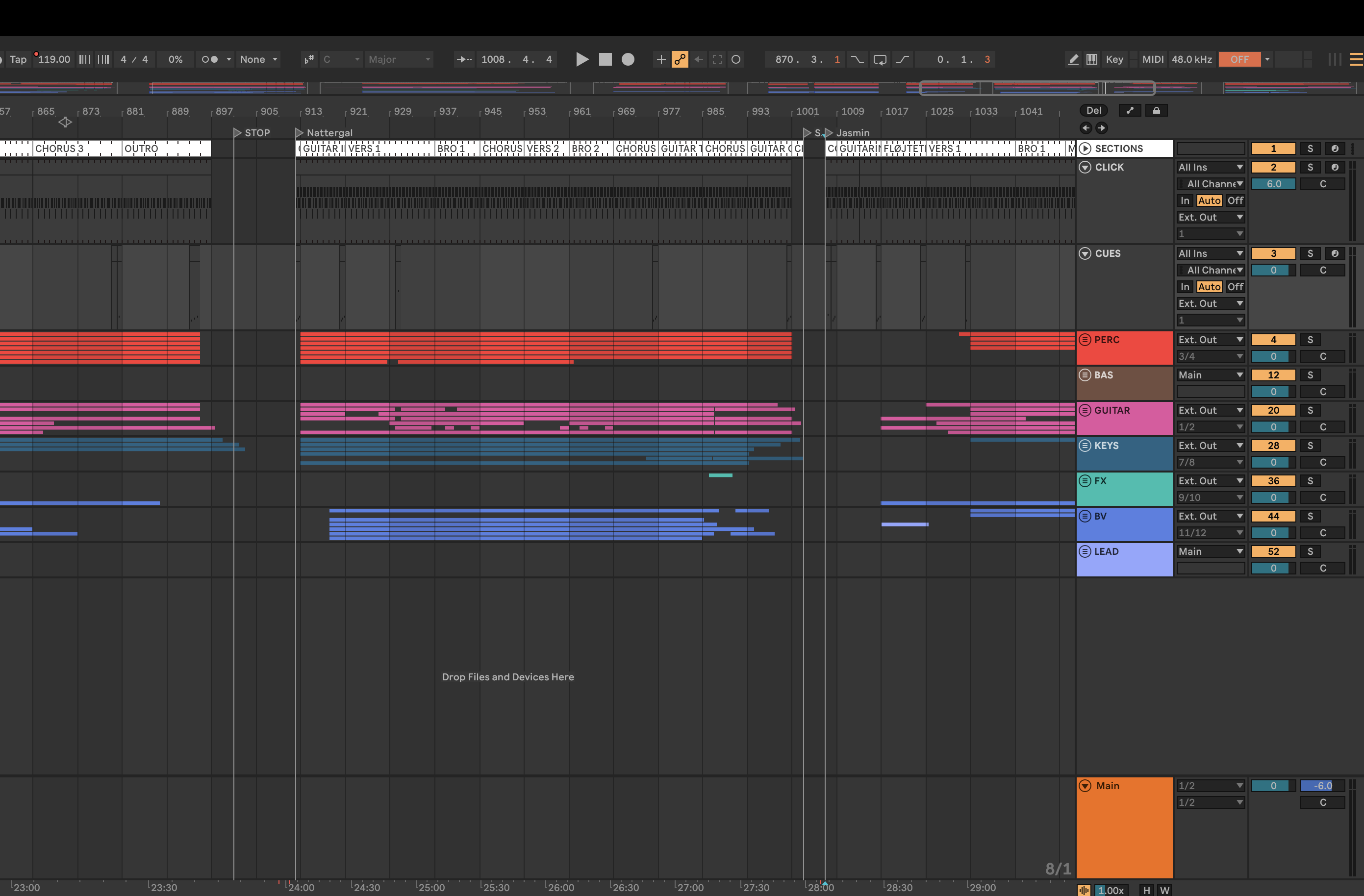
Thanks for the screenshot! I can see the section markers and the clips underneath, but the track headers are cut off on the left.
Could you send a wider screenshot that includes the track name headers on the left side? I’d like to see if there’s a track named “Sections” (or one with a +SECTIONS flag) and how it’s set up.
I’m looking forward to your reply!
Hey @Mads_Oberg,
Just to rule this out: could you check if Section Progress and Section Names are enabled in Performance View’s gear icon menu?
I’m looking forward to your reply!
Oh yeah, that helped! Weird that I don’t remember switching it off… Thanks!