Hey,
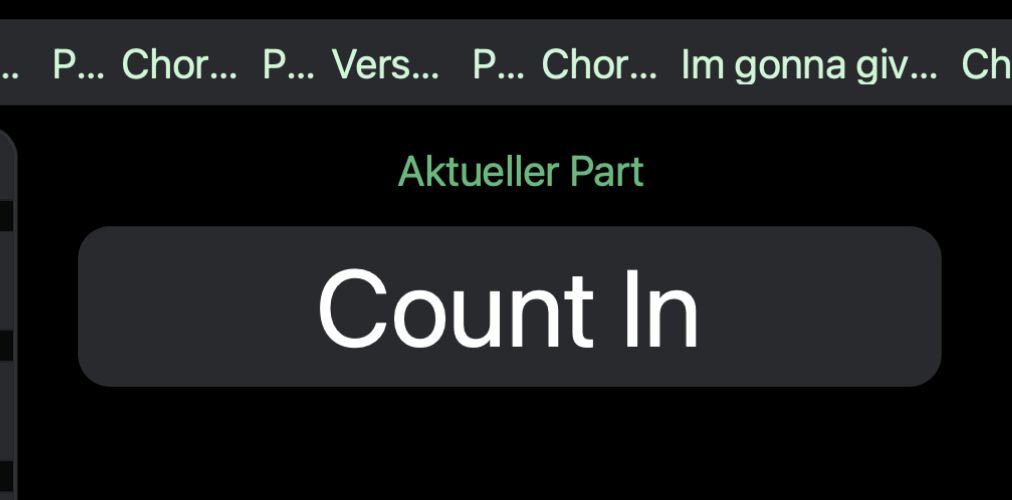
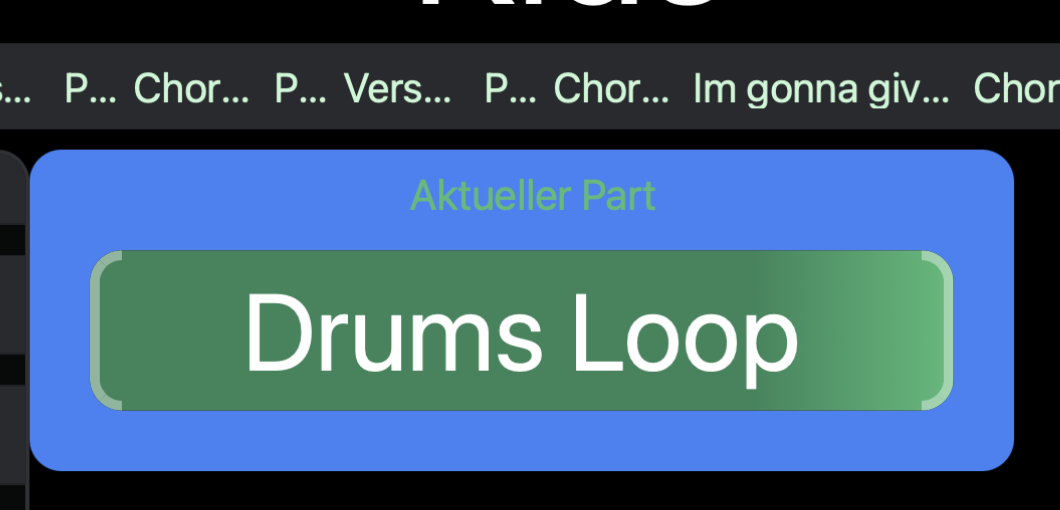
I tried the custom color feature of sections (i.e., adding +CC to the sections-track name, and then coloring the refrains in red). I use song progress bar and also the section progress bar in my canvasses. Two things seem a bit unintuitive to me:
- the song progress bar shows the sections as well, but does not pickup the colors. I would expect the sections to appear in the specified color as well.
- Section progress bar: if I skip through the song sections in stop mode, the progress bar keeps the last section color and status (i.e., the “completed” progress bar) even if I skip to a new section. It changes to the correct color and “empties” the progress bar only when I start playback. This seems a bit counter intuitive to me; I would expect it to show the upcoming section’s color and an empty progress bar, when moving to a new song section.
What do you think - is this on purpose, or maybe worth a bit of fine tuning?
Best,
Sebastian
As a slightly related question… I’d like to ask about the background colour property of the section progress bar in canvas - changing the colour here, or adding an expression when you tick dynamic, doesn’t seem to do anything.
I’d quite like to use “/setlist/isInActiveSectionLoop” and the ternary operator to make it red when looping and other colours for other situations 
Hey Zac,
I put a bigger “Label” element behind the progress bar that is transparent without loop, but gets blue when loop is activated:
“Background Color” of this Label is set as dynamic, with the following code:
${osc(“/setlist/loopEnabled”) ? “blue-500” : “”}
Best,
Sebastian
1 Like
Any idea to my initial post from August or Leo?
1 Like
Thanks Sebastian, I’ve got something similar to that at the moment, but would still quite like the progress bar to change colour (and also hide/show, but I’ll start a new thread for that!)
I have a separate element with 2x nested ternary statements, the first checks if “vamp” or “safety” are within the description of the active section, if not return blank, but if yes, the second then checks the loop brace being active or not and changes the text (all so I can see if I’m about to exit a loop - also have similar code dynamically changing the background colour)
${
/(Vamp|Safety)/i.test(osc(“/setlist/activeSectionDescription”) || “”)
? (osc(“/setlist/isInActiveSectionLoop”) == 1 ? “LOOPING” : “MOVING ON” )
: “”
}