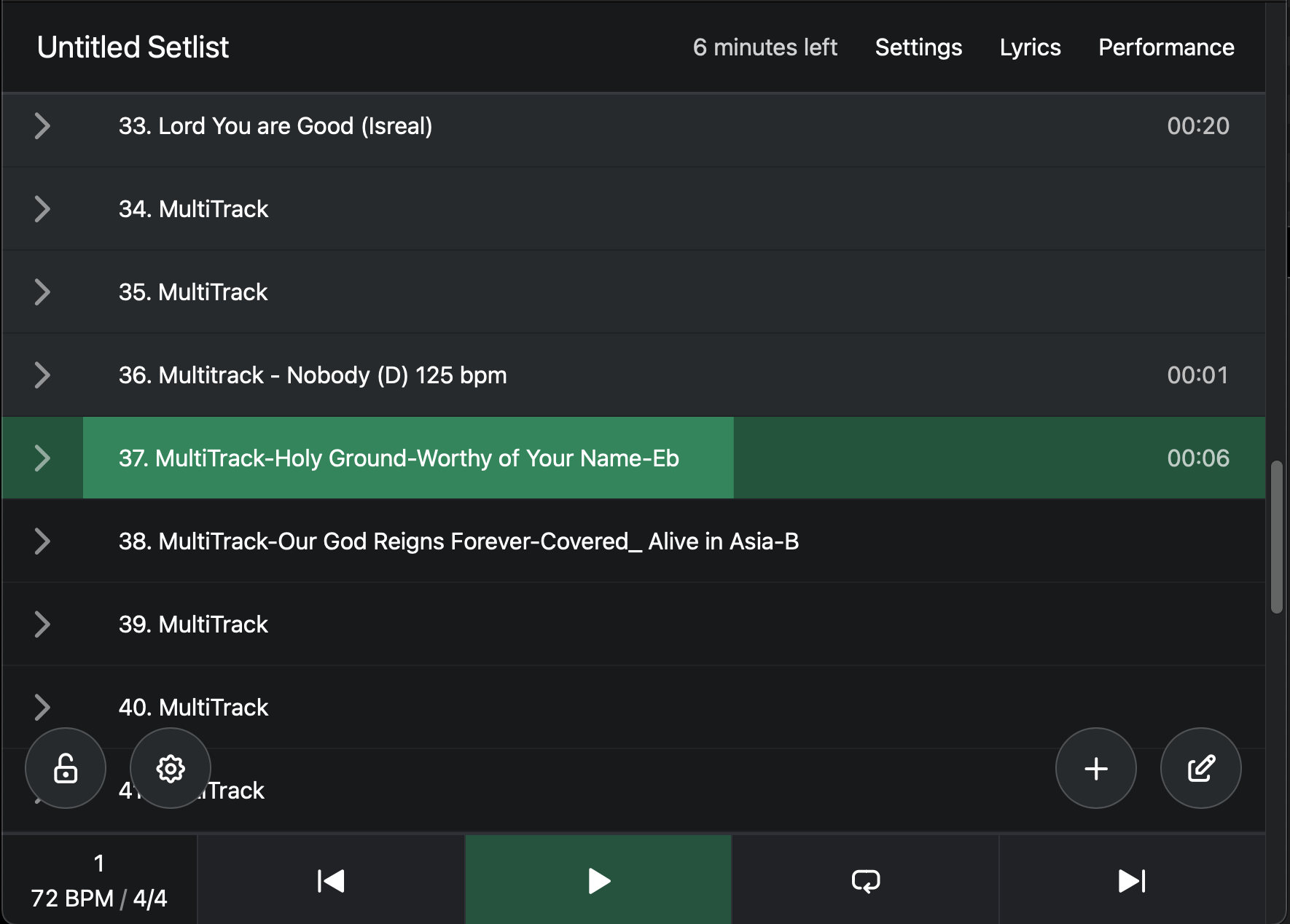
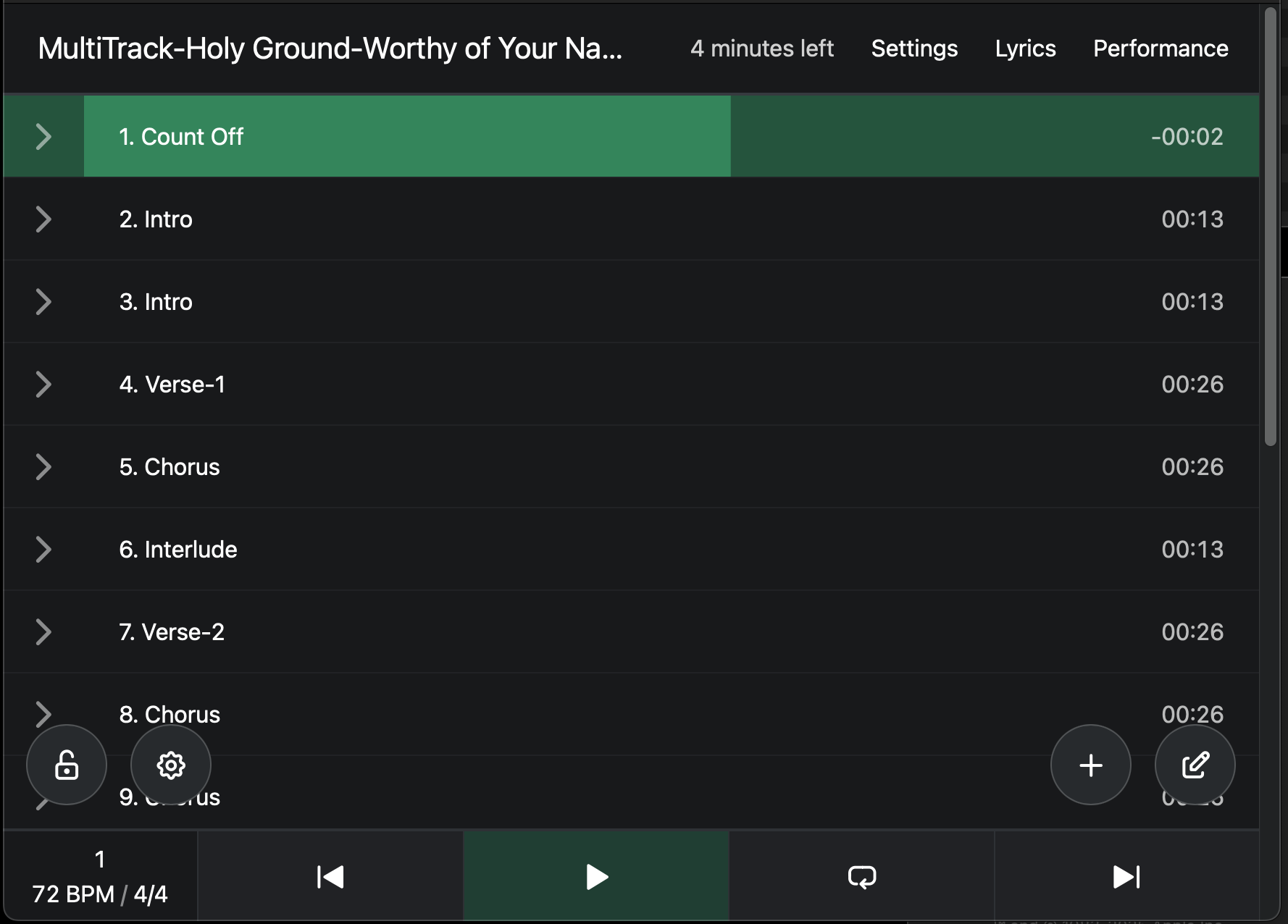
I’m new to AbleSet (and Ableton for that matter), but after opening a session with a single song and markers, AbleSet immediately showed me the song name with the list of markers for each section and worked perfectly. When I turned on MultiFile mode, selected the folder with all of the session folders in it, each of the sessions (songs) showed up as Sections, not Sessions. If I click a song, it will load the session, play the first section, and immediately try to open the next Session File. Turning off MultiFile immediately reverts to the working view with each of the Sections listed again. Is this a bug, or am I doing something wrong?
Please fill out these values to make it easier to troubleshoot:
OS and Version: Mac mini M4 Pro running Sequoia 15.6.1
Version of AbleSet: 2.7.5 and 3.0.0 Beta 27 (tried both, same result)
…And I think I found my issue. These Ableton sessions had markers already with names like Intro, Chorus, Verse 1, etc. Is it accurate that the Markers NEED the > symbol before the text to understand that they are Sections and not new songs? Is there any fast way to convert all of the markers to add a > at the beginning for an entire session as opposed to opening every session and renaming the markers one by one?
I appreciate the quick reply! While I’m still learning– would it be better to rename those markers, or convert them to midi markers instead? Any advantage of either? If I add the midi markers, will it know to ignore the markers up top as redundant, or do I need to remove them?
Hey @NoFear13X, that’s up to your preferences. Having locators for each section allows you to jump between sections while Live is playing, but it looks more cluttered than section clips in my opinion.
Combining both is possible, if AbleSet sees a section clip and a section locator at the same time, the locator takes precedence and you’ll see its name in AbleSet. If the section locator doesn’t have a name (e.g. just > or the default number given by Live), AbleSet will display the name of the section clip instead, but still allow you to jump to that section while Live is playing.
I hope this helps, let me know if you have any further questions!
So just to clarify, if I have a marker with the song name, and a MIDI clip with the section name, both at the same starting point of the song, it will show that first section immediately under the song name in ableset, correct? That’s really all I’m trying to accomplish. Currently my counten is not listed as a section, and I need it that section to be numbered “1” for my ProPresenter automation.