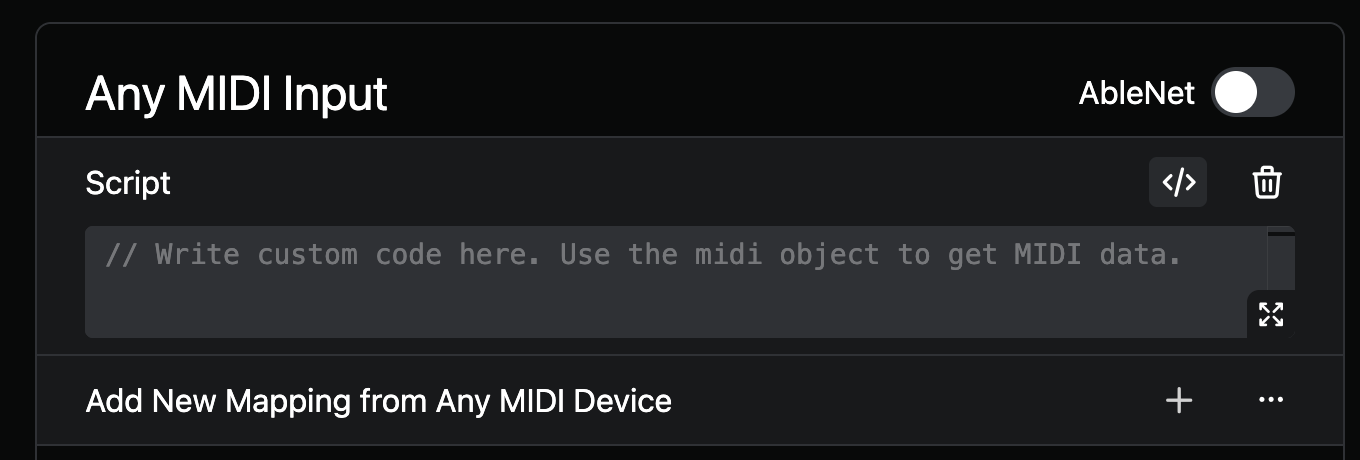
Kia ora team!
Wondering if there’s any documentation on using the midi object in a custom script for midi mappings?
I’d like to create a script that uses OSC to get the song name along with bar and beat number, and if they match a certain value, then on a certain midi note send another OSC command - currently unsure where to find the right documentation about the using the “midi object to get midi data”.
I realise I could invert my logic and map a script to a note that will only execute when xyz condition is met via OSC values, but still curious about the above 
Hey @zacjohnsnz,
To see what the midi object contains, you can add a log(midi) command to the script. This will log all incoming MIDI data so you can see what you’re working with.
For example, when a Note On event is received, you get the following data:
{
  "type": "note-on",
  "channel": 16,
  "raw": [159, 38, 99],
  "note": 38,
  "velocity": 99,
  "input": "Oakboard Floor Vista"
}
With this data in mind, you could do something like:
if (midi.type === "note-on" && midi.note === 38 && velocity > 100) {
  sendOsc("/global/stop")
}
You can make use of the code editor’s autocomplete functions to see what properties are available.
Let me know if this helps! 
2 Likes
Thanks Leo, very helpful! Looking forward to fully testing this out