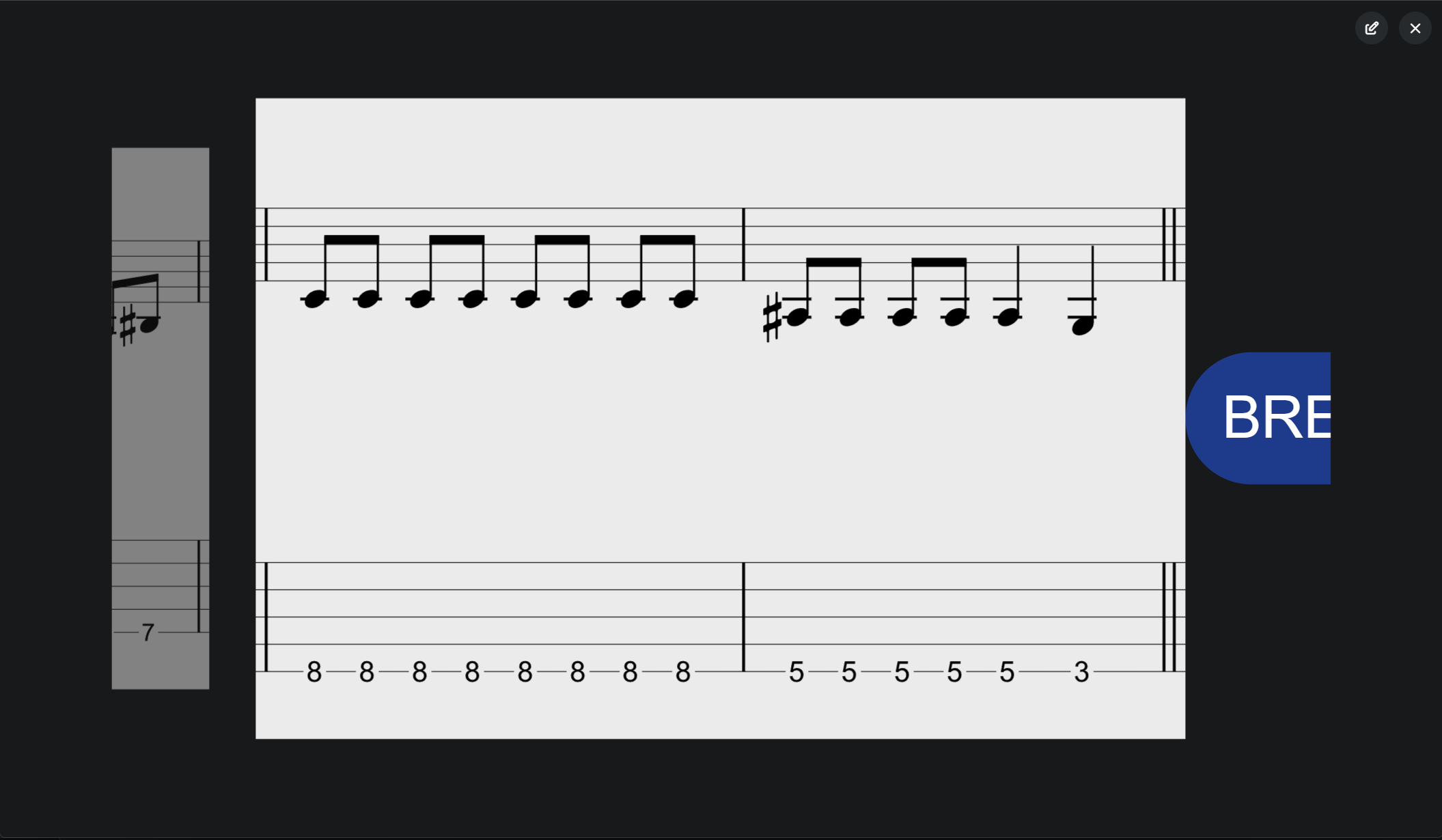
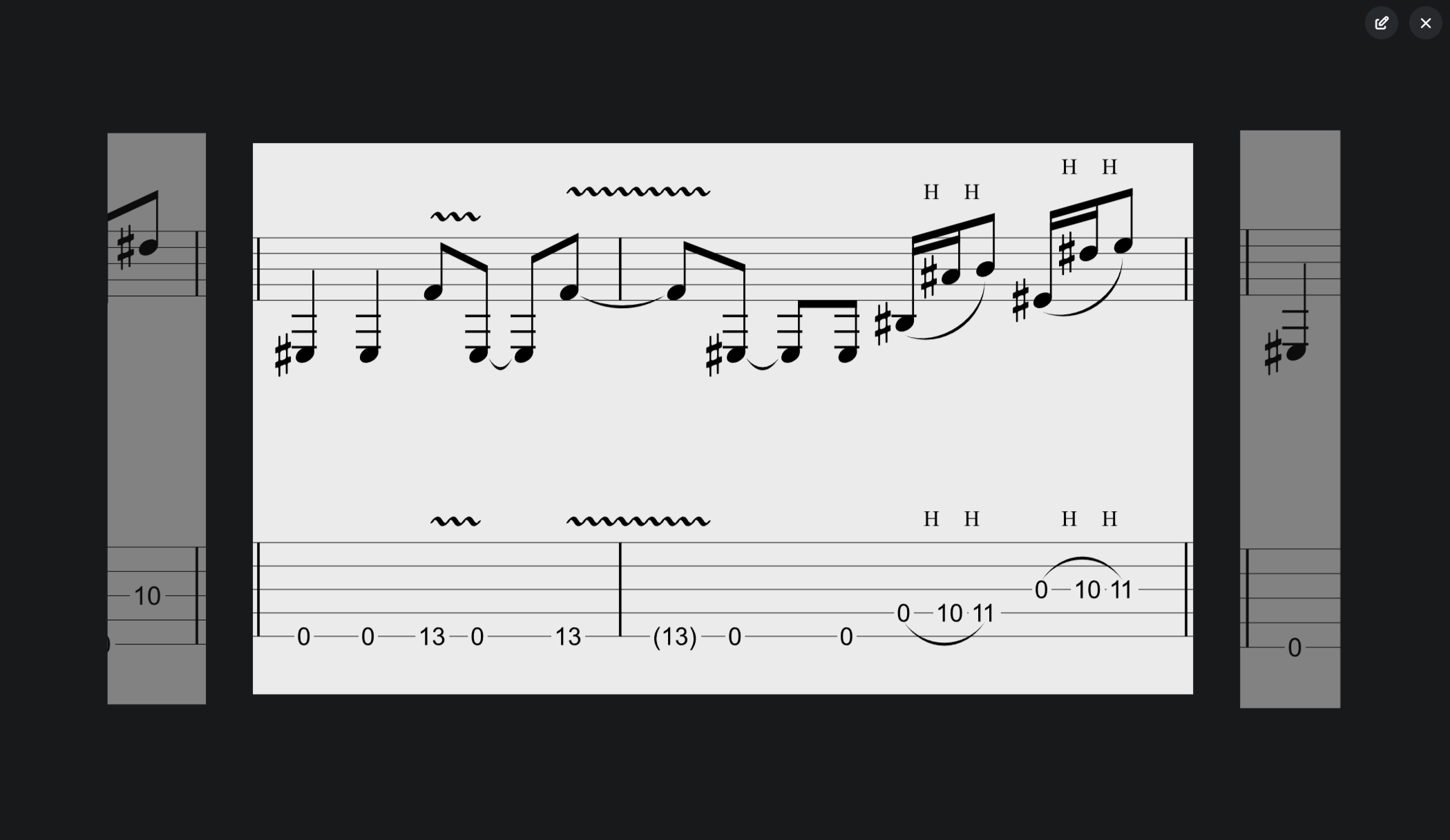
I would like to suggest a new attribute for the “Lyrics” track feature: [sidebyside] → When switching between linked images, they move from right to left instead of from bottom to top (default behavior). This feature is only available when using the “full” attribute and the MIDI clips are side by side; otherwise, the default function (swipe up) is used.
I’d be happy to provide photos or a video to better illustrate the idea.
Otherwise: I’m looking for the [scroll] function in the online documentation . Where can I find this entry? ( Scroll image when using png scores in Lyrics mode - #4 by iamderkis )
I’ve fallen so hard in love with Ableset.
Hey @Tabora , welcome to the forum! I’m glad you’re enjoying AbleSet!
That’s an interesting idea! While this isn’t available in AbleSet yet, you might be able to recreate it using custom styles :
Hey @Mattwalker7362514 ,
To align all lines next to each other instead of vertically, you can use the following custom styles:
.lyrics > div {
display: flex;
align-items: center;
overflow-x: auto;
scroll-snap-type: none;
}
.lyrics .line {
flex-shrink: 0;
}
The only issue currently is that the current line will be aligned all the way to the right, so you won’t be able to read ahead. I’ll release a new beta soon that will align lines in the center instead.
I hope this helps!
Let me know if that works for you in the meantime
2 Likes
Everything works great!
The Lyric Track uses the [full] attribute
All my images have the same height but different width
This is my CSS Code:
#el-xzQqA88zS6LtVEYPpm5jdd .lyrics > div {
    display: flex;
    align-items: center;
    overflow-x: auto;
    scroll-snap-type: none;
}

#el-xzQqA88zS6LtVEYPpm5jdd .lyrics .line {
    flex-shrink: 0;
    max-width: 900px !important;
}
If you looking for a fast way to find all IDs with your console:
// Find all elements with an ID that starts with “el-”
document.querySelectorAll('[id^="el-"]').forEach(el => {
    console.log(el.id, el.tagName);
});
1 Like
Hey @tabora ,
Adding to this, the [scroll] attribute is already supported. It wasn’t included in the documentation yet, but we’ve just added it.
When added to an image clip or a lyrics track, it scales the image to fill the entire width of the browser and scrolls it continuously along with the playhead.
Per clip:
[img:scores/page1.png] [scroll]
For the entire track:
Sheets +LYRICS [scroll]
Just wanted to flag this in case it’s useful!
1 Like
Tabora
May 20, 2026, 11:28pm
5
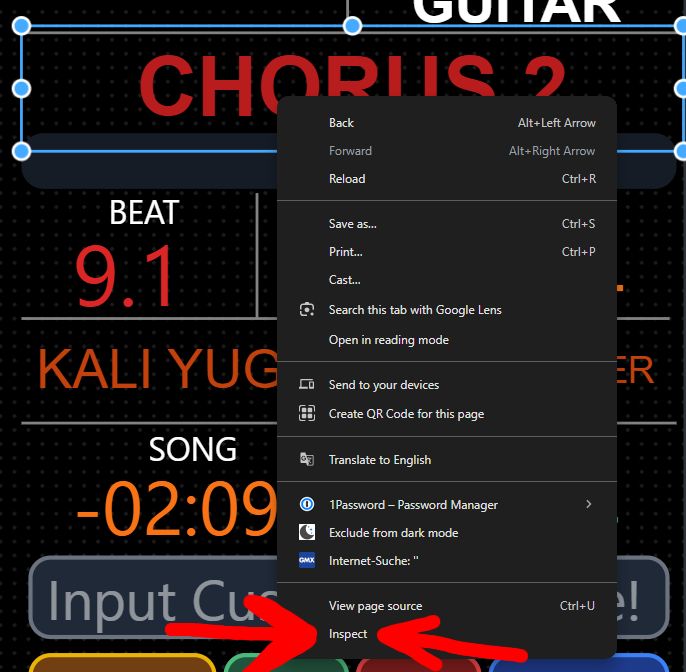
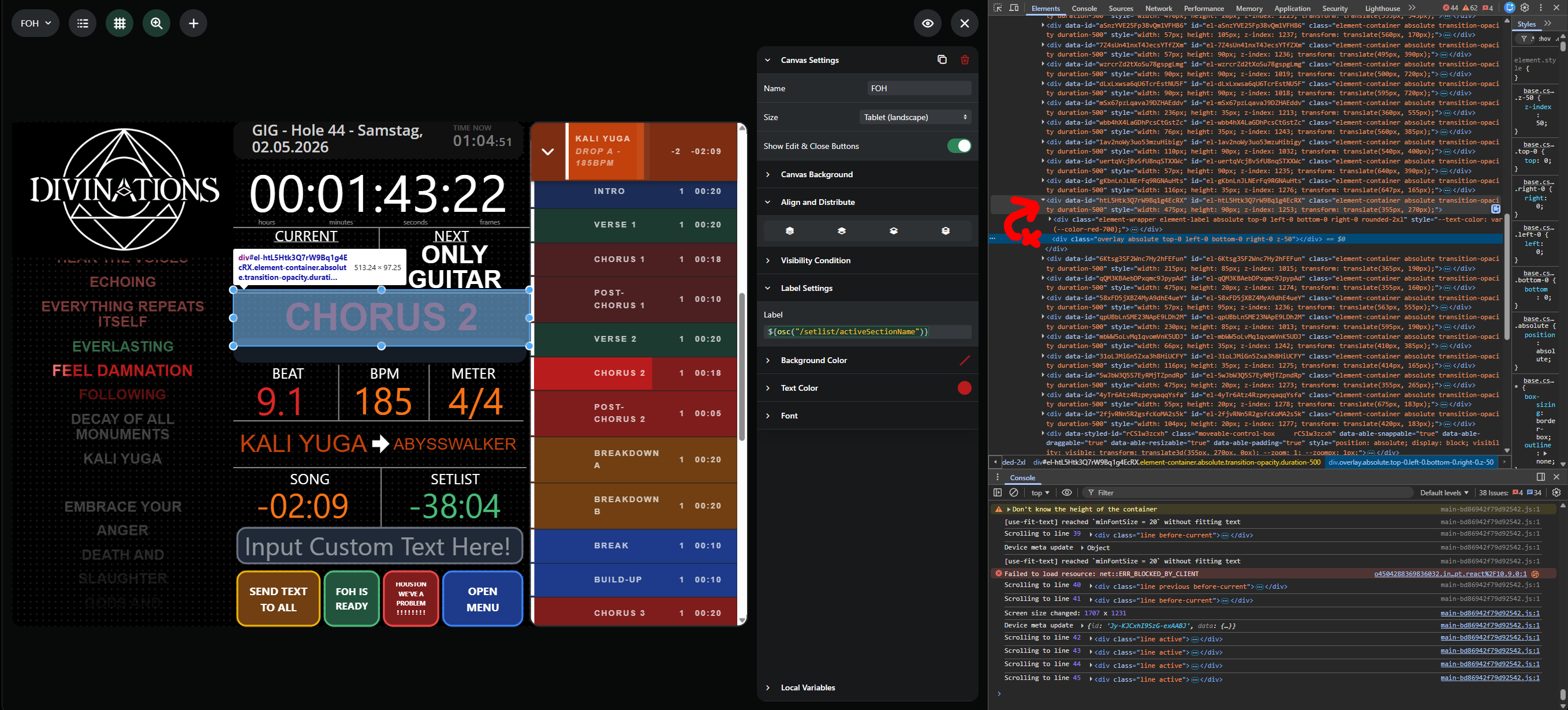
You should use Google Chrome to open the Canvas.
Then right-click the desired field and select Inspect .
As shown in the image on the right, follow the path upwards#el-....
Open styles.css in your favorite IDE (Ableton Project\AbleSet\Custom Styles\style.css )
In this case you would write the following:
#ID .class {
    what-do-you-want: everything, and-more;
    something-else: yes;
}
#el-htL5Htk3Q7rW9Bq1g4EcRX .label {
   font-family: 'Montserrat', 'Open Sans', Arial, sans-serif;
   text-transform: uppercase;
}