Hello, I haven’t found a solution to highlight the loop button integrated into AbleSet. Where should the script be placed?
Hey Daniel,
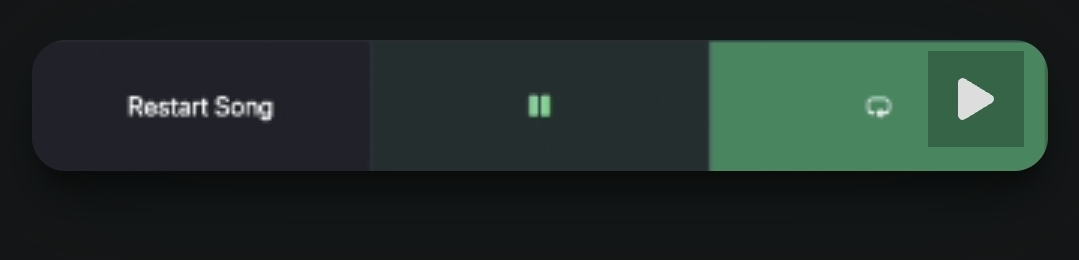
If you’re trying to visually highlight the built in loop button, you can do that using a small custom CSS animation.
You can place this in AbleSet’s Custom Styles file.
To access it, click on AbleSet’s Icon Tray → Gear Icon → Show Global Custom Styles, then paste this into the CSS file and save it.
@keyframes button-looping {
  from {
    background-color: #2f855a;
  }
  to {
    background-color: #48bb78;
  }
}

.performance .controls .loop.active,
.playback-controls .loop.active {
  animation: button-looping 0.3s alternate linear infinite;
}

.performance .controls .loop.active svg,
.playback-controls .loop.active svg {
  color: #fff;
}
Feel free to tweak the colors or animation speed if you’d like.
Hope that helps!
[1]High-Contrast Loop Toggle - #4 by leolabs
Footnotes ↩︎
Sorry, but I can’t copy and paste it into the styles.css folder. Thanks.
Hey Daniel,
The code needs to be added inside the styles.css file.
Here’s the correct process:
- click on AbleSet’s Icon Tray → Gear Icon
- Click Show Global Custom Styles
- This should open the custom-styles folder on your computer
- Open the file called
styles.csswith any text editor (TextEdit, VS Code, Notepad, etc.) - Paste the CSS snippet into that file
- Save the file
AbleSet will automatically reload the styles once the file is saved.
Let me know if that works!
Thank you a thousand times for your patience
1 Like