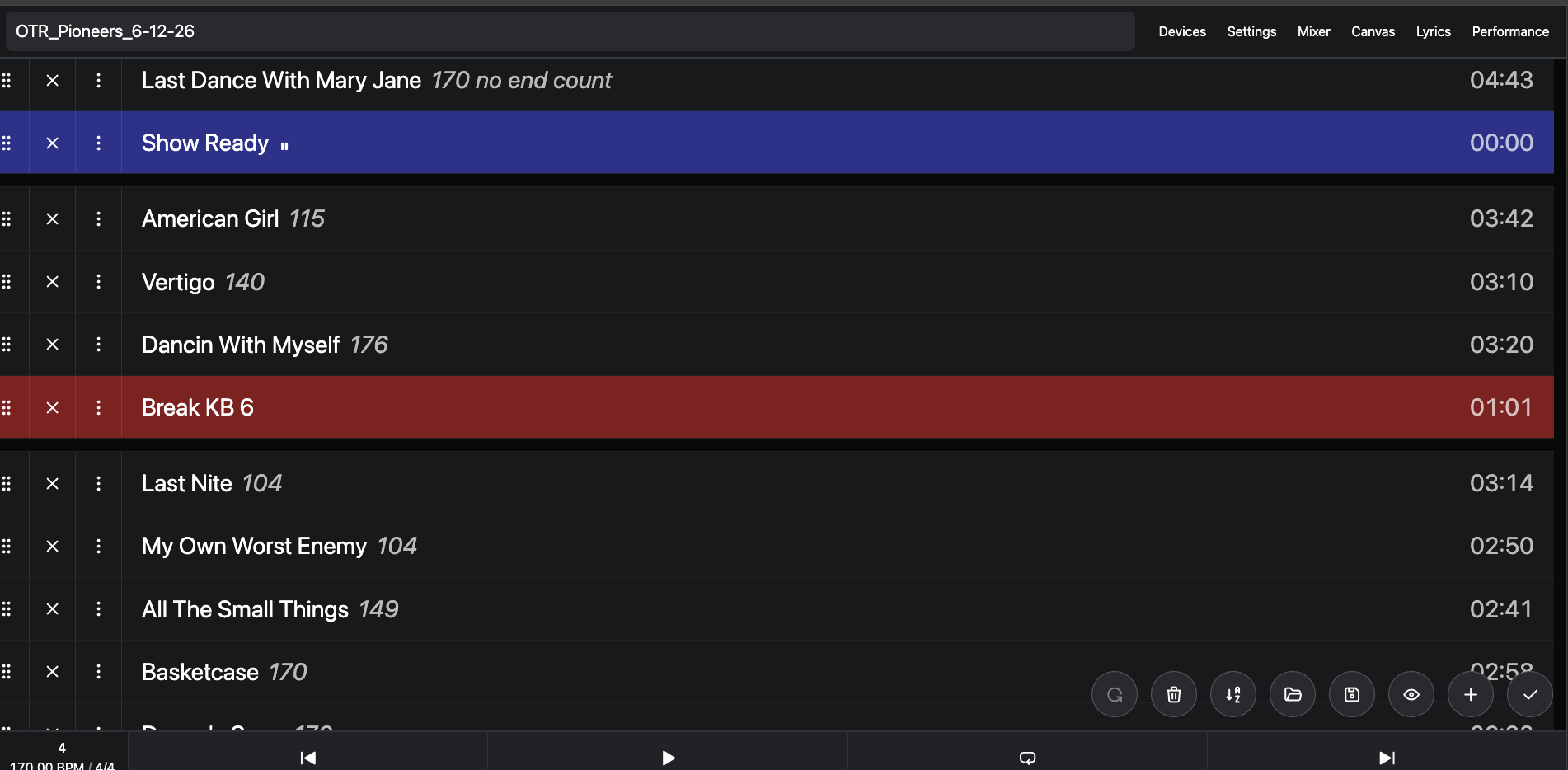
I’ve noticed some potentially less than optimal experiences working with sets in Ableset.
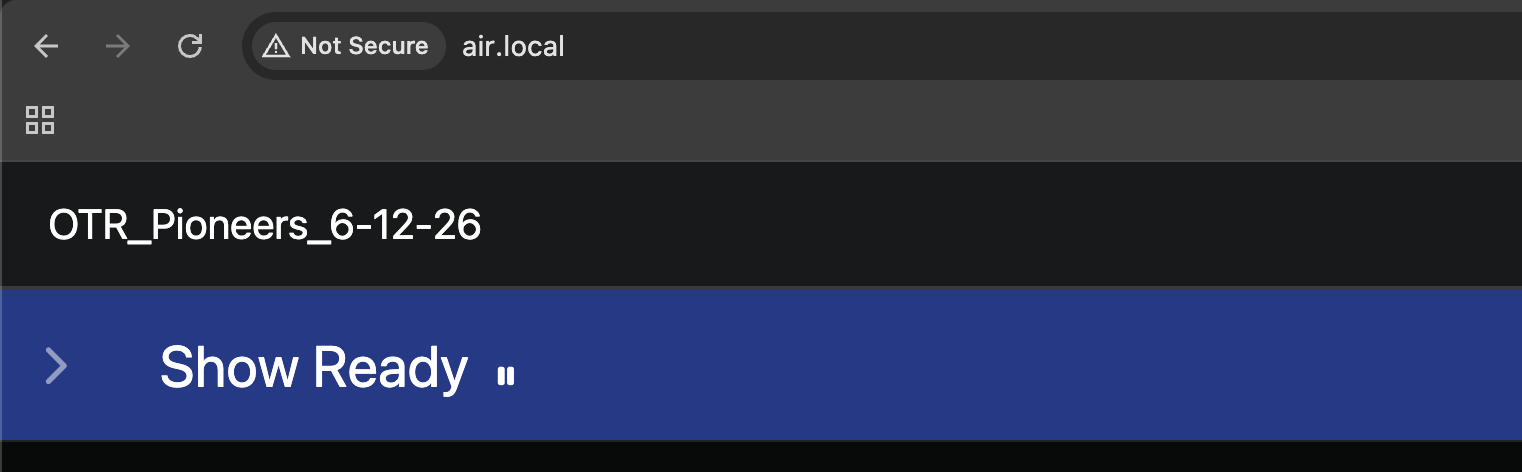
- To load a different set list I have to go into the current set, click the edit pencil, then go to open and pick a new set. It’s a less than intuitive experience - maybe just having a drop down selector next to the current set name would work (screenshot below, imagine an open button next to the “OTR_Pioneers_6-12-26”
-
The save experience - if i edit a set list either directly in the performance view by clicking the “+” button or in the edit view itself (Pencil, then +) there is a check mark that would appear to save, but it doesn’t, I actually have to go to the save icon, which isn’t present in the performance view until you go the edit (pencil). The changes here are not aplied/saved unless I now go to the save button (again in a sub menu view), and if I change to another setlist they are lost. The checkmark icon that says “Save Setlist” in the tool tip doesn’t actually save it.
This one got me a few times and there was no warning that I was going to be discarding changes I made when I switched pages, I thought the checkmark would save it.
This impacts setlist building for me and is a strange workflow IMO.HTH