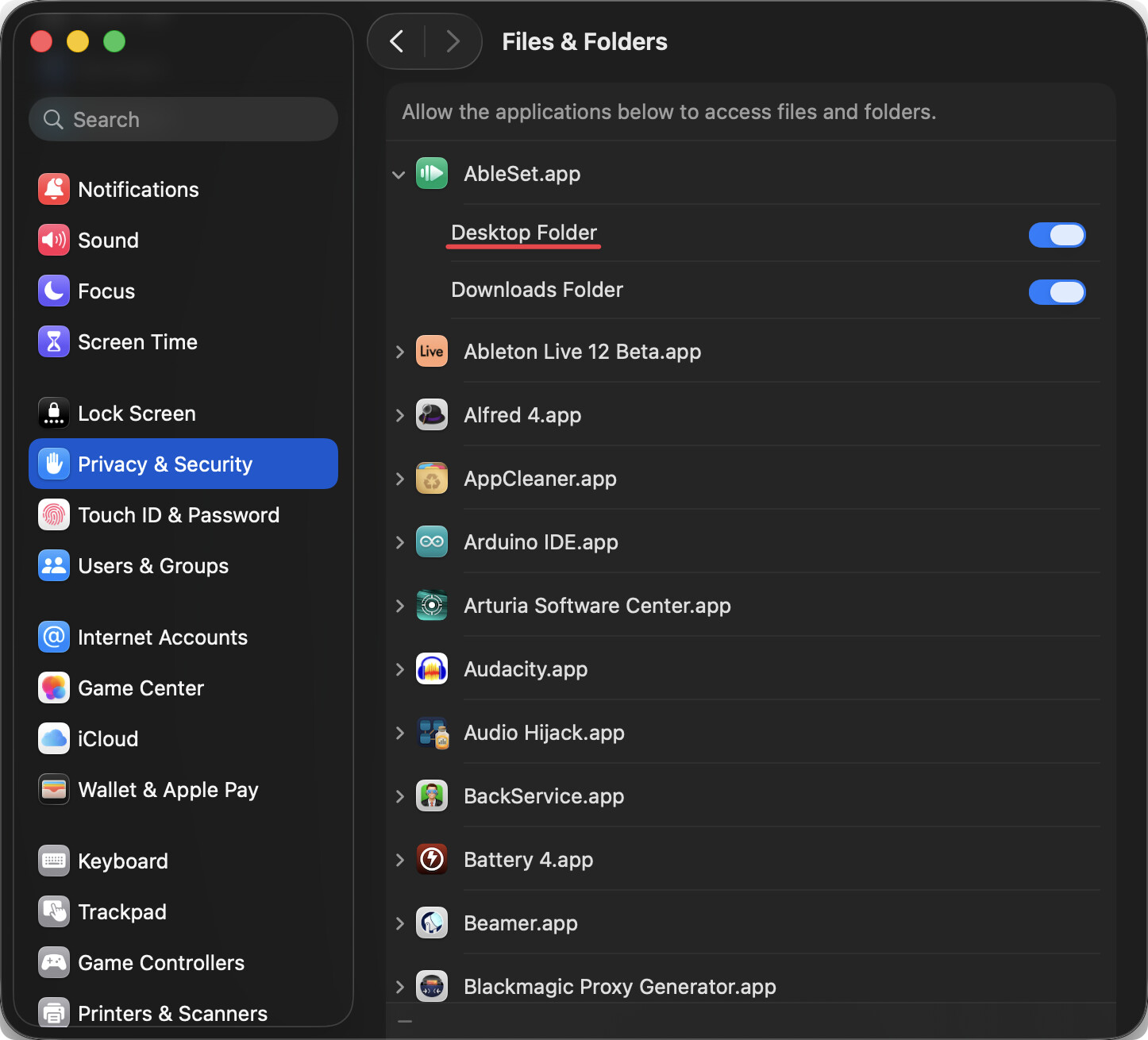
I have Ableset 3.1.2 running on two computers. One computer, it runs fine. On the second computer, I get a permission error regarding the cues folder. I want to do a fresh install of Ableset on both computers to track down the issue. However, I don’t think the uninstaller is working properly on the second computer. This computer has had many versions of Ableset both final and beta. It’s time for a cleaning.
Can you let me know which folders need to be completely removed to leave no trace of Ableset?
In my Ableton project set folder, there is an Ableset folder. Is there anything in there that needs to be removed without losing my customizations?
Thanks for the help!
Hey @Michael,
I’m sorry to hear about the permissions issue! If your project folder is located in your Desktop or Documents folder, you could check macOS’s app permissions to ensure AbleSet is allowed to access those.
If that doesn’t help, the next step would be quitting AbleSet, then removing the “AbleSet/Cues” folder from your project folder and starting AbleSet again.
To uninstall AbleSet completely, delete /Applications/AbleSet.app and ~/Library/Application Support/ableset.
I hope this helps 
Thank you for the reply. I’m sorry I didn’t specify that I use Windows 11.
On Windows, you should find AbleSet folders in %AppData% and/or %LocalAppData% that you can delete to completely remove all AbleSet-related data from your computer.
Hello again. I finally got around to getting that error message from my laptop. When I start Ableset on that computer, I get the following error:
[Window Title]
Error

[Main Instruction]
Couldn't install AbleSet Cues

[Content]
Error: Cannot overwrite non-directory 'C:\Users\Michael\AppData\Local\Programs\Common\VST3\AbleSetCues.vst3' with directory 'C:\Users\Michael\AppData\Local\Programs\ableset\resources\vst\AbleSetCues.vst3'.

[OK]
Ableset continues to run once I dismiss the error.
Hey @Michael,
Could you try manually deleting
C:\Users\Michael\AppData\Local\Programs\Common\VST3\AbleSetCues.vst3 and then starting AbleSet again?
That should fix the error message you’re seeing 
I think that fixed the issue. Thank you very much!