I’ve got an iPhone with AbleSet open in the browser. On the phone itself, it’s called ‘Lewis’s iPhone’, and on my router’s settings page it’s listed as ‘iPhone’ in the device list.
I’m trying to run the OSC command /devices/showPage [device-name] setlist, but neither of the above names produce a response. Using the IP address works, but as the session is opened on different networks at different times, I want to use the name instead (which presumably doesn’t change).
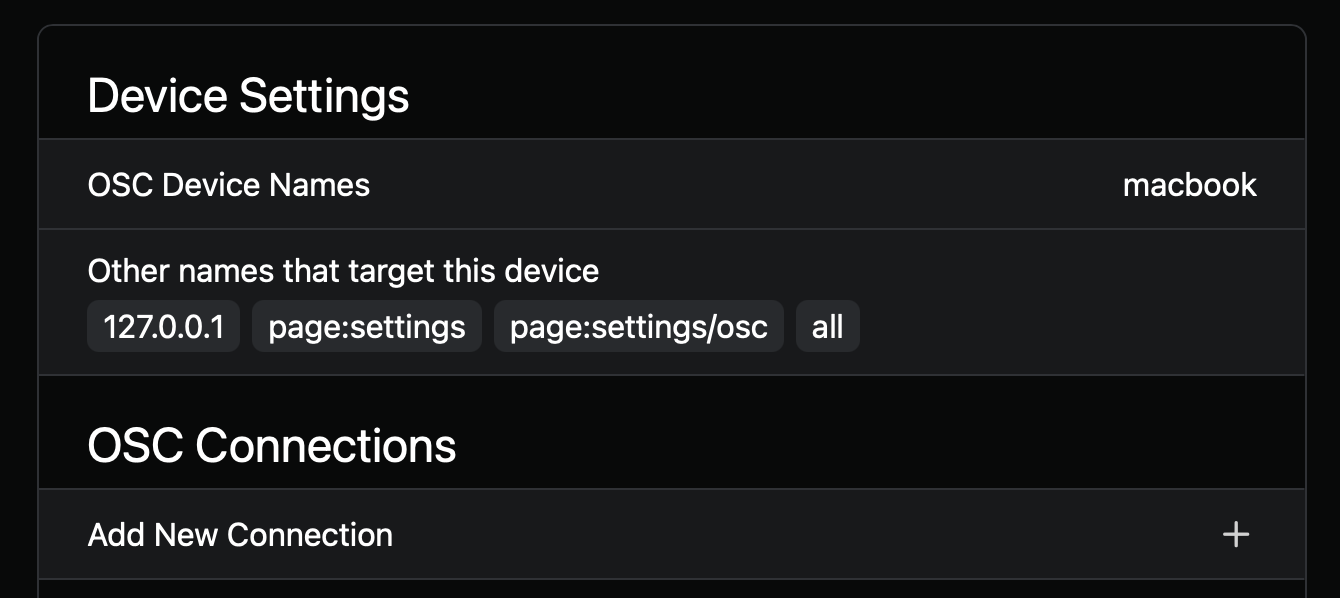
How do I find out what a given device’s name is set to? And how do you change those names or tag them as mentioned in the documentation?
Sorry to make this thread resurface but I’m having trouble keeping the device name ‘locked in’. It seems to reset.
On my iPad I enter ‘Lewis-iPad’, and it works for a time, but at some point later (hard to say when, I use this feature infrequently) I discover that the OSC Device Names field is back to ‘unnamed’, and I have to re-enter the name.
Is this intended behaviour or could this be a bug?
What might be happening is your IP address of the device may be being reassigned because of your router. Some routers only assign the ip address for a few hours for security reasons.
If you want the name and IP to stay the same all the time you’ll need to go into your router settings and go into either LAN or DCHP settings and assign the MAC address of your device to an IP address outside your DCHP range.
ChatGPT can usually help with this if you give it your router model
Thanks for responding! I think this one’s down to my lack of understanding - I didn’t realise the device names were on a per-network basis.
This area isn’t my strong suit so I had wrongly assumed they were being stored by AbleSet itself. It now makes perfect sense why the devices have been unnamed; I’ve been in different locations using different networks.
This is a limitation with the way AbleSet works in a browser. When a web app stores data, it is tied to the current domain name, which could be IP address or host name of your playback computer. When this changes, e.g. because your playback computer’s IP changes, AbleSet can’t access the data stored on the previous domain.
This is a great security measure, otherwise all websites would be able to access other websites’ data, but when using AbleSet, it’s an inconvenience.
I’d recommend using your computer’s hostname (e.g. playback.local) instead of its IP address whenever possible as that doesn’t change between different network setups

 Thank you Leo, that’s done it!