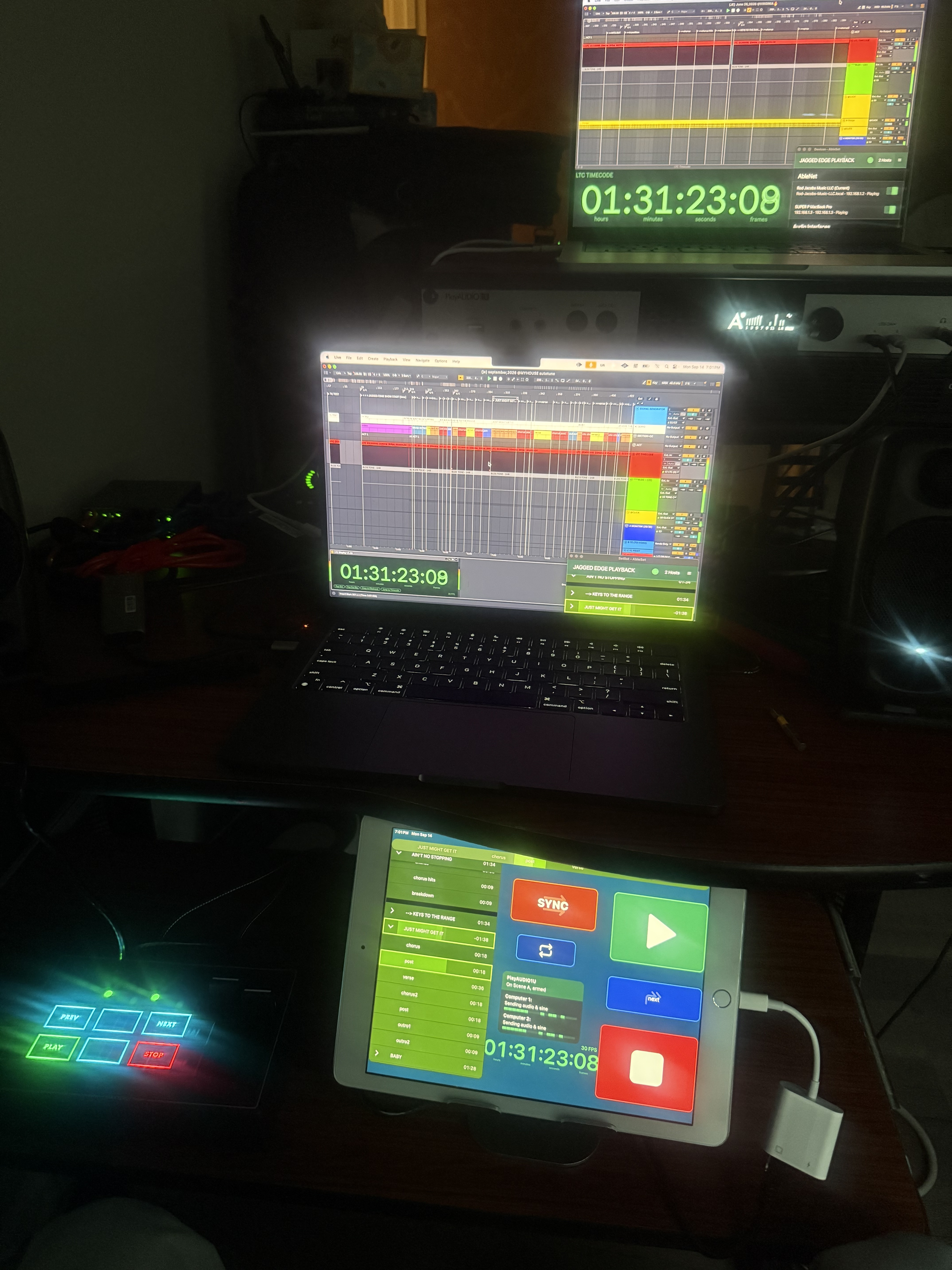
I was using Ableset for playback whilst playing keyboard just the other day.
We came to a moment in our set where we were off track completely but I had a section ready to fire on beat 1 to come back in with the click.
Found it hard in the stage lighting to see what section I had ready and cued up whilst playback is paused. I know that the colour of all the sections before the cued section go more ‘muted’, but honestly I thought it was a little hard to tell what section I had cued and ready whilst trying to do everything MD and play keys on the fly!
Is there a way that there could be an extra level of highlight for the section you have ready and cued in the Setlist view for those moments where you need to see what is cued up and playback is currently paused.
The flashing is great for when you are in playback - so clear to see what section you have cued.
It may or may not be something that just needs a slight adjustment or thought on the visibility not even for just a ‘custom style’ but the base UI? Other people may completely disagree which I’m fine with
And as I’ve said before I really trust @leolabs would come up with a great way for it to be super clear and user friendly!
Many thanks!
would love to use this as it will be very helpful for others looking at Ableset on stage.
Just having trouble with silts sheet and the snippets provided. @leolabs any help would be appreciated thanks!
Hey @jdyoungblood, please excuse my late reply on this!
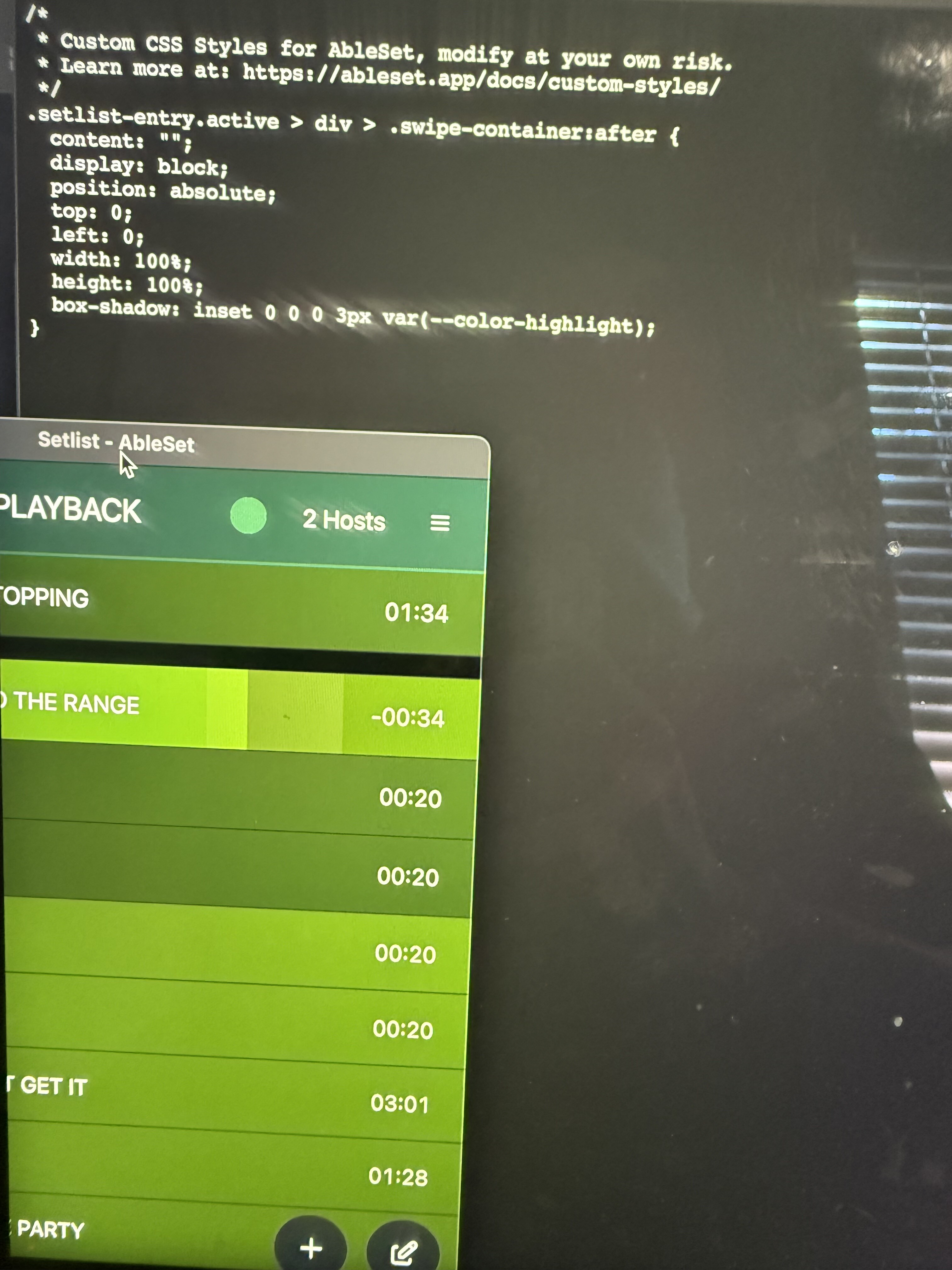
If you’re using the latest beta of AbleSet, the color variables are named a bit differently. Could you try replacing var(--highlight-color) with var(--color-highlight) and check if that works?
Do I delete the own risk warning? I saved and applied but nothings changing . I know I’m doing something wrong lol. Got antsy couldn’t wait for the update lol
Hey @Rod_Jacobs, that looks correct. Could you send me a log package so I can take a closer look at why this doesn’t work? You can upload it to my support inbox.
Alternatively, if you’re comfortable using a beta version, you could try updating to the latest beta which includes this style as a simple setting.
@leolabs Thanks for the quick reply. Unfortunately I used a beta version my first time triggering ableset on a clients show, and it skipped to a random song in the set. I’ll send that package info over and find some patience to wait for the update lol. Side note I’m still amazed by the intelligence of ableset plus everything els works perfectly. Just custom styles at this point css
Hey @Rod_Jacobs, thanks for the package! I found a little typo in my styles which meant that they were referencing a color that wasn’t defined. This should work better:

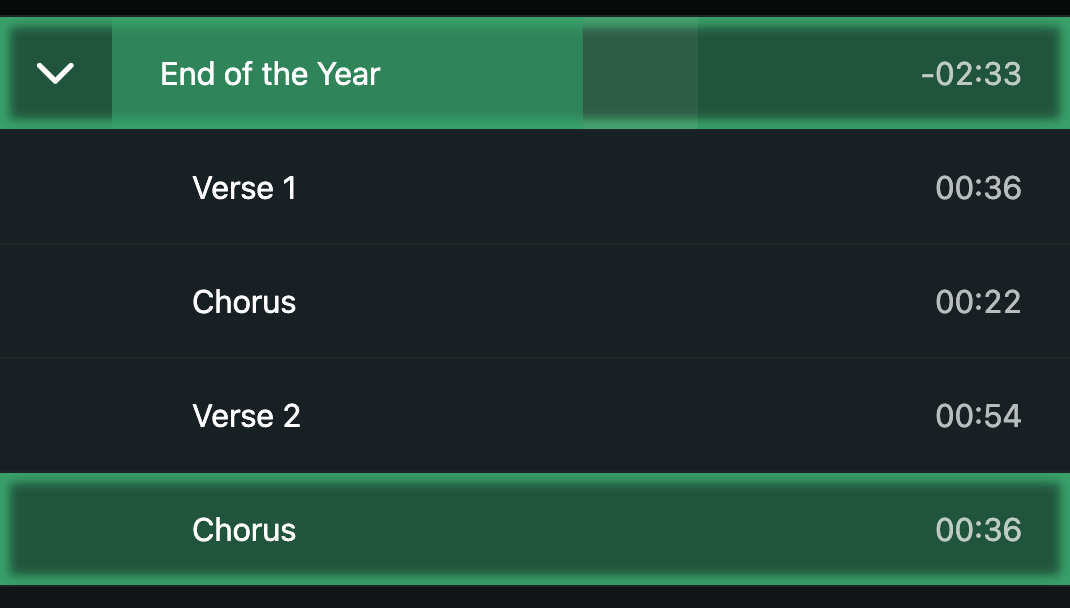
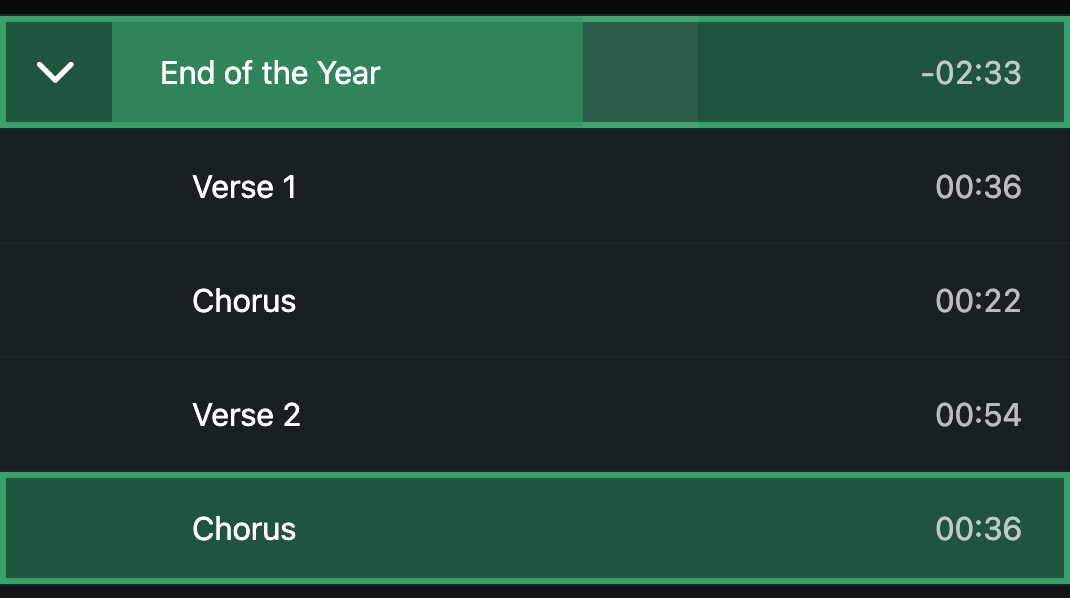


 !
!