Any Update of info from the ‘inside?’
2 Likes
As of July 10th:
We are investigating this behavior with locators and Ableset, but at the moment I don’t have any further updates.
As you’ve experienced the disk overload again, please send me a status report from that computer so I can cross-check it with the previous report if I find a pattern.
Going to send a status report today but I’m thinking we could help each other here - if someone replicates this Disk Overload at home, can they attach a status report to this thread so I can send it to Ableton? I’ll try to make it happen my side too.
1 Like
Last update for now, from Ableton:
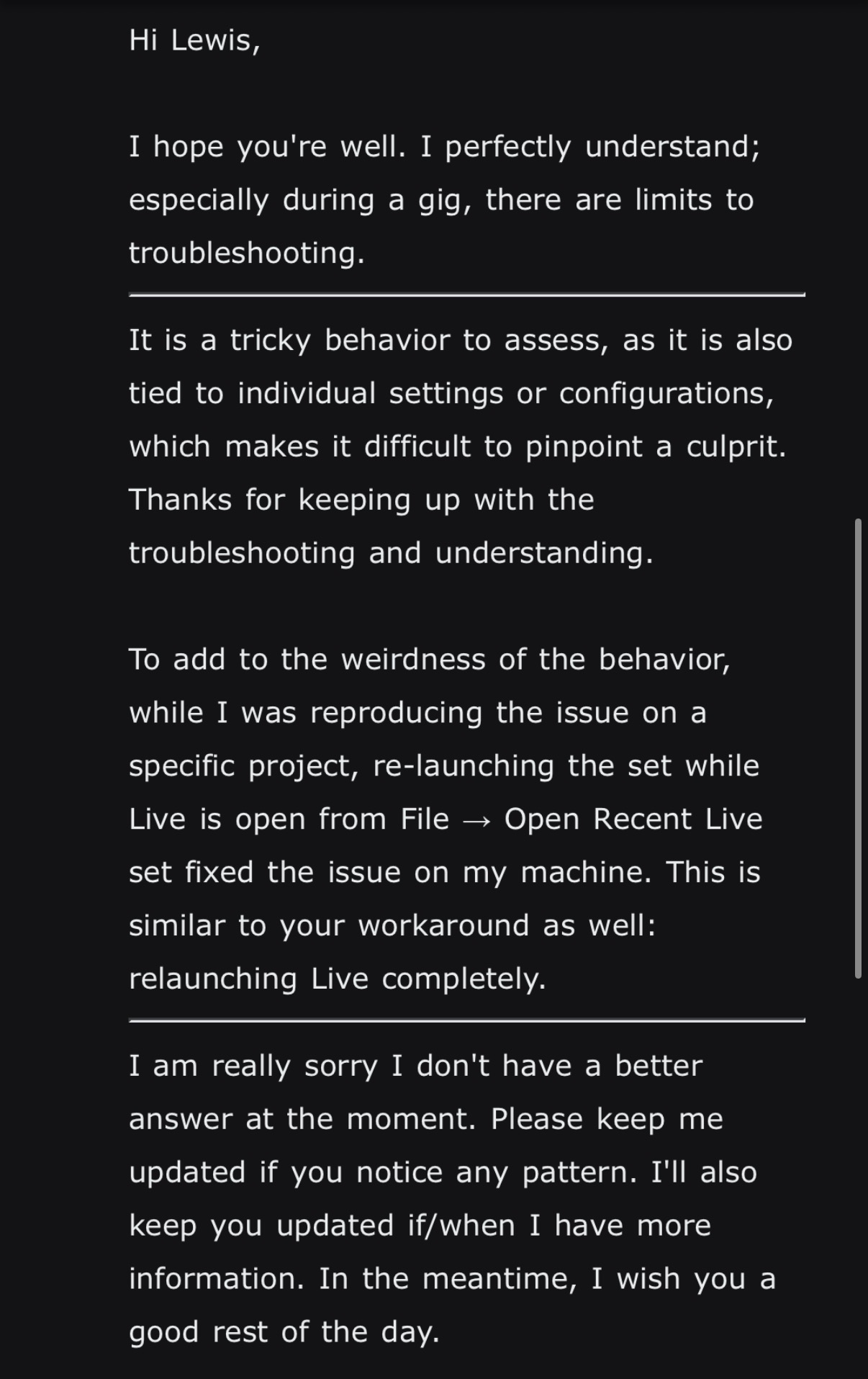
tl;dr Ableton recommends relaunching which obviously isn’t really a fix, but at least they’re aware and looking at it. It would be useful to work out at which number of locators the dropouts become an issue.
1 Like
Ableton just released a new beta version of Live that contains the following bugfix:
Fixed an issue where there were audio dropouts and a blinking disk indicator, when the Transient Mode was selected within Beats warp mode while triggering playback on a locator.
While that description doesn’t exactly match what’s described in this thread, it might be a step in the right direction 
1 Like
Not sure how its related but I have 15 machines at different locations and we have been trying many different ways to fix this from happening. We noticed that Reinstalling the ableset plugin fixed the issue on one of our computers. Maybe cause the python script got corrupted?
Hi everyone!
I started having similar issues to everyone here while building sessions last week and stumbled on this thread. I’m not sure if this is definitely what happened but I noticed the Ableton bug fix relating to transient mode in the beats warp mode, which I leave my warped audio tracks in by default. I tried switching all my clips from beat mode into complex and it seemed to solve the issue! Out of curiosity I then switched all clips back to beat mode and so far in my testing it’s continued to play back with no disk issues.
I am currently building these sessions on a machine without AbleSet installed so I think it’s purely an Ableton issue
M3 macbook pro running Sequoia 15.7.5, Live 12.4.5
Give it a try!
1 Like
Hi all,
For what it’s worth, we’re seeing the same endless, unpredictable issues here across a bunch of different setups and sessions. So far we’ve narrowed it down to: it’s not AbleSet.
Since this caused several show stops last summer, we downgraded all our sets to the latest Ableton 11 build. It’s been running flawlessly since, and gives us a solid failsafe.
Best,
2 Likes
Currently testing 12.4.5 beta for issues after reading this. Will report back with any findings. Starting with 1 computer then rolling it out to about 4 more for testing on a wider scale with different computers.
2 Likes
I recently tried the Live 12.4.15 beta and it seems to be more stable in terms of handling many locators. Adding ~1000 locators and then starting playback worked without any disk dropouts in my testing so far.
Ableton support told me to recommend updating to 12.4.15 once it’s out of beta.
1 Like
Hey all, as this issue still seems to persist for some, I’ve tried to find workarounds so you don’t need as many locators in your project file.
I just released a new beta version that allows you to enable a setting for jumping to sections without locators.

When this is enabled, depending on where you’re jumping, AbleSet will either use the loop bracket to get the playhead to jump backwards or schedule a jump forwards. Since Live doesn’t allow third-party plugins to buffer audio, jumping forwards can sometimes lead to slight dropouts in audio clips.
As a workaround to this, I added another new option that allows you to load relevant audio clips into RAM, essentially enabling the RAM switch for those clips dynamically. This allows Live to jump more smoothly and in my tests so far eliminated the audio dropouts.
You can set this setting to “Current Song”, “Entire Setlist”, “Entire Project”, or “None” depending on how many clips you’d like to load into RAM at once. If there are too many clips in RAM at once, Live’s CPU usage will spike when starting and stopping playback.
If you’re currently still experiencing issues with disk dropouts in projects with many locators and would like to give this beta a try, I’d love to get your feedback on these new options.
I’m looking forward to your replies! 
5 Likes