Hey @LewisDavie,
Please excuse my late reply!
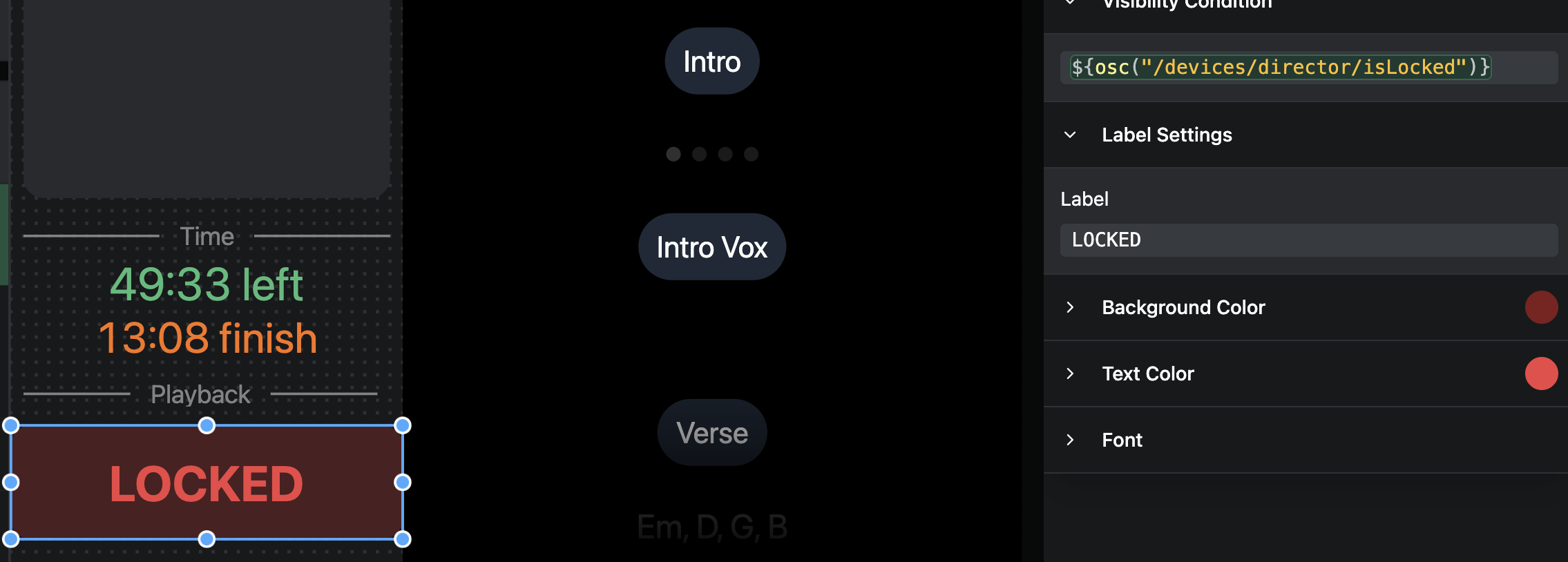
Every browser (laptop screen, iPad, another computer’s browser) is a client connecting to one AbleSet host, the computer running AbleSet. All the OSC values live on that host and are the same for every client viewing it. So /network/ip returns the host’s IP no matter where you look, and ${osc("/devices/director/isLocked")} always reports on the device named “director”, regardless of which screen the canvas is on. On your laptop that name happens to be the thing you’re looking at, so it feels device-relative, but the iPad is reading the exact same host-side value.
Device-specific state does exist, but it’s always addressed by name:
/devices/[name]/isLocked
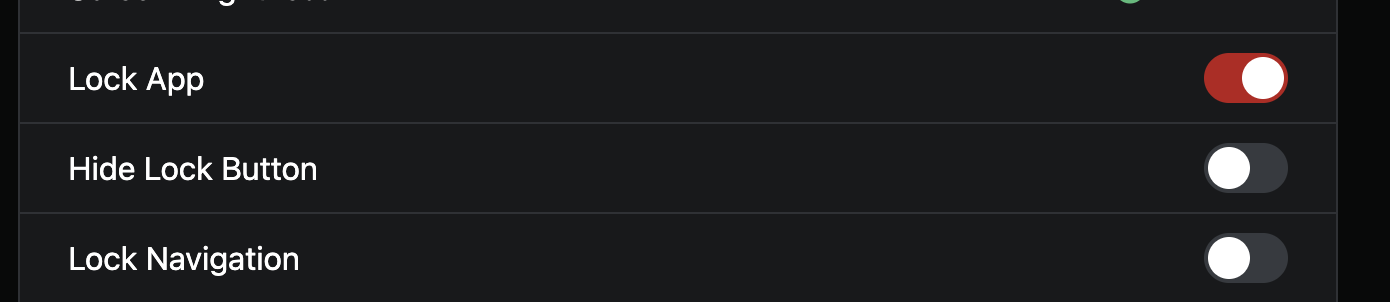
/devices/[name]/isNavigationLocked
/devices/[name]/isLockButtonHidden
/devices/[name]/page/path
/devices/[name]/battery/percentage
Names are set under Settings → Devices → click a device → OSC Device Names (a device can carry several, comma-separated, e.g. “ipad-1, stage”).
There’s no built-in “who am I” value, but you can make a canvas device-aware with a small workaround using a local variable, since those are stored per browser. Note this isn’t native functionality, just a handy trick. On each device, run this once from a Script button:
// run once per device, using the name that matches its OSC Device Name
setLocal("thisDevice", "ipad-1", true);
The true persists it across reloads. Then set the LOCKED label’s visibility condition to:
${osc("/devices/" + local("thisDevice", "") + "/isLocked")}
Now each device reads its own lock state. (Simpler alternative if you’d rather skip the setup: one canvas per device with the name hardcoded, each device pointed at its own.)
As for your other question, it’s the same “source” idea. Your iPad is connected to one host at a time. Canvas image resources live inside the project’s AbleSet folder (Canvas images in AbleSet/Canvases/Resources, lyrics images in the project folder), and they’re served by whichever host the iPad is connected to. Maybe that night the iPad was being served by laptop B, which didn’t have the files, thus “image missing”, even though A had them.
In an AbleNet setup the app state (playback, setlist, canvas layout) syncs between hosts, but file resources do not, each machine serves its own copy from disk. So as a rule of thumb, keep both machines identical: same session, same setlist, and the full AbleSet folder (images and all) copied to both. If the connected host crashes, AbleSet fails the iPad over to the other host automatically, which is exactly why the backup needs its own copy of everything, or you’d hit the same missing images.
You can always check which host a device is on via the Hosts menu or the URL bar.
Let me know if that helps clear things up!
 It might be I’m not using this in the way it’s intended.