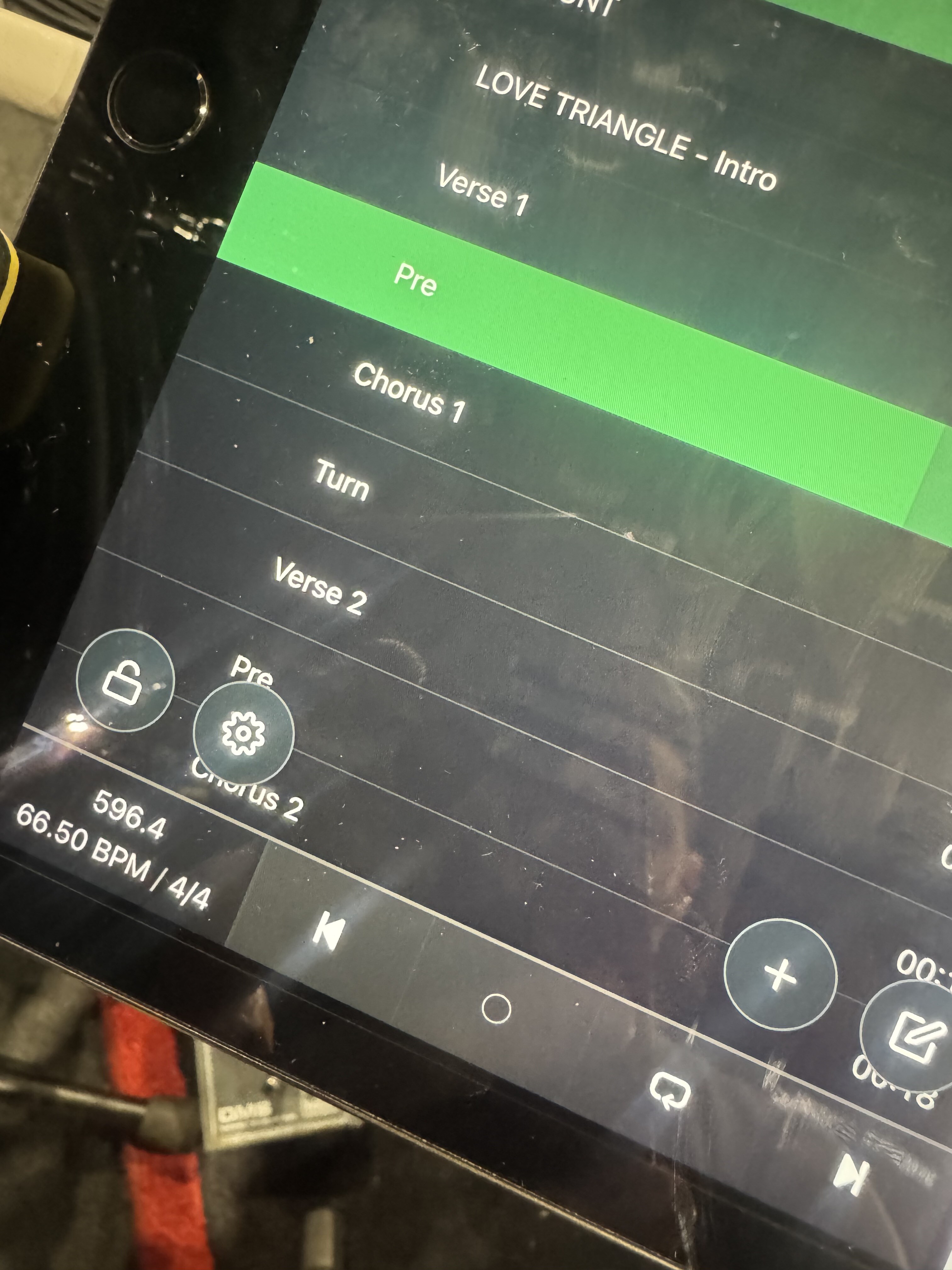
Experiencing a lag in the playback buttons from the iPad running AbleSet. See screenshot. The play button takes maybe 1-2 seconds after it gives a circle animation like it’s loading, and only after that point is it functional.
iPad is plugged directly into laptop. Using the host URL in the iPad browser, not remote. No wifi is connected.
I’m guessing this is an easy indicator to fix or optimize something in the setup to remove the lag. Tried quitting out and reopening, unplugging etc but so far no luck.
To get a better idea of what might be causing it, could you share a bit more info about your setup?
• Which macOS version and what machine (Intel/M1/M2/etc.) you’re connecting the iPad to
• Any custom network settings you’ve configured in macOS.
• The version of iPadOS you’re running
Also, does any of this happen when you open Safari/Chrome on the Mac running AbleSet?
If so, a log package -including your project files- could help. You can create a log package by opening AbleSet’s status window, clicking the settings icon on the top right, and then selecting “Create Log Package”. You can upload that to the support inbox.
With this we can dig in and figure out where the delay is coming from.
We are running a redundant setup with 2 Macbook Airs going into the Playaudio 1U.
The interesting this is, currently I have the iPad going into Macbook #1 (no Playaudio or other Macbook) and there is no lag. Buttons functioning as normal in real-time. I won’t be back with our rig until tomorrow morning, so may have to wait to troubleshoot further then. In the meantime, if there is anything you can advise - thank you!
Hey @DanAinspan, please excuse my late reply on this!
Since your iPad is connected to one of your MacBooks via USB, it can’t access the 2nd MacBook over the network which is why you’re seeing the loading icon for a while until the requests time out.
The easiest way to work around this at the moment would be to connect all devices over Ethernet using a switch or a router. Would that work for you?
Is connecting via a switch sufficient (which does not provide IP adresses AFAIK?!), or do I need router including IP assignment? Need to access the FOH desk in the same network as well….
You can use any switch or router to connect multiple computers. When using a switch, your computers will automatically assign random IP addresses to themselves, which works well as long as you use the .local addresses, but I’d recommend manually setting the IP addresses for consistency.