Describe your issue here:
The more information you include, the better. If you like, you can also attach images or videos.
Please fill out these values to make it easier to troubleshoot:
- OS and Version: (e.g. macOS sequoiaa 15.3 13.3)
- Version of AbleSet: (e.g. 2.2.3)
- Version of Ableton Live: (e.g. 12.3)
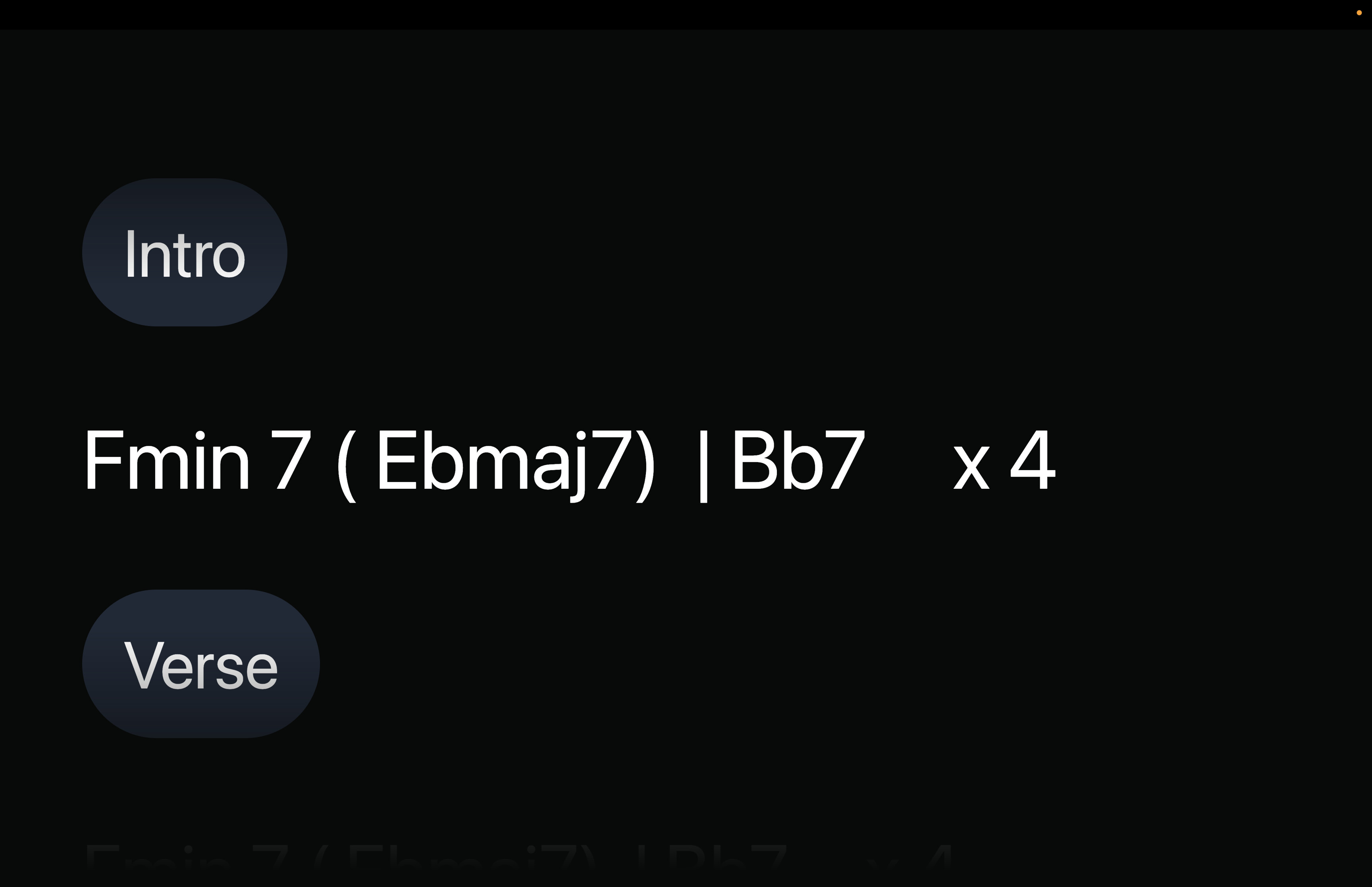
Hi, I am using the Chord + Lyrics tab to create chord charts for live performance (no lyrics, only chords by section).
I’ve noticed a screen-size inconsistency:
-
On a phone screen, the chords for the next section are visible in advance.
-
On a laptop screen, the chords for the next section remain hidden until playback reaches that section.
For live performance, it would be very helpful to see at least the first chord, or ideally the entire next section, ahead of time so the musician can prepare.
I’ve attached screenshots from the laptop view for reference.
Is there a way to enable this behavior on the laptop screen. it would also be helpful to change the font size of the section names to incorporate it
Thank you