Hi!
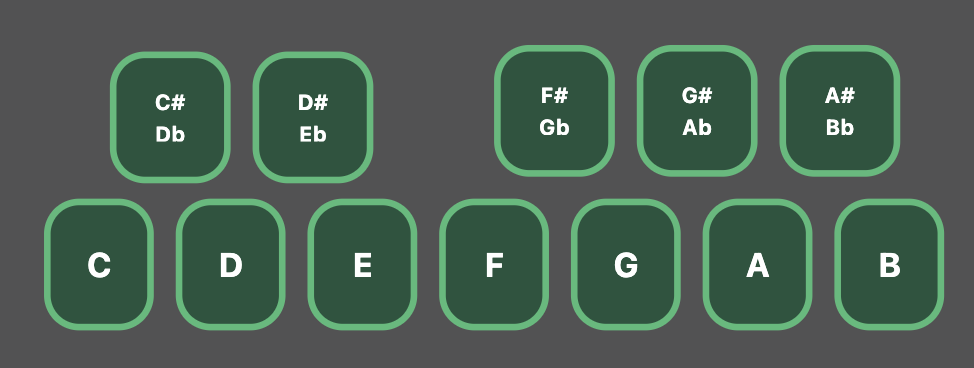
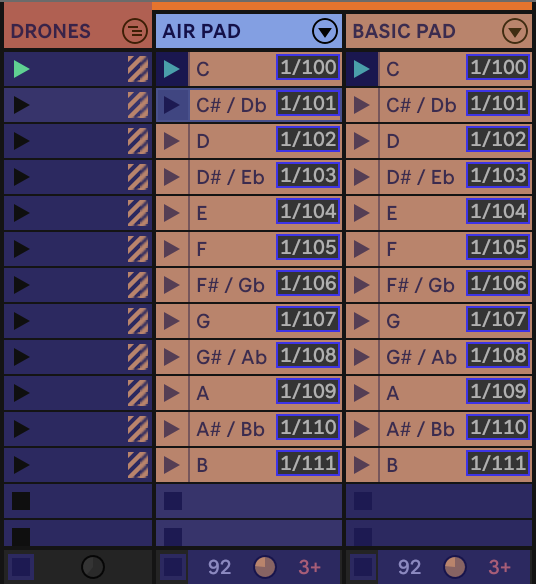
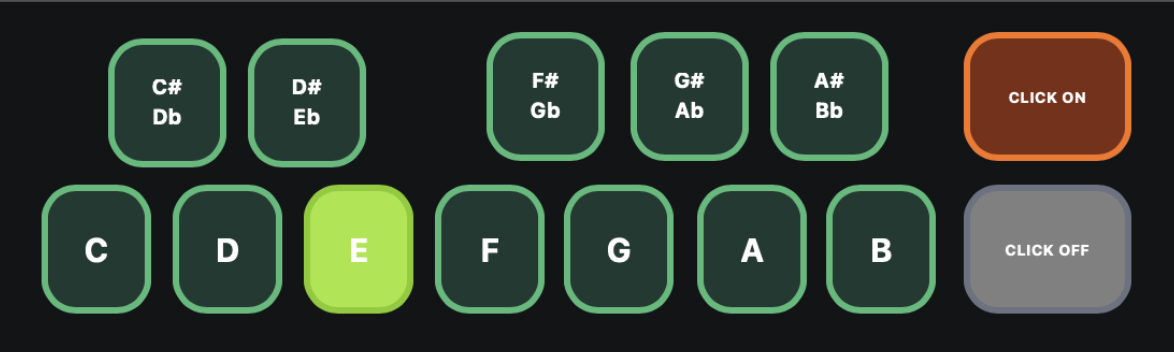
I have made a Canvas that trigger Drone Pads from the Clips in Session View via. CC-numbers. Is there a way to make selected clips (drone pads) change color when a clip is selected? (Like the loop button changes color when enabled?)
Hi!
I have made a Canvas that trigger Drone Pads from the Clips in Session View via. CC-numbers. Is there a way to make selected clips (drone pads) change color when a clip is selected? (Like the loop button changes color when enabled?)
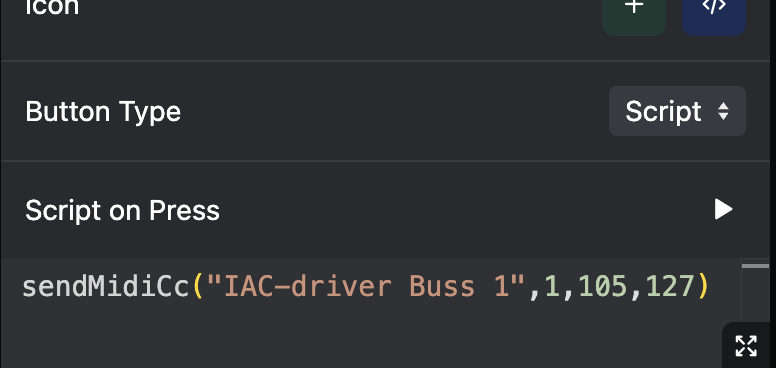
Hey @danielkoppang, if you only use AbleSet to trigger these clips, you could use a shared variable to store the latest selected clip, like this:
sendMidiCc("IAC-driver Buss 1", 1, 105, 127);
setShared("selectedAirPad", 105);
Then, set the button’s background color to “Dynamic” and use the following template:
green-${shared("selectedAirPad") === 105 ? 700 : 900}
This checks if the selected pad matches your button’s CC and uses a lighter color shade (700) instead of the default darker one (900).
Would that work for you? 
Thank you so much, Leo! It worked like a dream
Now I have to figure ou if there is a way to do the same with my CLICK ON/OFF buttons. I’m using Ableton’s Internal Metronome, and I want one button to toggle it ON or OFF. I have mapped it to CC 1/60, and would try love your same scripts here, without having to make a new Return- or Audio Track for routing. Would that work?
Hey @danielkoppang, please excuse my late reply!
You could use the following script for this, but this might not always reflect the current state of the metronome as we change the shared variable without knowing about the actual state of the click:
sendMidiCc("IAC-driver Buss 1", 1, 60, 127);
setShared("click", !shared("click"));
Thanks for the reply, unfortunately it doesn’t affect the button in any way ..
Hey @danielkoppang,
I’m sorry, I forgot the 2nd part of this change. To make the button’s background color react to the shared variable, you can use the following code:
green-${shared("click") ? 700 : 900}
So, if the “click” variable is set to true, the button shows a lighter green, otherwise it shows a darker green.