Describe your issue here:
I have created, used, and access from various devices multiple different canvas’s, but all of a sudden they won’t load even when in their correct folder within the Ableton Project folder (as they always have been). All canvas’s available here - https://www.dropbox.com/scl/fo/2uvsfstlv4hop6gr53z7a/AGgtM6j9Fyklwrk8XY1Yo8w?rlkey=pdk7qguh0avftvvqblsjqm6h0&dl=0
Only Info iPad will load - any idea why the others have corrupted?
Please fill out these values to make it easier to troubleshoot:
- OS and Version: (macOS Tahoe 26.5.1)
- Version of AbleSet: (3.0.11)
- Version of Ableton Live: (12.4.2)
Hey @Crobi2105, thank you for reporting this issue! To troubleshoot, could you elaborate on what you see when you try to open the other canvases? Do they not show up in the list of available canvases at all or do they show up but not load when you switch to them?
I’m looking forward to your reply!
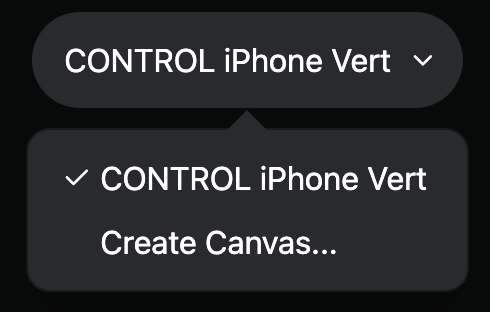
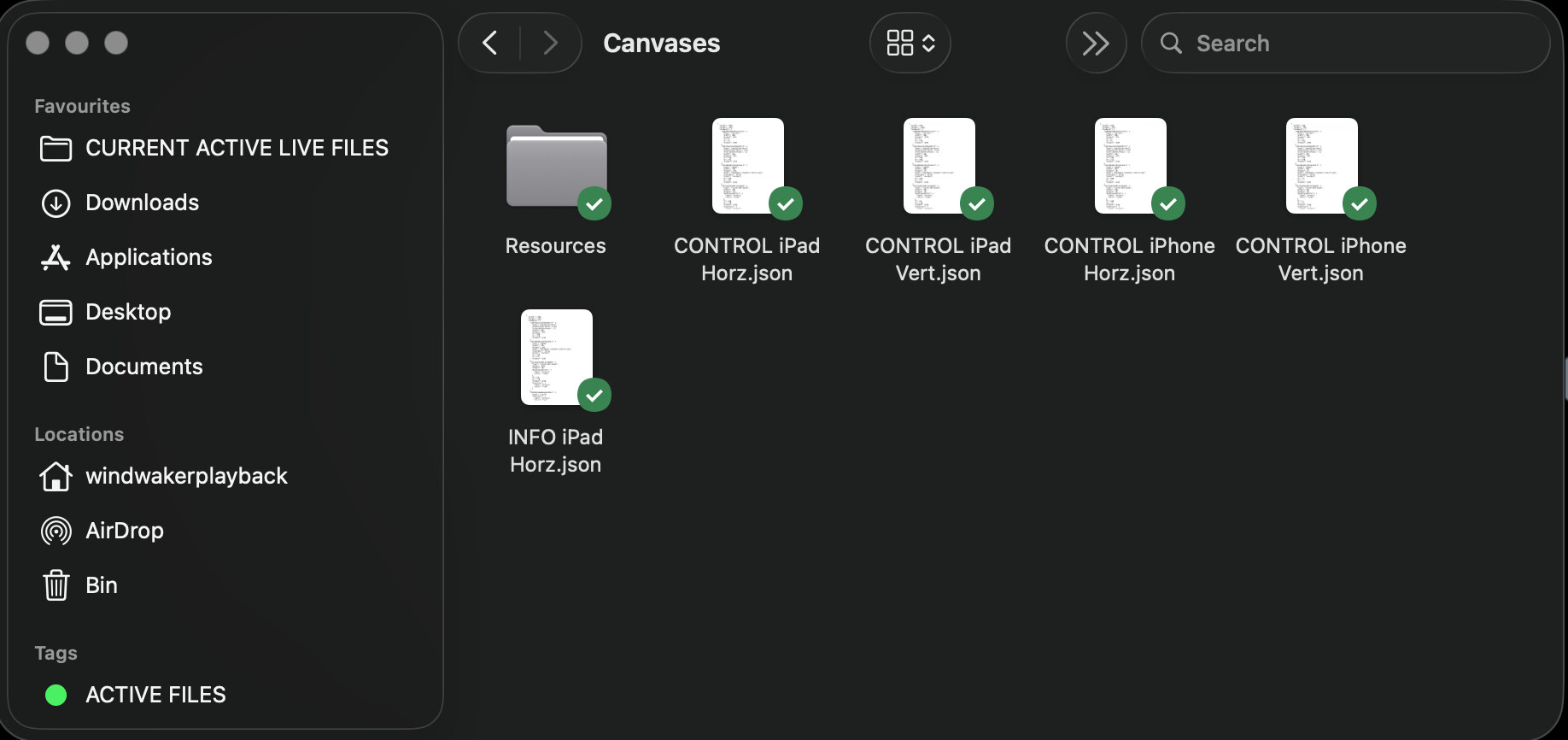
Hey mate! They don’t appear as canvas’s in the editor menu at all - I can’t see them within ableset but can see the files in finder
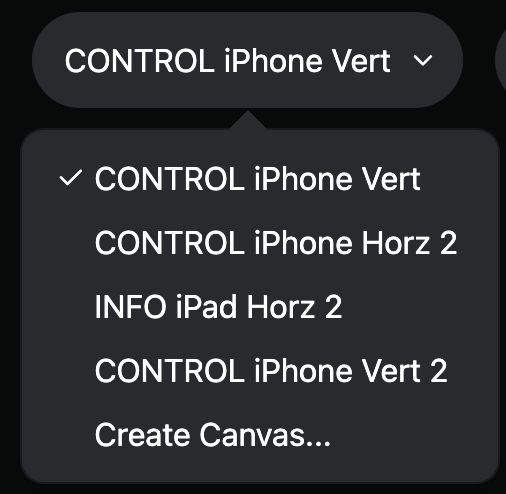
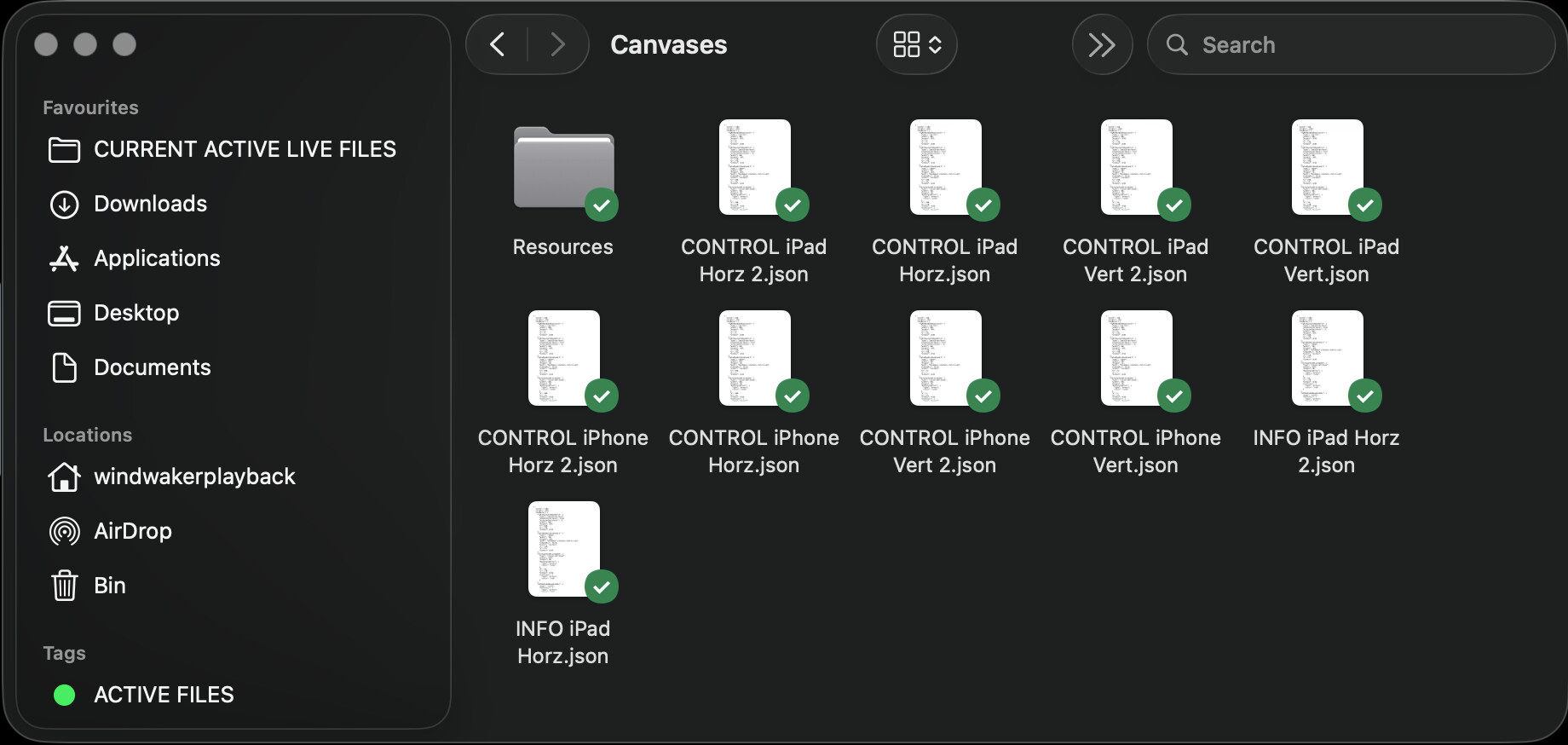
Update on this one, when I launch ableset / Ableton, the most recent canvas I had selected on last save will be available. and the only way to get some of the other canvas’s In the folder to appear is to duplicate them in the canvas’s folder with Ablest open. I’ve attached screenshots of the finder folder before and after duplicating and then what is available in ableset before and after
Hey @Crobi2105, please excuse my late reply!
Could you try installing the latest beta and check if this issue still persists?
I’m looking forward to your feedback