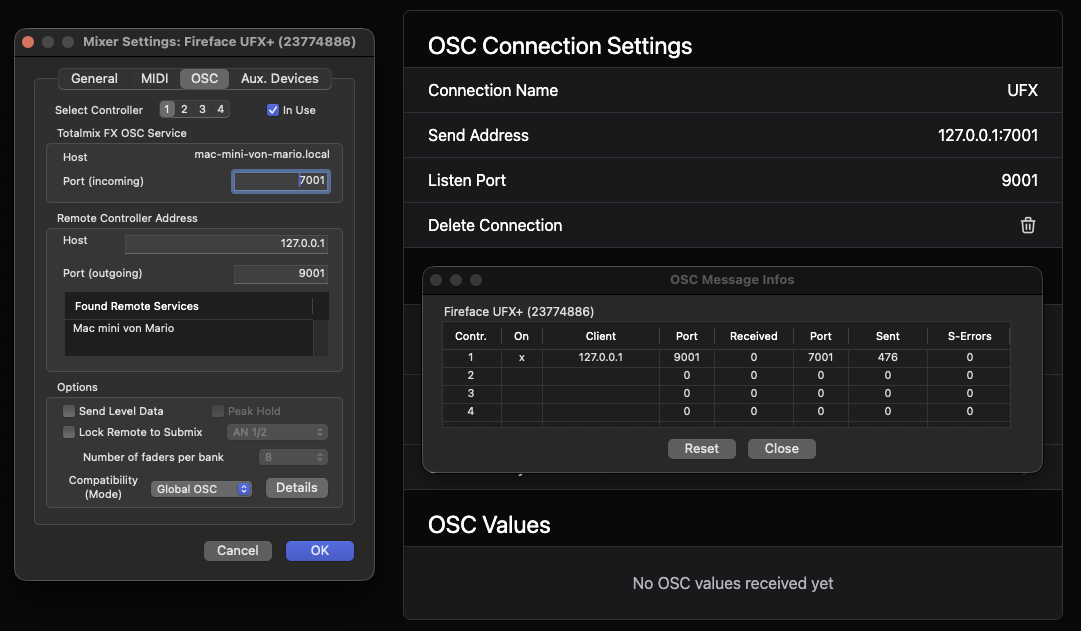
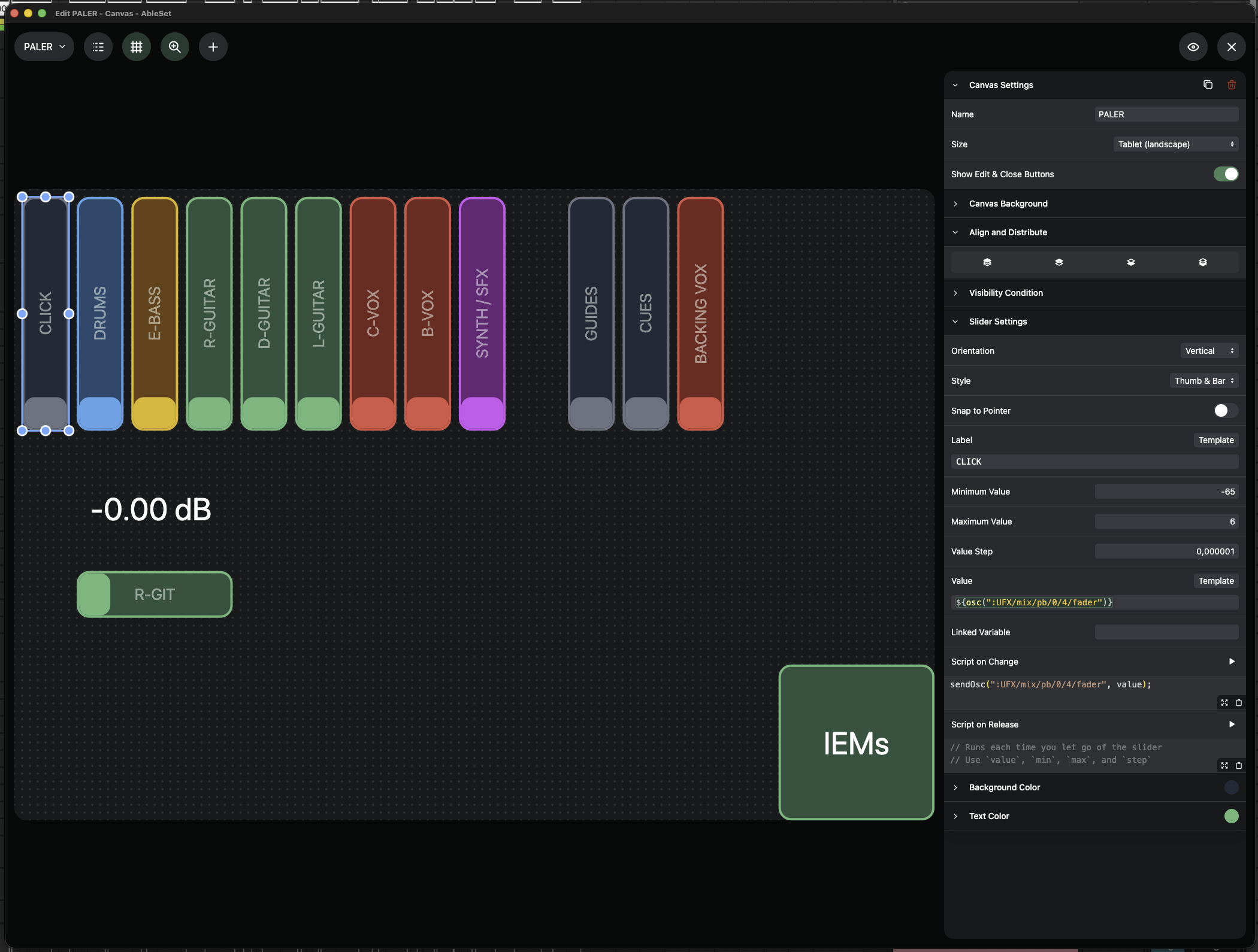
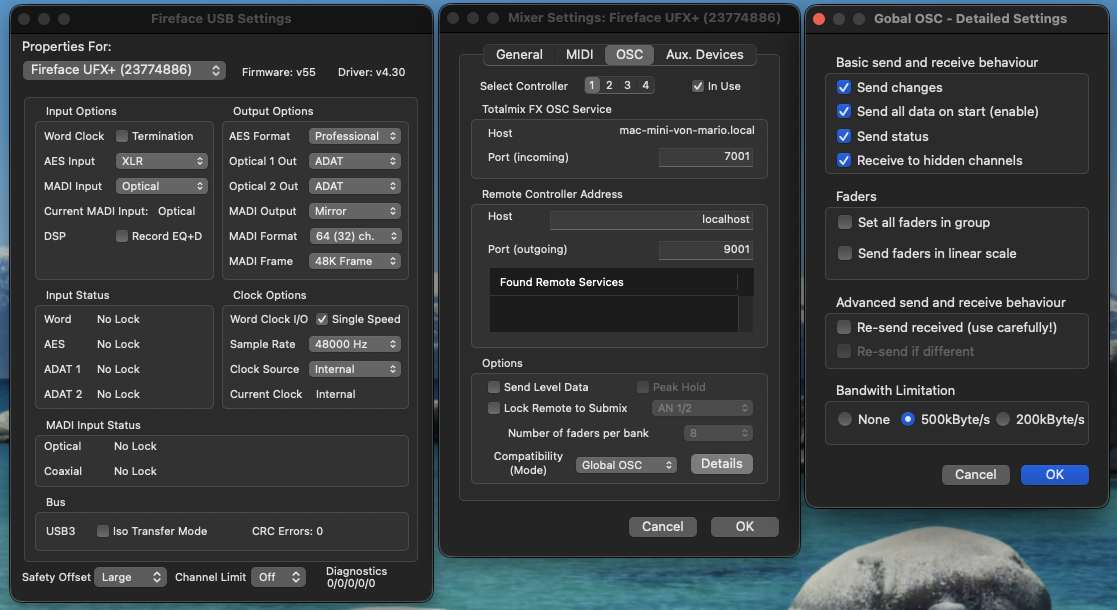
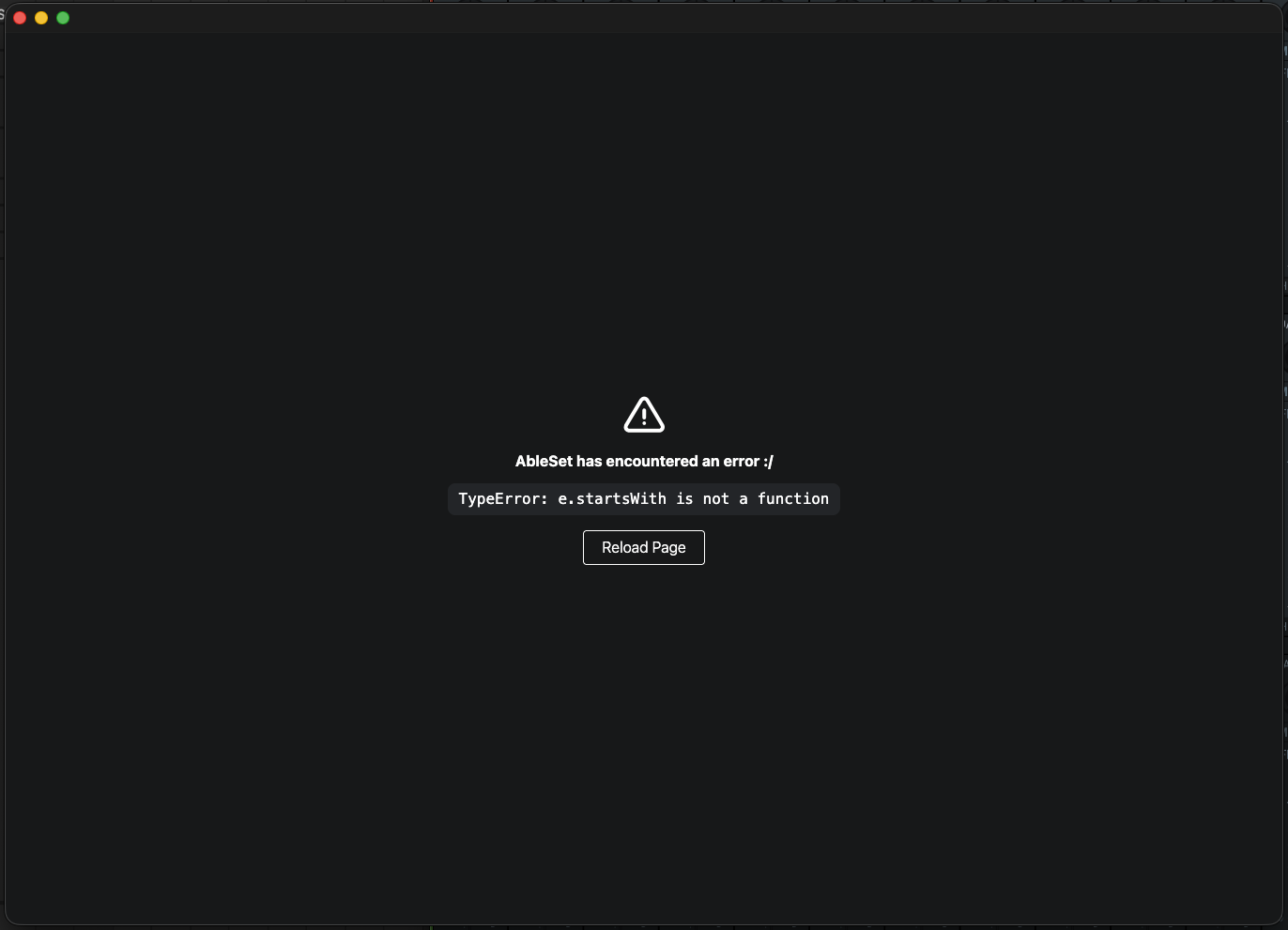
I’m currently having trouble receiving OSC messages from my RME UFX+ interface in AbleSet. Sending messages to the interface works perfectly, but I can’t receive any data.
What am I doing wrong, or what else do I need to do?
Do I need to define each message as a shared variable in AbleSet beforehand in order to receive the message and work with it?
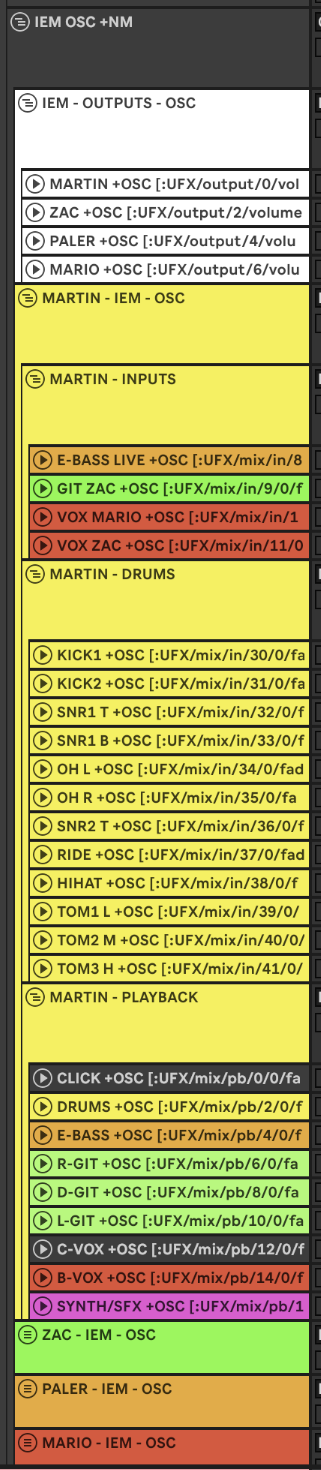
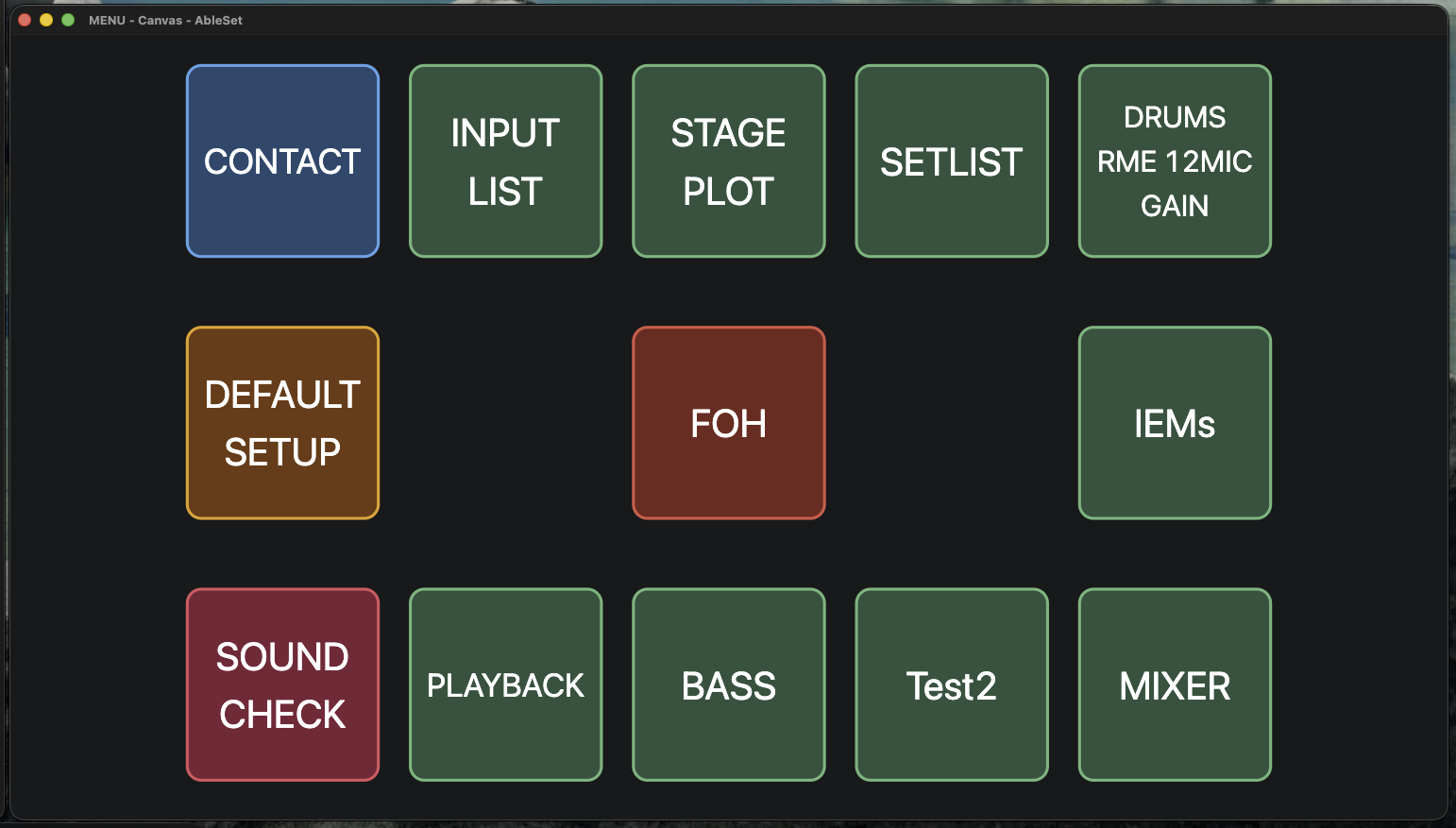
I want to create a canvas with the respective IEM mixes for the musicians so that they can control only their own mix. Right now, I’m missing the return signal to move forward.
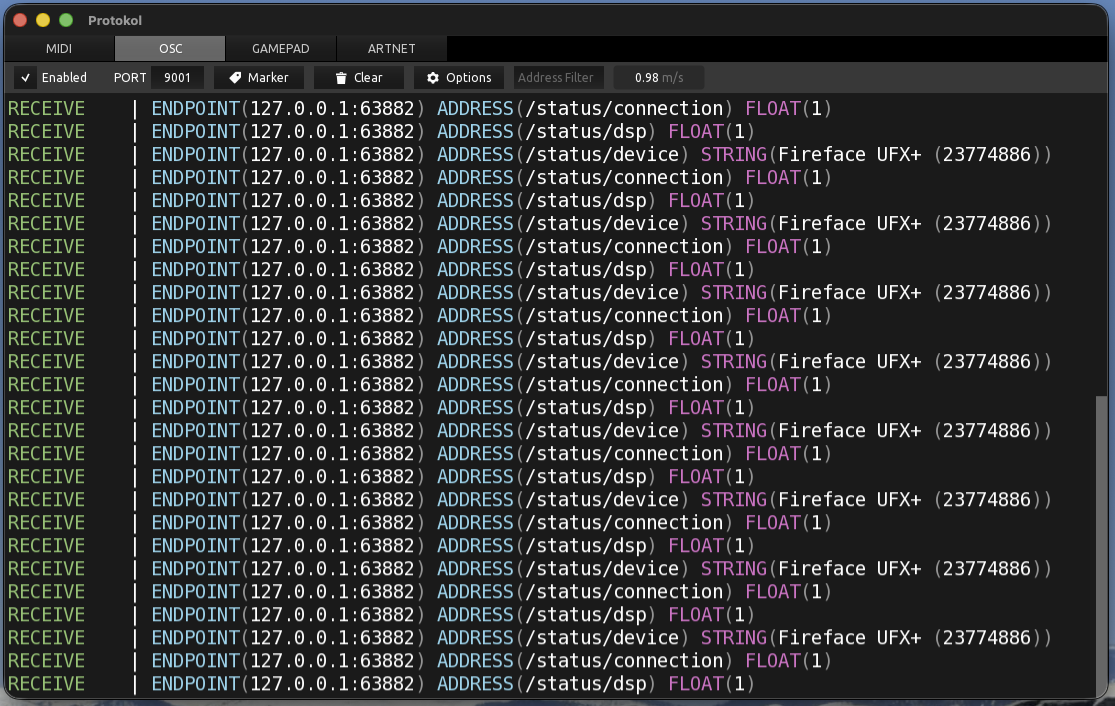
AbleSet sends to the RME on port 7001 (which matches your TotalMix “Port incoming”), and the RME sends its feedback to 127.0.0.1:9001 (which matches AbleSet’s Listen Port). That’s why sending already works, and your Protokol capture confirms the RME really is sending data to 9001.
Also, AbleSet automatically stores incoming values from an OSC connection on its Listen Port, and you read them straight from templates or scripts with osc(":UFX/...") — exactly like you’re already doing in your slider’s Value field (${osc(":UFX/mix/pb/0/4/fader")}). That part is correct.
So the first thing to rule out would be a port conflict. In your screenshot, Protokol is listening on port 9001 (the same port AbleSet’s connection is set to listen on).
As Protokol isn’t part of your actual setup, but a monitoring tool, try closing Protokol (and any other OSC monitor), so AbleSet is the only app listening on 9001. Nothing needs to change in AbleSet or on the RME.
Then, in AbleSet, open the OSC connection page and look at the OSC Values list at the bottom. If the RME’s data now shows up there, receiving is working.
In your Protokol capture, the RME was only sending /status/... messages, not the fader values (/mix/pb/...). That may just be because nothing was moving at that moment, but once the port is free, try moving a fader and check whether the corresponding value appears in AbleSet’s OSC Values list. If the status messages come through but the fader values don’t, that would point to a different issue.
Those were just sample photos.
Of course, I closed the Protokol program beforehand.
I opened it afterward because no data was coming through.
The interface can also stream fader data continuously—
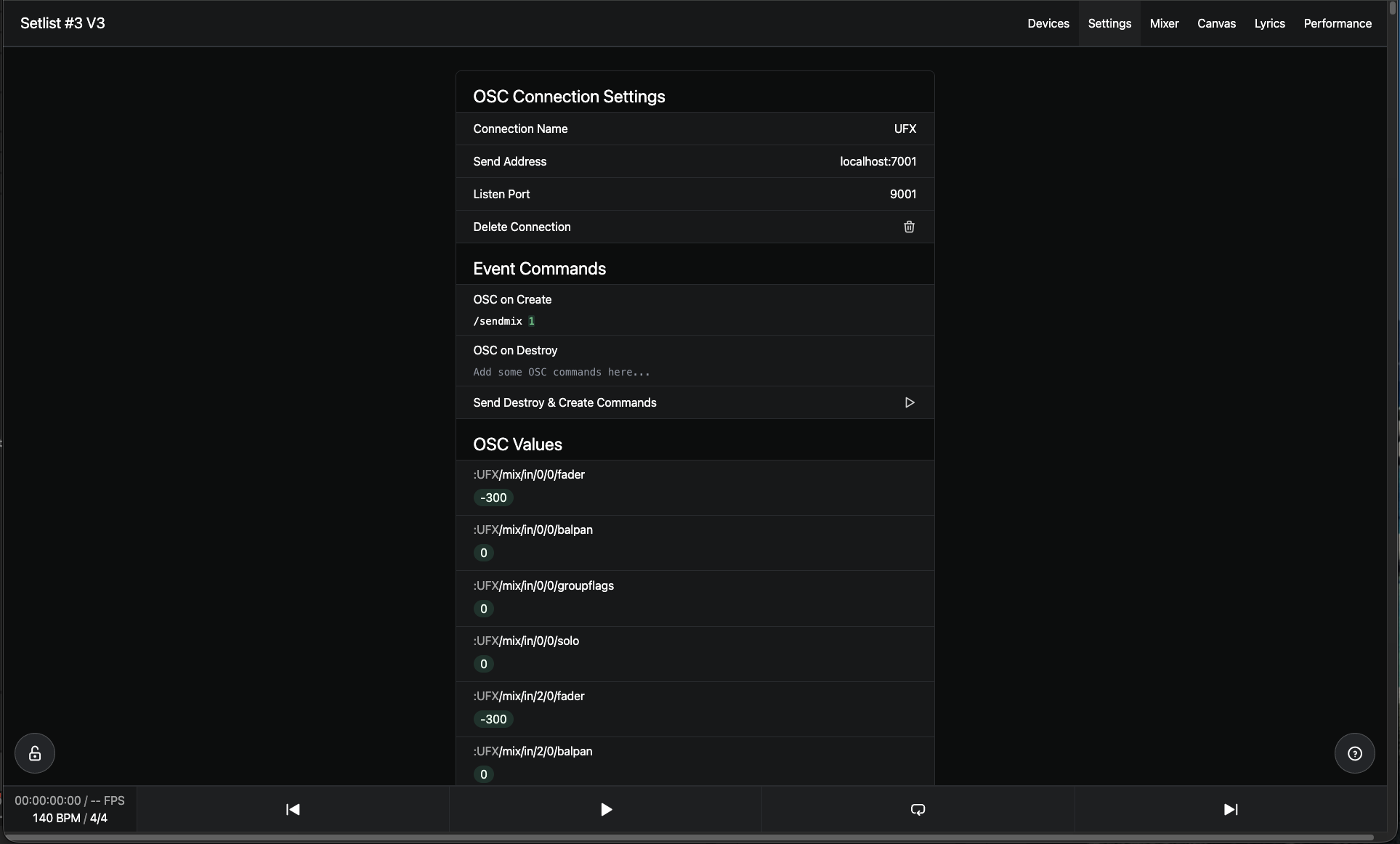
I tried that, too—but unfortunately, the OSC Connection window (in AbleSet) doesn’t display any relevant information.
To understand what’s going on, could you please create a Log Package?
You can create a log package by opening AbleSet’s icon tray, clicking the gear icon, and then selecting “Create Log Package”.
Please make sure to include your project files as well (just the .als files, no audio needed).
To send the files, you can upload them to AbleSet’s support inbox.
If you can, it’d also help to have the log package created right after you’ve had the RME streaming fader data, that way the incoming traffic is captured in the logs if it is indeed coming through.
I dug into this a bit more, cross-referencing the RME Global OSC protocol.
Could you give this a try and let me know?
I don’t have a UFX+ on hand to reproduce this myself, so this is based on my interpretation of the Global OSC protocol rather than a confirmed test on my end. That’s why I’d ask you to try it and let me know what shows up.
It seems that in Global OSC mode, the RME doesn’t push its channel/fader values on its own. The only thing it sends automatically is a status heartbeat (roughly one /status/... message per second), which is what showed up in your Protokol capture. The actual fader values may have to be requested. The controller (AbleSet, in this case) has to ask the RME to send its state.
The protocol has dedicated commands for this, for example:
/sendall 1 — triggers a send of all parameters
/sendmix 1 — triggers all mix nodes (more targeted, good for your IEM playback faders)
So the idea is to have AbleSet fire one of these off automatically as soon as the connection opens. You can do that in the OSC connection settings using the “OSC on Create” field. It sends commands (without the :UFX prefix) the moment the connection is established, which is the same mechanism used to initialize things like AbletonOSC.
What I’d try:
Open your UFX OSC connection settings in AbleSet.
In the OSC on Create field, add: /sendall 1 (or /sendmix 1 if you want to keep it scoped to the mix).
Reconnect / reopen the connection so it fires, then check the OSC Values list at the bottom of the connection page.
If the RME dumps its state on connect, you should start seeing the fader values populate there, and from that point on the individual changes should come through as you move faders. As a side note, some TotalMix versions also have a “send all data on start” option that achieves something similar from the RME side.
Could you give that a go and let me know what shows up?
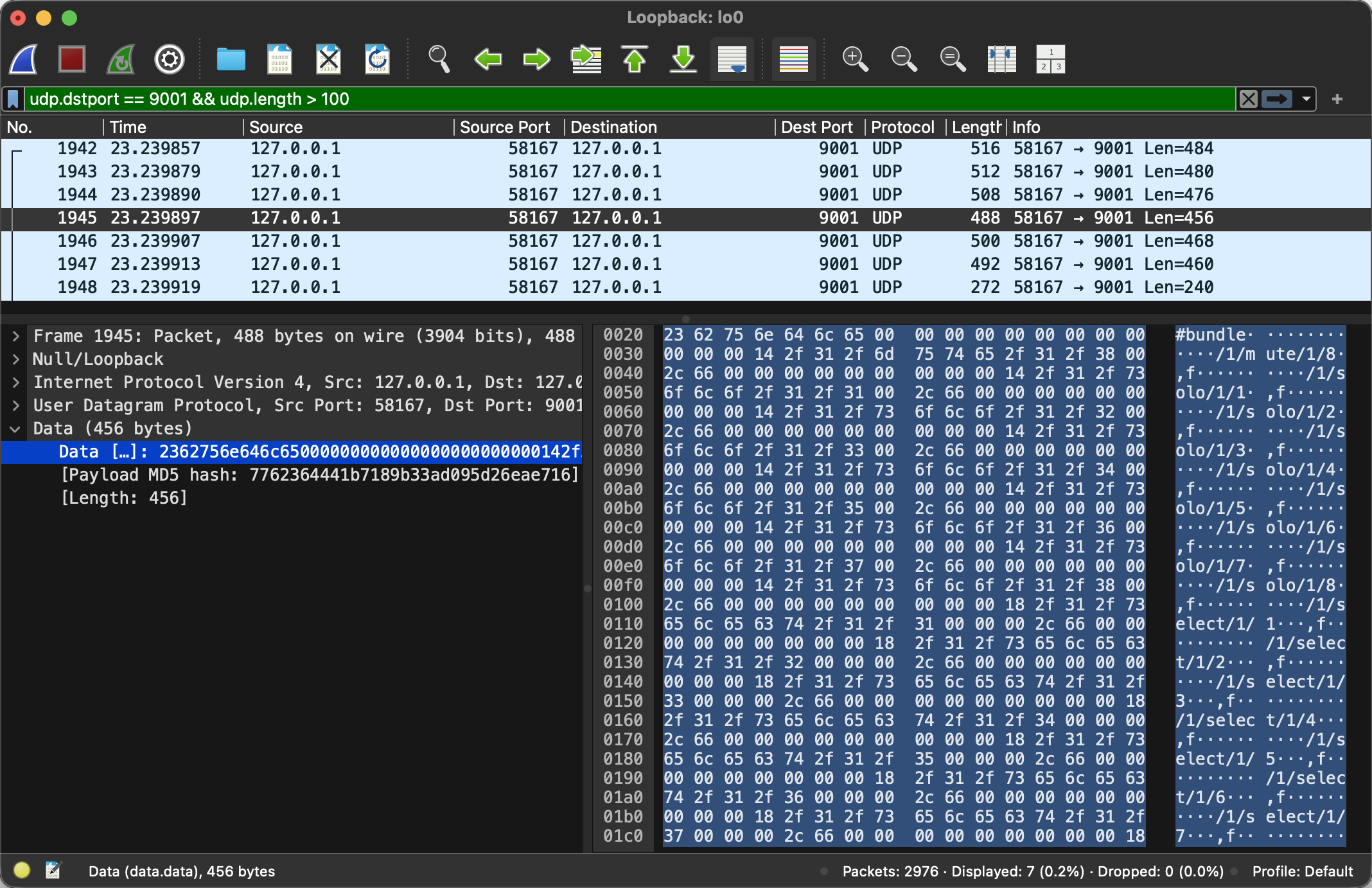
Hey @Tabora, I just took a look at this and found out that TotalMix sends multiple OSC messages in bundles which AbleSet doesn’t support yet. I’ve just implemented support for this and will include it in the next update soon
@leolabs Thank you very much!
Can you explain to me how you figured out that RME sends OSC messages in groups?
I’m currently trying to better understand OSC, so I’d appreciate any explanation.
@agustinvolpe Thanks for your quick help!
You guys are an excellent team.
@Tabora I just released a new version that should be able to handle OSC bundles. You can download it here.
Regarding your question, I used WireShark to capture network traffic on the loopback interface (lo0) and inspected the contents of all UDP packets sent to port 9001:
@leolabs
Is it possible for you to make this feature available in the beta version as well?
I’ve already been using the beta and can no longer access my canvas.