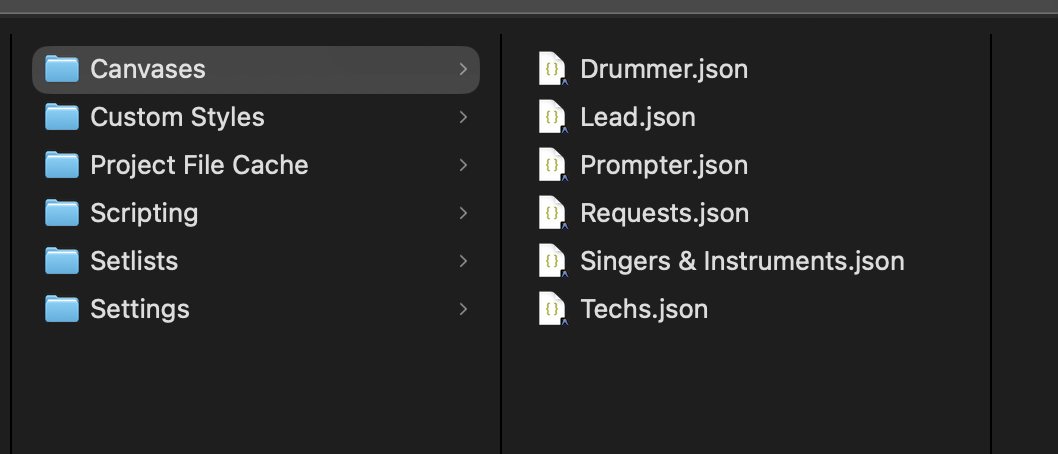
Currently, all but one of my canvases will appear in the browser.
For some reason, only one canvas is avaiable for me at a time. I have six canvases total. My current workaround is to drag one of the .json files out and back into the folder and it reappears on the browser. But it then removes the previous one I used. Is this a known bug or setting I am missing somewhere? This issue persists across devices when sharing the Ableton Show Folder. Screenshot and software versions listed below.
Thanks!
- OS and Version: macOS 26.5
- Hardware: Macbook Pro 2023 M3 Pro
- Version of AbleSet: 3.0.11
- Version of Ableton Live: 12.4.2