Best way to control Ableset with iPad using either Stream Deck APP, or companion

So far I am having trouble getting setup the way I want. I need a nice-looking, easy stage control with nice sized buttons (am a drummer) and want to use iPad.

It seems you cannot assign keys in Ableset to make it work with Stream Deck App, correct?

So that leads me towards Companion, but it seems with Companion, you can’t really make it look as nice as the Stream Deck app for on-stage use. I am finding there is no way to make the buttons section look nice and full-screen in the web browser on iPad.

What am I missing and how should I proceed? I would like things to run with as little to go wrong live as possible.
Hey @Eric,

Depending on which edition of AbleSet you’re using, you could build your own control surface as a Canvas. This allows you to order buttons, labels, the setlist, lyrics, etc. exactly the way you like.

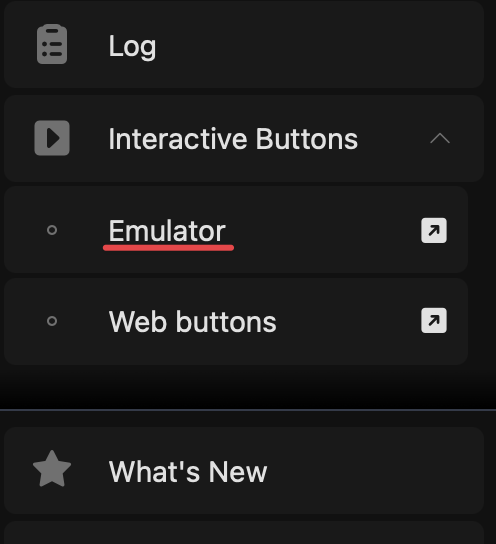
Alternatively, if you’d like to use Companion, you can use their Emulator function to display the buttons you’d use on a Stream Deck on your iPad:

Once set up, you can add this page to your iPad’s home screen using Safari’s share button to access it without any browser UI surrounding it.

Let me know if this works for you :slight_smile: