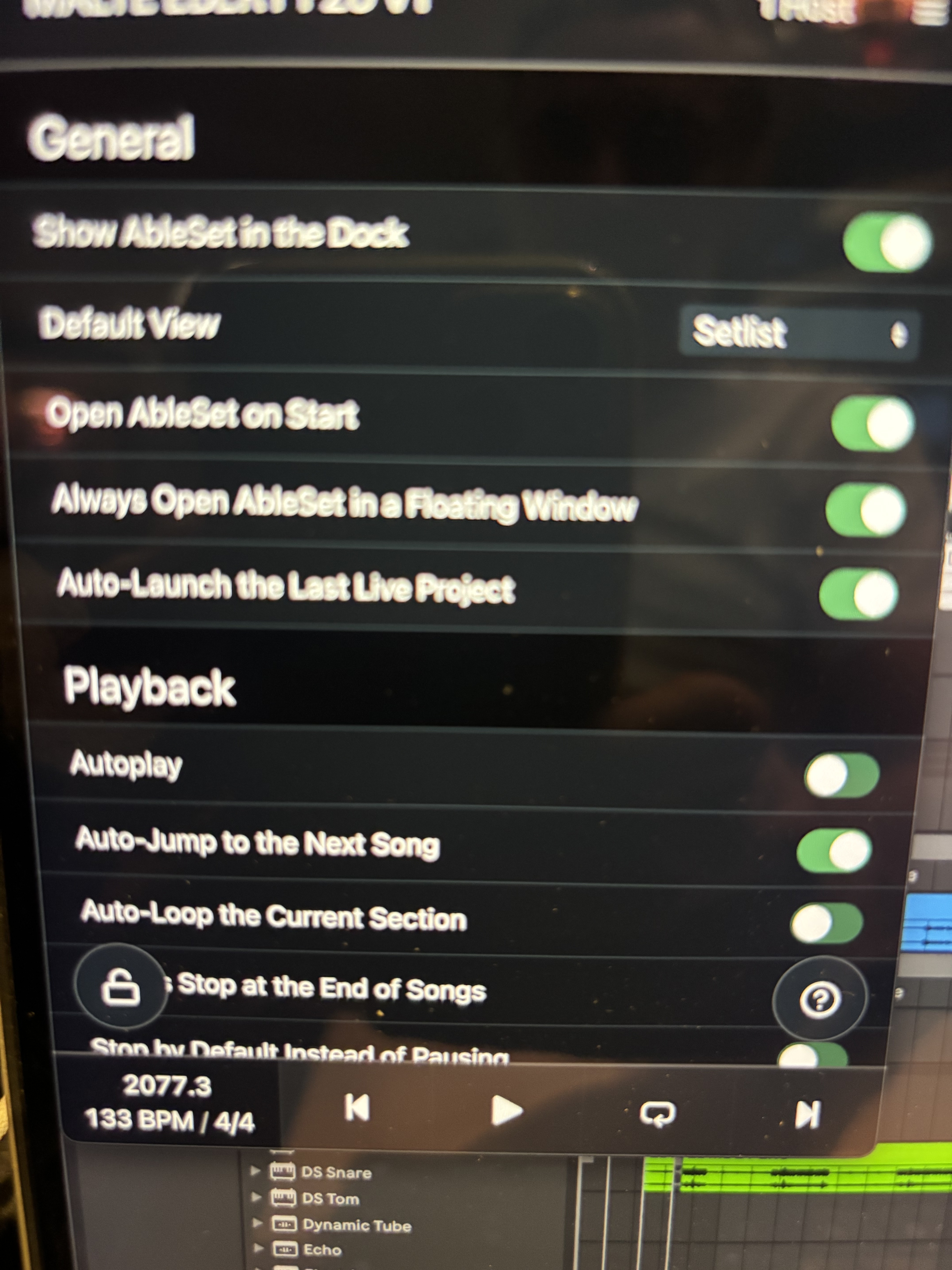
Hi all
In Ableset settings, there’s a button called “Auto-launch the last Live Project”
Is this supposed to work and how?
This will be a tremendous help in my workflow.
Thanx,
Thomas
Hi all
In Ableset settings, there’s a button called “Auto-launch the last Live Project”
Is this supposed to work and how?
This will be a tremendous help in my workflow.
Thanx,
Thomas
Hey @teecue,
Yes — it works exactly as the option describes.
That setting works in tandem with Ableton Live.
If you enable:
AbleSet → “Auto-launch the last Live Project”
and also have Ableton Live set to open automatically when AbleSet launches
then AbleSet will reopen the last Live project that was loaded when AbleSet was last closed.
So the flow is:
Open AbleSet → Live launches → last Live project opens automatically.
If anything behaves differently on your end, just let me know and we’ll take a look.
Thank you very much for fast reply:folded_hands:
Unfortuneately it doesnt work.
When I launch Ableset, it launches Ableton alright, but not the last set, just the default empty template.
What could I be missing?
Best,
Thomas
Thanks for the details!
Could you try this exact sequence and let me know how it goes?
Open AbleSet
Manually load the Live Set you want in Ableton Live
Quit AbleSet first
Then quit Ableton Live
Now launch AbleSet again (which should auto-launch Live).
AbleSet should now reopen that last Live Set.
If it still opens the default empty template, please send over a Log Package (by clicking on AbleSet’s tray icon > Gear icon > Create Log Package) and we’ll take a closer look.
I’m looking forward to your reply!