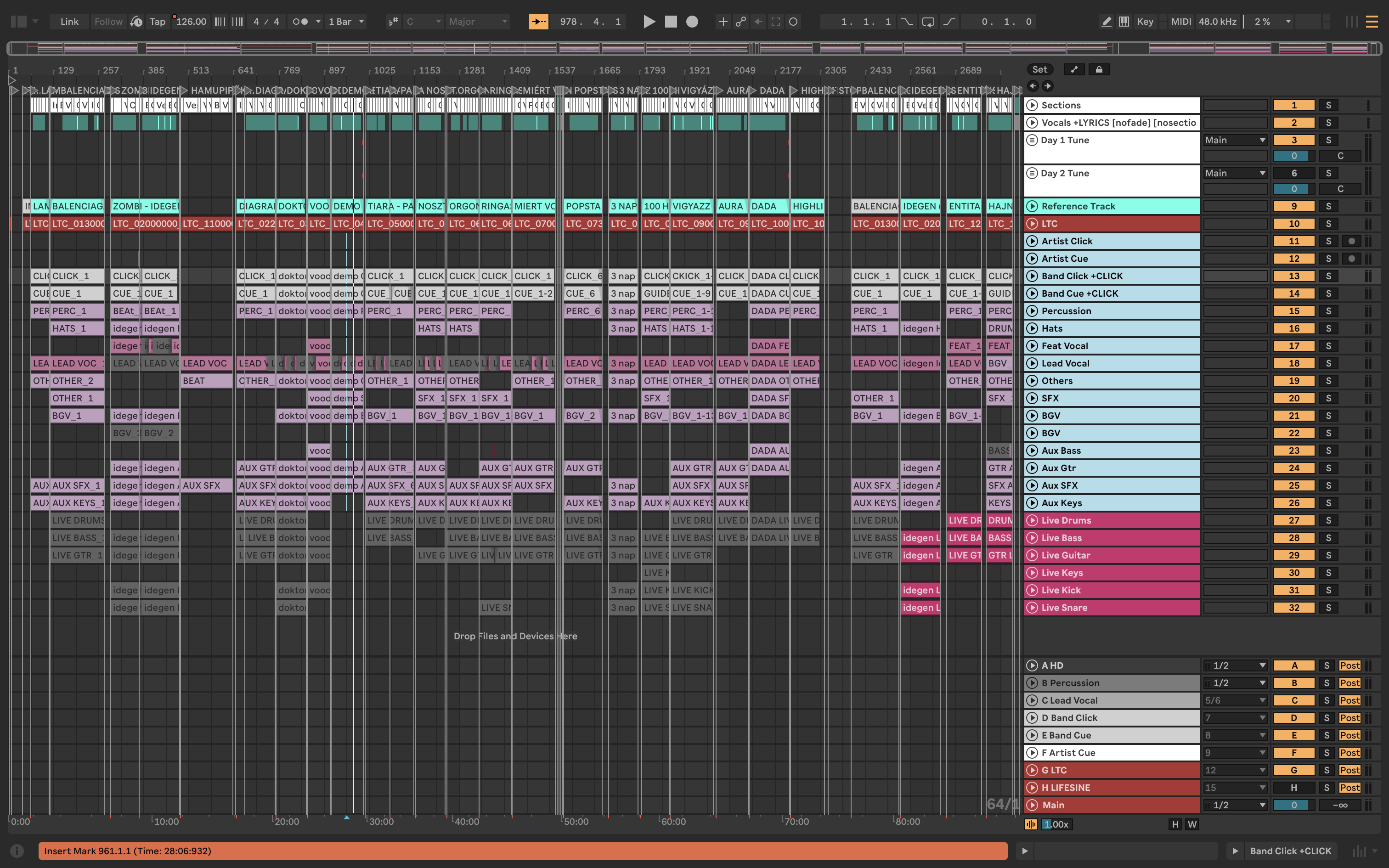
The more information you include, the better. If you like, you can also attach images or videos.
Please fill out these values to make it easier to troubleshoot:
OS and Version: Sonoma
Version of AbleSet: 3.0.11.
Version of Ableton Live: 12.3.6
Hi,
I exprience a crazy high cpu usage, both ableton an ableset. I use macmini m4 and 70% ableset, 50% ableton, in the activity monitor. What can cause this? Is this a known ableton/ableset bug?
Sorry to hear you’re experiencing this, that’s quite a difference between the two machines!
To help us narrow this down, could you answer a few questions?
Are you running the same version of AbleSet on both machines?
Are you running the same version of Ableton Live on both?
Are both on the same macOS version?
Also, is the high CPU on the Mac mini constant throughout the whole set, or does it seem to happen at a specific song or part of the project?
And if the issue persists, could you please create a Log Package?
You can do that by opening AbleSet’s icon tray, clicking the gear icon, and selecting “Create Log Package”.
Please make sure to include your project files as well (just the .als files, no audio needed).
You can upload everything to AbleSet’s support inbox.
I didn’t experienced that issue since then. I use the same version of ableset,ableton, macOS, hardware also matched. The only thing I can think is that I didn’t wait before ableton buffered all the samples.