AbleSet 3.0.0-beta.25

  • Added a new way to target devices based on the page they’re currently viewing
    • For example, you can now send a notification to all devices on a specific canvas using /notify/big page:canvas/canvas-name "Test Notification"
    • All available target names are now also shown on the OSC settings page
  • Added the ability to define a specific lyrics or canvas page as a default view when opening AbleSet
  • Added a bit of space between the countdown icon and the remaining time in the setlist
  • Added an OSC function to wait until an OSC value matches a given value
    • You can use this to wait for a state to be achieved before continuing:
      await waitForOscValue("/global/playing", false);
      
  • Added a debug option to inspect the script runner
  • Improved the sizing and positioning of the next section icon in the performance view
  • Fixed script runner being restarted after a few hours, without the project script being started again
  • Fixed automatic jumps to the next song not working when Safe Mode is enabled
  • Fixed loop escape not respecting automatic section transitions
  • Fixed sending multiple OSC commands from canvas not working, executing only the first one
  • Fixed lyrics jumping unexpectedly when looping a section
  • Fixed playback info box shrinking when there’s not enough space, making some of its contents unreadable
  • Fixed Floating Action Buttons still being clickable when a popover is open

You can download this beta here:
Mac (Intel): https://ableset.app/download/mac/3.0.0-beta.25
Mac (Apple Silicon): https://ableset.app/download/mac-arm64/3.0.0-beta.25
Win: https://ableset.app/download/win/3.0.0-beta.25
2 Likes

Hey @leolabs / @agustinvolpe,

I’m on beta 25 and currently running playbacks for a few bands.

In the session file for one band, I’ve created several views in Canvas and everything is working great. Huge shoutout to both of you for answering all my questions and helping me get this far.

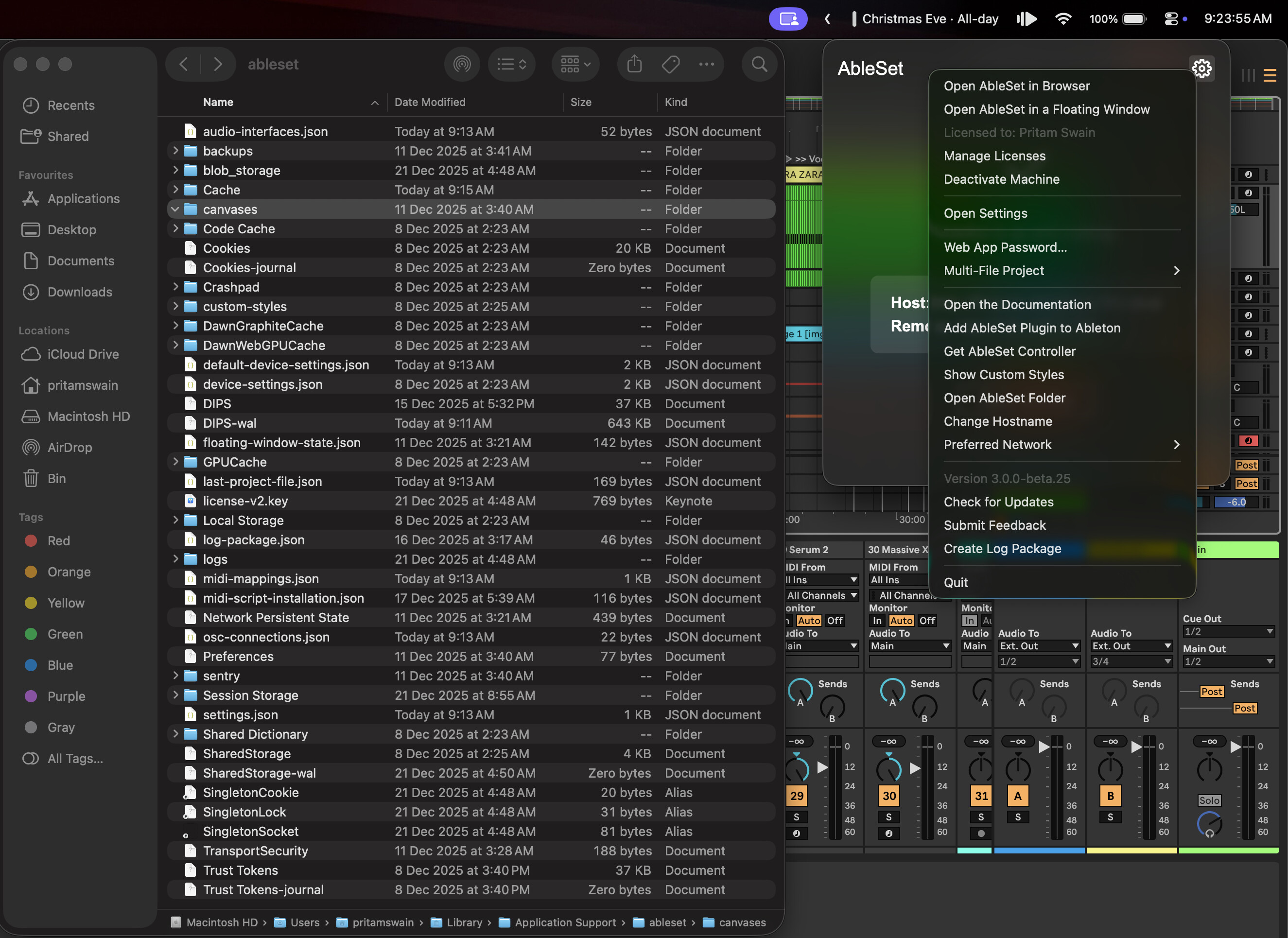
However, when I switch to a different session file, all of my Canvas views are gone. I’m not sure if this is the expected behavior. If it is, is there a way to locate the saved Canvas view files in Finder so I can move or reuse them, instead of having to recreate them in every session file?

Currently, when I go to show custom styles, go up one level and look in the canvases folder, it shows up empty. Let me know if I am missing something here.

Thanks again

Hey Pritam!

Yes, that’s expected behavior.
Canvas views are saved at project level.

Inside each Ableton project, AbleSet creates its own folder structure. The canvases live here:

/AbleSet/Canvases

So each project has its own set of Canvas files.

A couple of things to check:
• Open the actual Ableton project folder in Finder (not the global custom styles location).
• Inside it, look for AbleSet → Canvases.
• If one project already has the canvases you want, you can simply copy the .js files from that project’s Canvases folder into another project’s AbleSet/Canvases folder to reuse them.

Hope that clears it up :slightly_smiling_face:
And wishing everyone a great holiday season, btw! :santa_claus:

2 Likes

Thanks for clarifying Agus!
Saved me hours xD

Wishing the community and team a great holiday season

1 Like

Hello

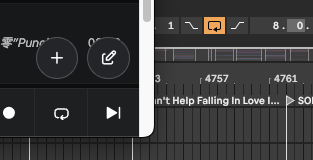
After triggering +LOOP, when jumping to a section that does not use the +LOOP command, the loop does not disengage automatically.
On the Ableset interface, the loop is already shown as disabled, but in Ableton Live the Arrangement Loop remains active.

Setting the default canvas or lyrics page wasn’t working at all for me at first. After restarting Ableset, it did start working on the host computer, but not on remote devices. Should setting the default page apply to all devices? Or is there a device-specific setting I can use to set it?

@JoshList this is just a setting for the host computer which decides what URL the browser should be opened with.

If you’d like to do the same on a phone or tablet, I’d recommend saving a bookmark of the page you’d like to see. On iOS and iPadOS, you can also save this bookmark to the home screen as a web app :slight_smile: