Hey!
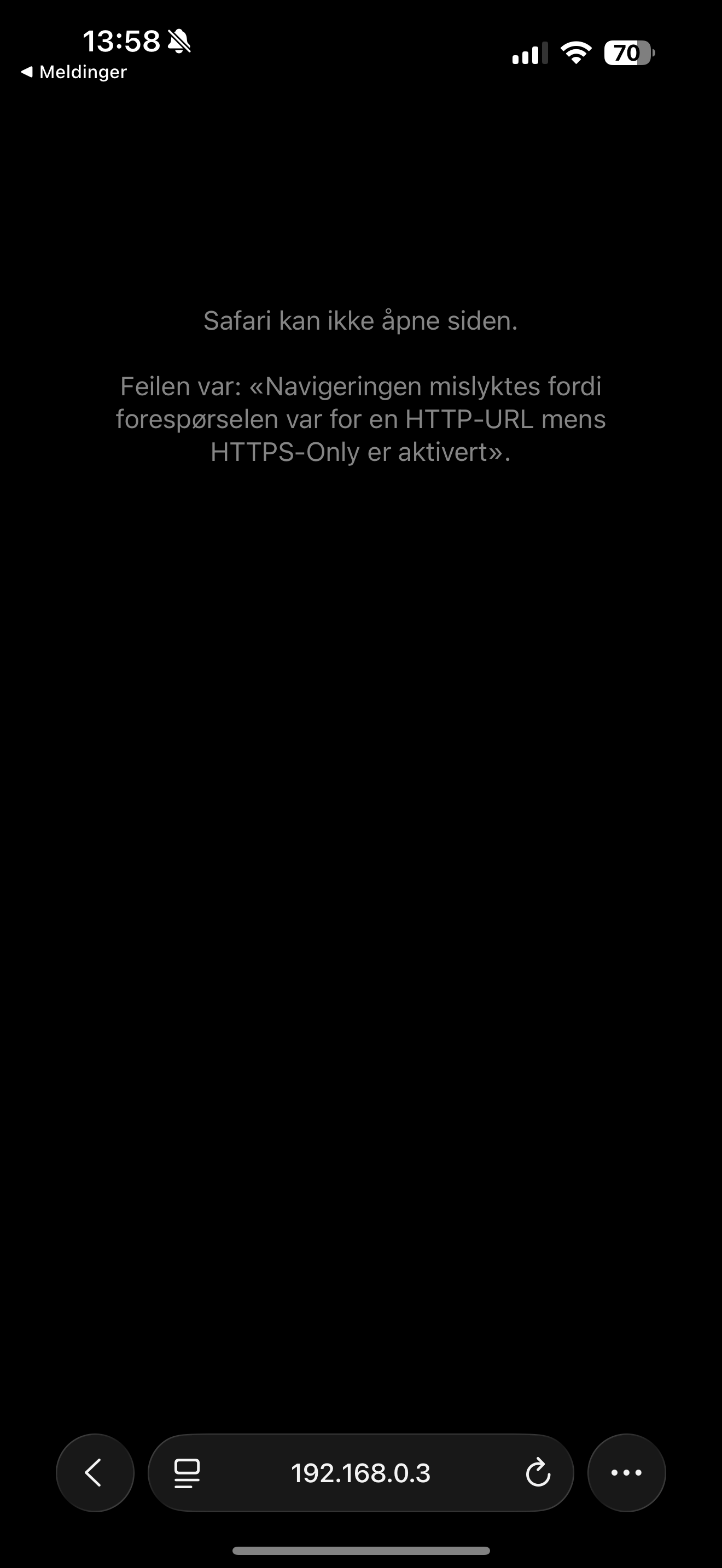
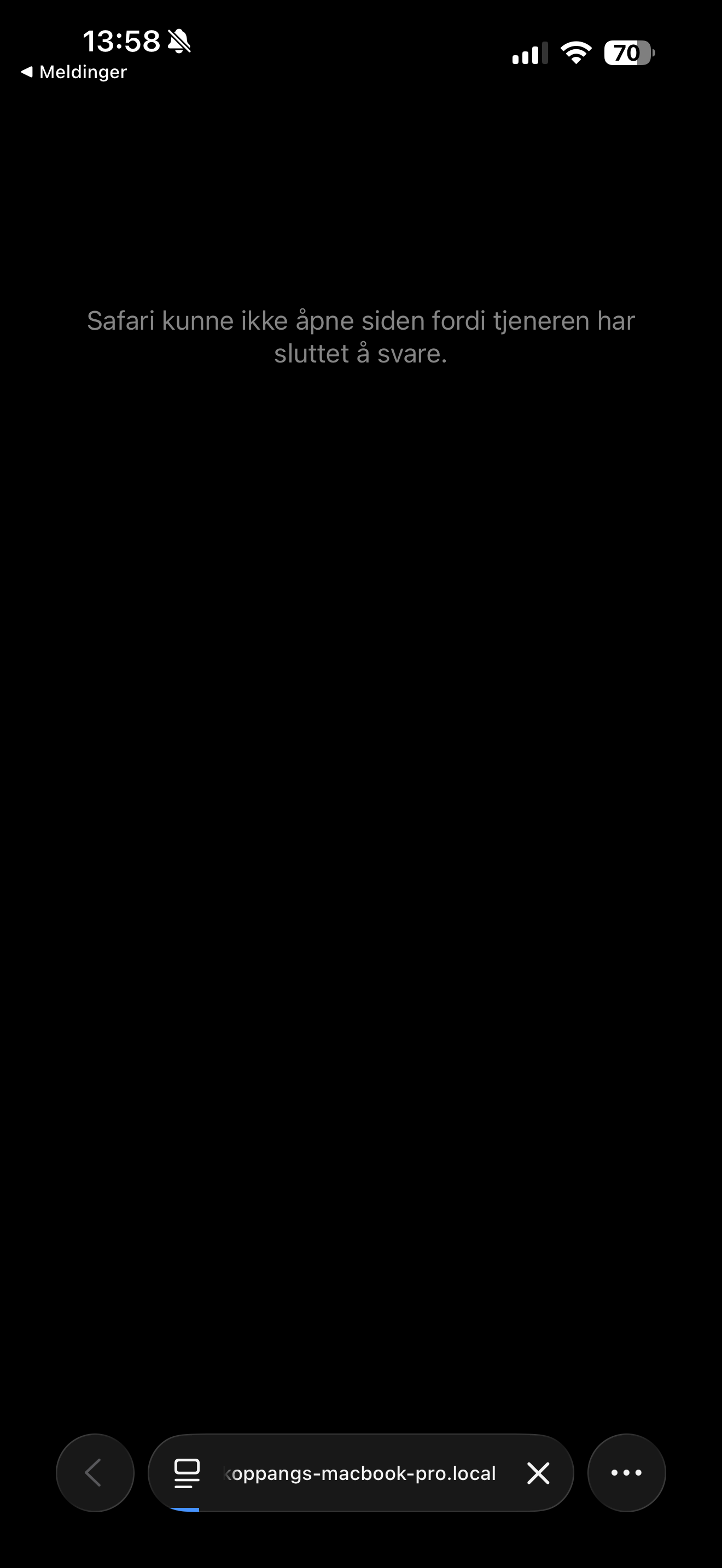
The wireless connection between iPad or iPhone to the AbleNet from my MacBook has been wonderful, until this week, where the local network and IP-adress won’t load anymore. Is there any fixes for this, or is it a bug on the 0.11-update?
Using a wired connection always works, but this option also feels buggy sometimes. I haven’t had any problems with this until now.
Hey @danielkoppang,
Thanks for the screenshots! It looks like you’re running into two different errors depending on how you’re connecting, one when using the IP address directly, and another when using the .local hostname.
Could you try opening AbleSet in Chrome on your iPhone (using the IP address shown in AbleSet’s status window) and let me know if that makes a difference?
If it also fails in Chrome, could you please create a Log Package? You can do that by opening AbleSet’s icon tray, clicking the gear icon, and selecting “Create Log Package”.
You can upload everything to AbleSet’s support inbox.
I’m looking forward to your reply!
Thank you for your answer!
Chrome works somewhat better, but it’s still unreliable.. Tried it today, and worked perfectly until the middle of the set ..
Looking forward for your answers!
Hey @danielkoppang,
Ae you connecting wirelessly or via a wired connection when the drops happen?
I’m looking forward to your reply!
At first it was only the wireless connection that dropped, but now it is both ..
Hey @danielkoppang,
To understand what’s going on, could you please create a Log Package?
You can create a log package by opening AbleSet’s status window, clicking the settings icon on the top right, and then selecting “Create Log Package”.
Please make sure to include your project files as well (just the.als files, no audio needed)
To send the files, you can upload them to AbleSet’s support inbox.
I’m looking forward to your reply!