Hey @vivace,
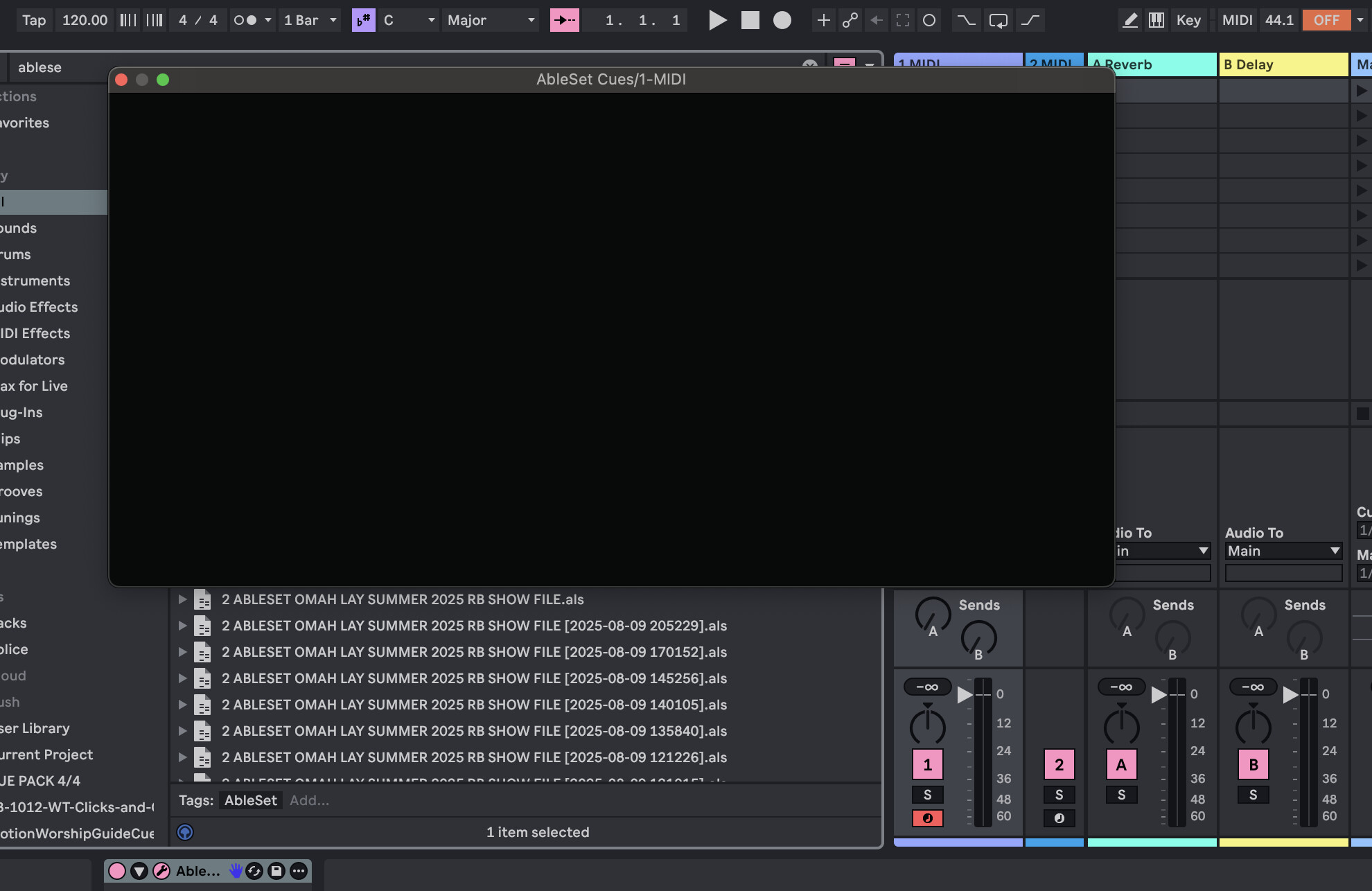
From your screenshot, the plugin is installed and loaded correctly. That black window is just the plugin’s display. It only shows the phrase that’s currently being spoken, so it stays empty until a cue plays. There’s nothing to set up inside it, and you can close it safely.
The plugin simply plays the cues AbleSet sends to it on the track it’s placed on.
Here’s how to get it running:
- Place the plugin on a track. If you mark your sections with MIDI clips on a Sections Track, you can load it right there. Otherwise, any track works, like the one in your screenshot. Then route that track’s output to wherever you need the cues (e.g. your IEM mix).
- Define your songs and sections in Arrangement View, using locators or section clips on a Sections Track. AbleSet only works with Arrangement View, so make sure you’re building your show there rather than in Session View.
- Choose what gets announced in AbleSet’s Settings → Cues: song titles, section titles, count ins during playback, and the voice you’d like to use. AbleSet generates the spoken phrases automatically from your song and section names. Online voices need an internet connection once to generate them, and after that they work offline.
If you’d like to use your own recordings instead, you can drop mono WAV files named after each phrase into the AbleSet/Cues/Custom folder inside your project folder. AbleSet uses them when they match and generates anything that’s missing.
You can also see this in action in the official tutorial.
Let me know how it goes 
Perfect man thank you I was a bit confused but got the hang of it now!~